really? ok, wait and see 🙂
Archives: Replies
Replies for tickets on suppota
Reply to: tickets(307060)
That did the trick! Thank you… but I did go into the Appearance Settings and changed the background color for featured listings and the featured listing tag color and neither are changing… Is this the correct place to make these changes?
Reply to: tickets(305971)
Di it your self. It the header. Click on the header and it will transform from the colored header into a schedule “block” thing.
First image is the header, second is after you click on it. It transforms.
Reply to: tickets(307060)
Hello,
Use the code below to remove the date and the tag
.featured_event .evcal_cblock .evo_start, span.evo_event_headers.featured{display:none;}
Reply to: tickets(307060)
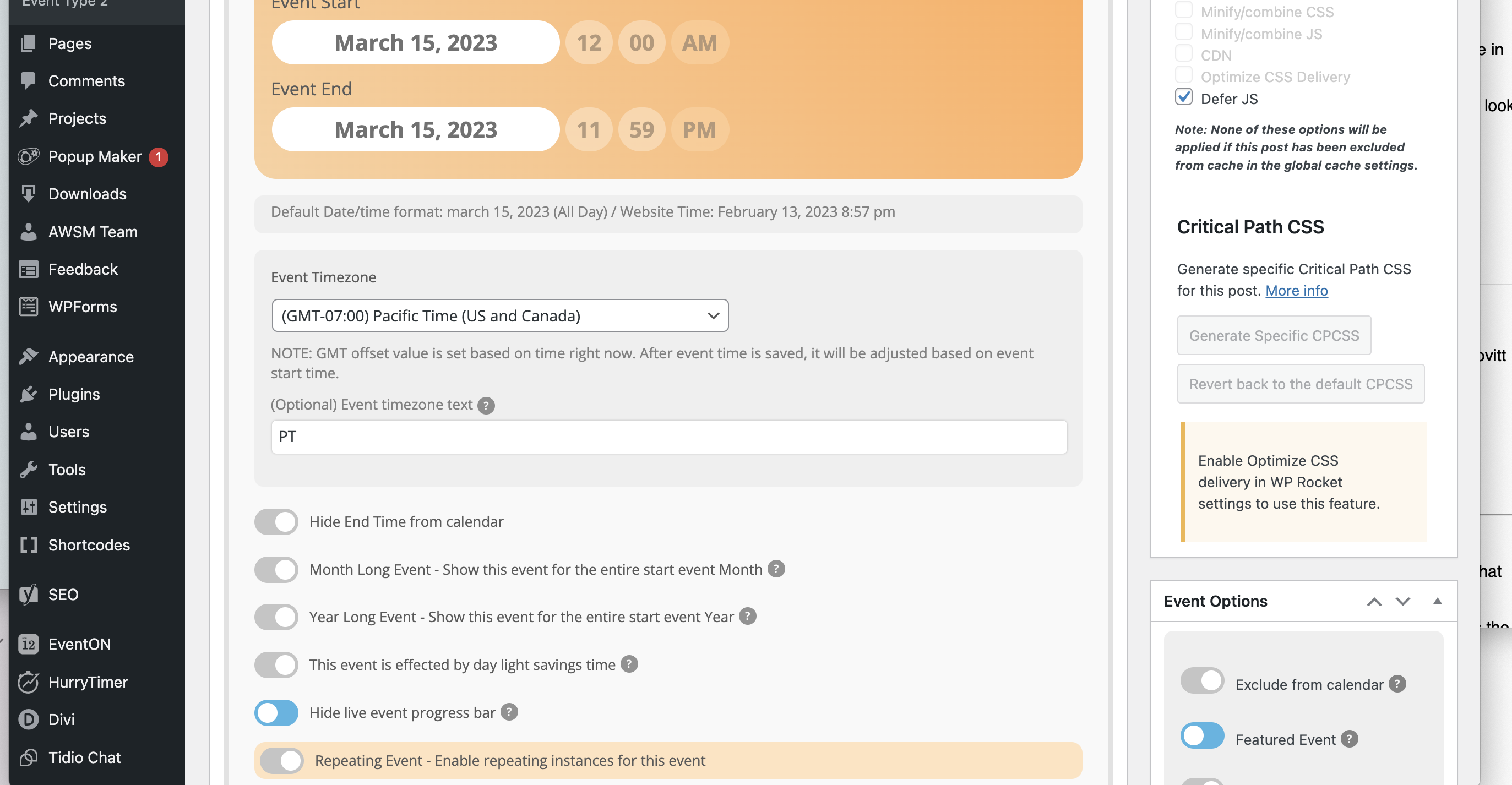
I tried… the other traits of a feature event persist (the tag and the highlight color) but the Date still appears
Reply to: tickets(306992)
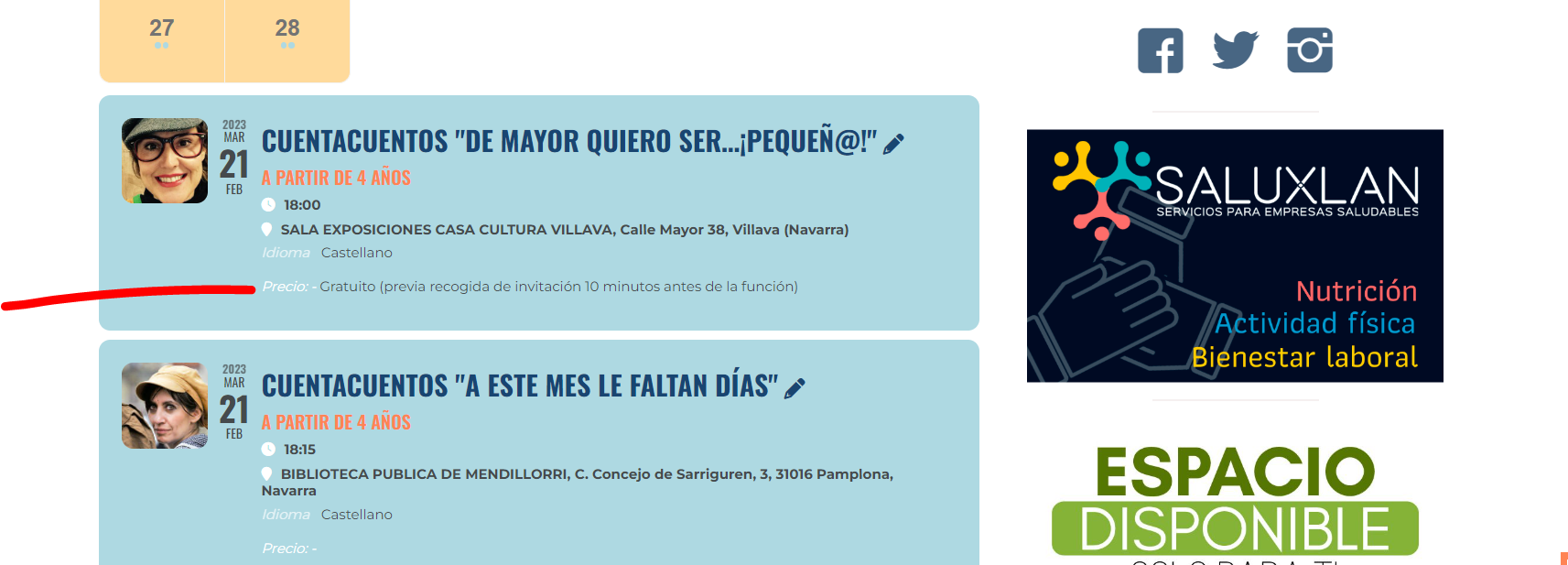
Reply to: tickets(306992)
its appearing for me
try clearing your browser cache
Reply to: tickets(307060)
the above css should work if you have made the event a featured event
Reply to: tickets(307060)
possibly try adding this to appearance>>>>customize>>>>additional css
.featured_event span.evoet_c2.evoet_cx {
display: none;
}
or
.featured_event span.evoet_c2.evoet_cx {
display: none !important;
}
Reply to: tickets(307060)
I do not use the featured events option… that would be great if there was a way.