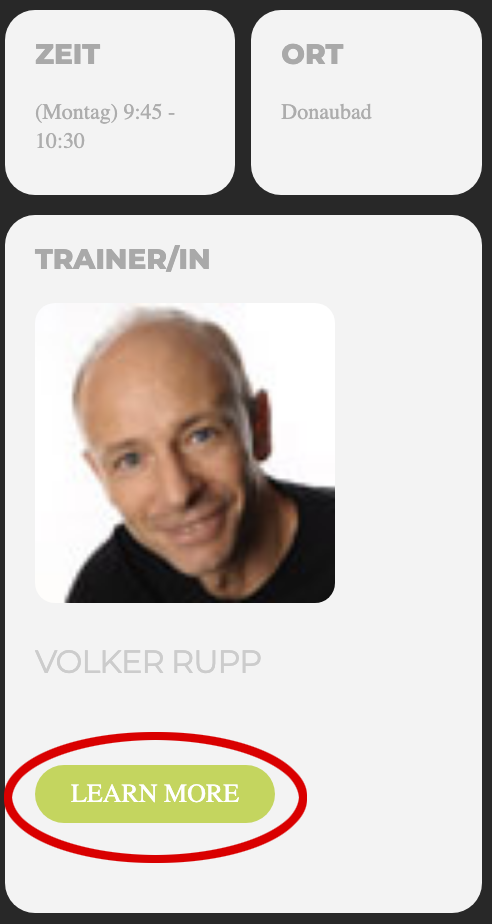
Can you also tell us how we can disable the button “learn more” after clicking an event in the daily view calendar?
Thanks in advance.
Replies for tickets on suppota
Can you also tell us how we can disable the button “learn more” after clicking an event in the daily view calendar?
Thanks in advance.
Thanks a lot! That warks!
Hi,
we tried everything listed in your performance guide but still the calendar is loading very slow. We need further advice, because at this loading time the whole calendar is useless for our customer.
Best regards
Additional info :
no need to check my website, I don’t really need Gutenberg.
But please test it by your side and let me know.
Now when you click on the top of the schedule (the Date) it changes to an “schedule block” lookalike…
Thank you. But can you also add the company in the overview of the speakers (in bold)?
i don’t think you need bookings if you are using the seats addon
in myeveneton>>>>>>>settings>>>>>event top
there is a drop down field event top style
choose clear with left border color
or add this to the shortcode
eventtop_style=”0″
if you are copying and pasting from this site- redo each “
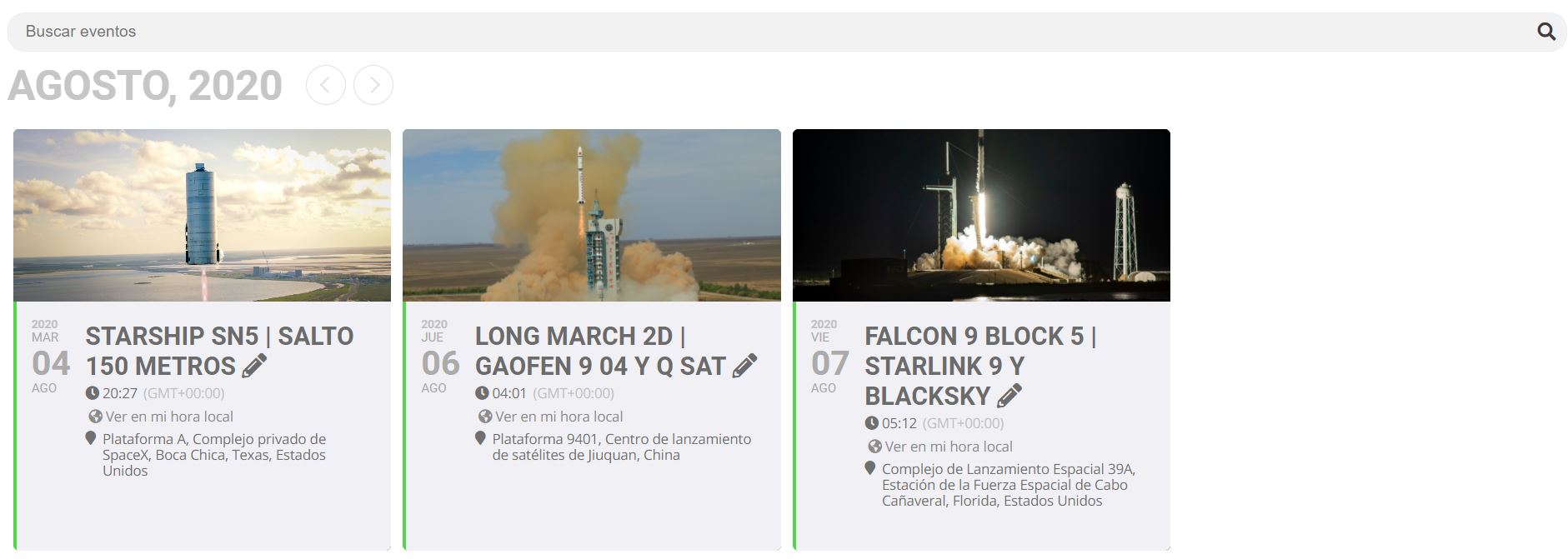
Image 1
could provide a sample of the csv so we can check it. could be simply a date field incorrect or an out of place comma