Hi
Sorry for late answer ! Here the data:
u: eventon-dev
p: JyCZfU*kMp#^pKb)3R6RR(rM
https://sam-dogs.ch/wp-login.php
This is Production page:
https://sam-dogs.ch/sam-dogs-mantrailing-schweiz/veranstaltungen/
This is a test page:
https://sam-dogs.ch/sam-dogs-mantrailing-schweiz/event-test-eventon/
Configuration:
-> this is turned off !
EventON > Styles (If you don’t see any change, EventON > Scripts & Styling > turn off Write dynamic styles to header > save settings > turn on Write dynamic styles to header):
.evo_lightbox.client { width: auto !important; }
-> this is still there.
Please be carefull as this is production
As mentioned before testing was strange as I had to open a completelly new browser window – open a new tab doesn’t help
Thanks
Marcin
can you please tell me how to send you wp-admin access?
Hello,
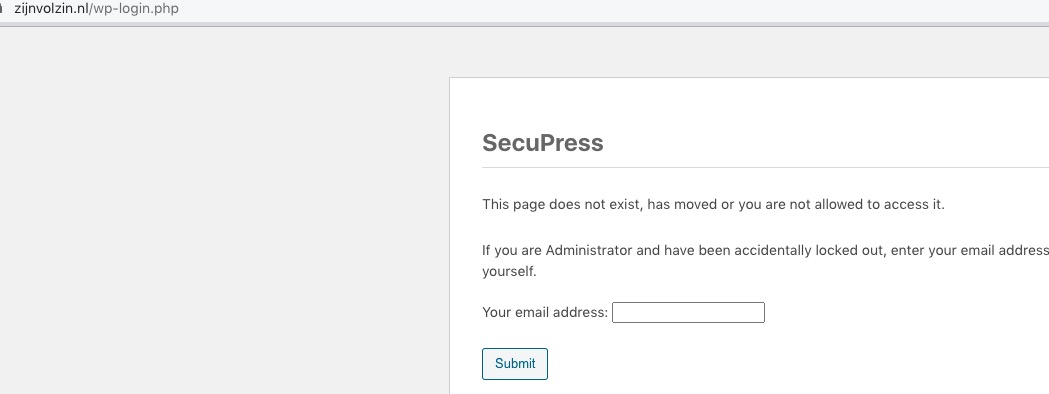
Cannot access the login page:
Could you check?
Also update Tickets add-on to 2.1.
To update eventon addons: You can download latest eventon addons from myeventon > my account. Then you can go to your website, deactivate old addon and install new one and activate then delete the old addon. This link will further explain the process. Also you can follow us on twitter to get real-time announcements on updates!
We are glad your issue is resolved, if you have any further questions or concerns please create a new ticket. If you have a moment, we would greatly appreciate if you could kindly leave us a review at codecanyon! from your account > downloads. Cheers!
Hello,
I am sorry, the access information you have provided did not work for us. Please check them and post the correct login information as a private message, thank you!
Hello,
Please add this CSS code to EventON > Styles (If you don’t see any change, EventON > Scripts & Styling > turn off Write dynamic styles to header > save settings > turn on Write dynamic styles to header):
.evost_seat_selection .evost_section .evost_row .seat:not(.uav), .evost_inline_seat_map .evost_row .seat:not(.uav) { background: red !important; }
Hello,
Please send us wp-admin access to your site as a private message for us to further assist your situation.
We are glad your issue is resolved, if you have any further questions or concerns please create a new ticket.
If you have a moment, we would greatly appreciate if you could kindly leave us a review at codecanyon! from your account > downloads. Cheers!
This fix did not work for us, but whatever came through in the most recent plugin update seems to have resolved the issue.