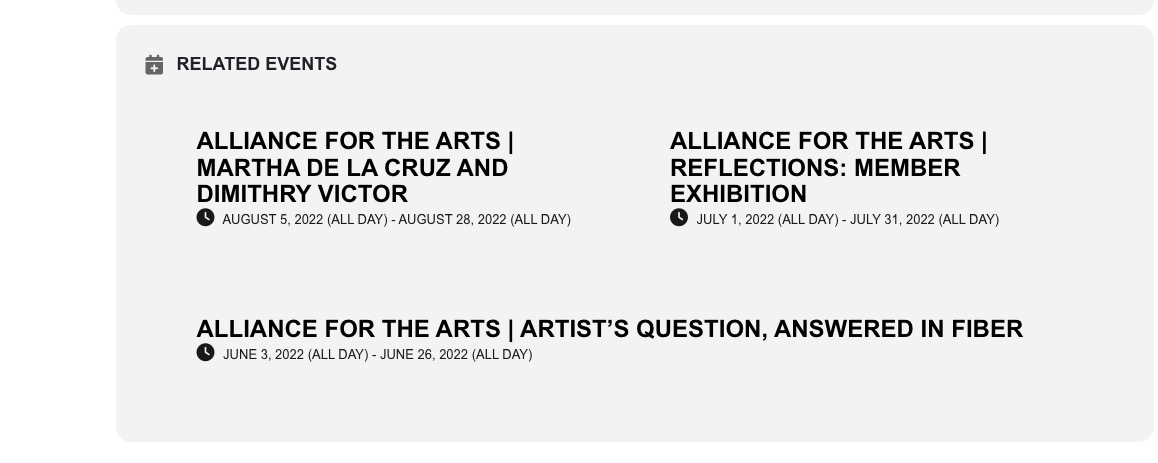
It should look different now. Please check.
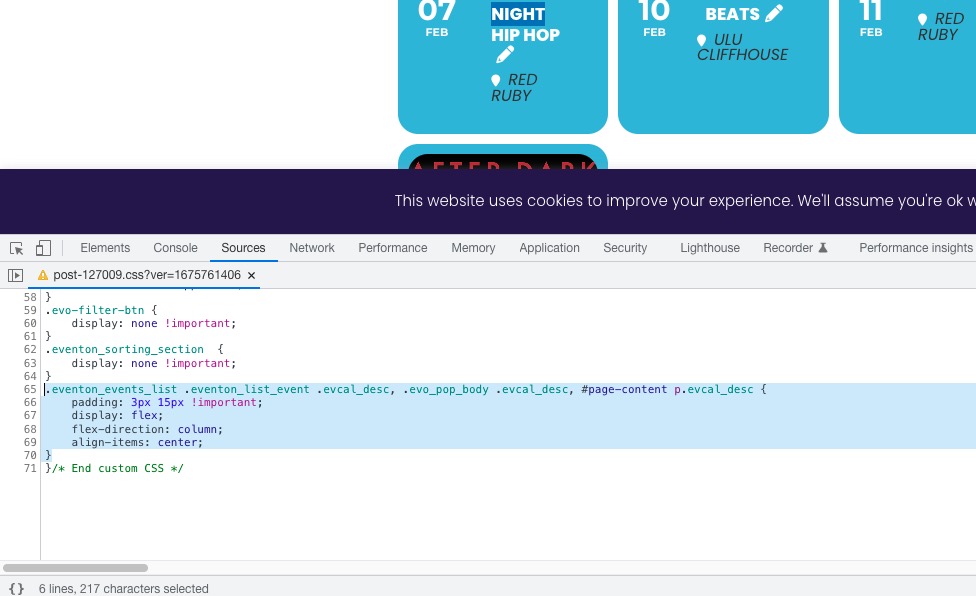
Where can I find this code:
Replies for tickets on suppota
It should look different now. Please check.
Where can I find this code:
Hello,
Please grant the user EventnOe admin access so that we can be able to troubleshoot the issue effectively.
for future updates you may wish to look at using a staging site to upload the new version and to see if there are any errors before you effect the live site
Thank you for your messages, I am going to assign this ticket to Ashan and he will be able to take it from here and find you a solution. Please allow some time for him to get back to you, we greatly appreciate your patience and thank you for being a eventon customer!
Yes, it works! Thank you very much. We would like to use te last version, so please if you find what could be the issue let us know so we can update. Beyond this problem, the plugin is excellent. For your consideration, Teatro Barceló is one of the most important and emblematic discotheques in Madrid. Thank you very much for your assistance.
the event on the 9th- were you showing that as an example of how you want it to work? or to you that event doesn’t work?
for me it works see video:
those additional fields underneath it that you have tried to add iframes could you provide wp-admin access so we can diagnose those fields
All done and works!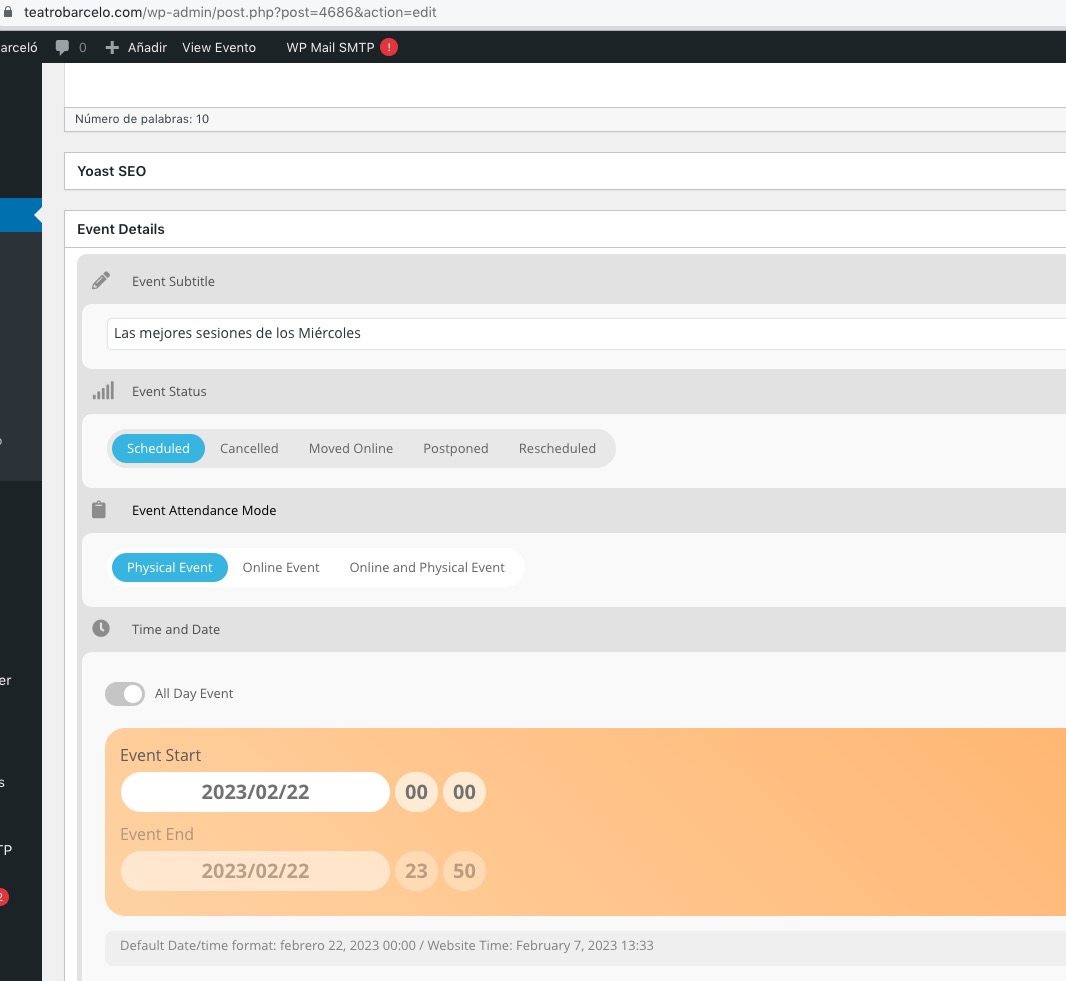 Please check and let me know.
I was able to add “test” and update the event: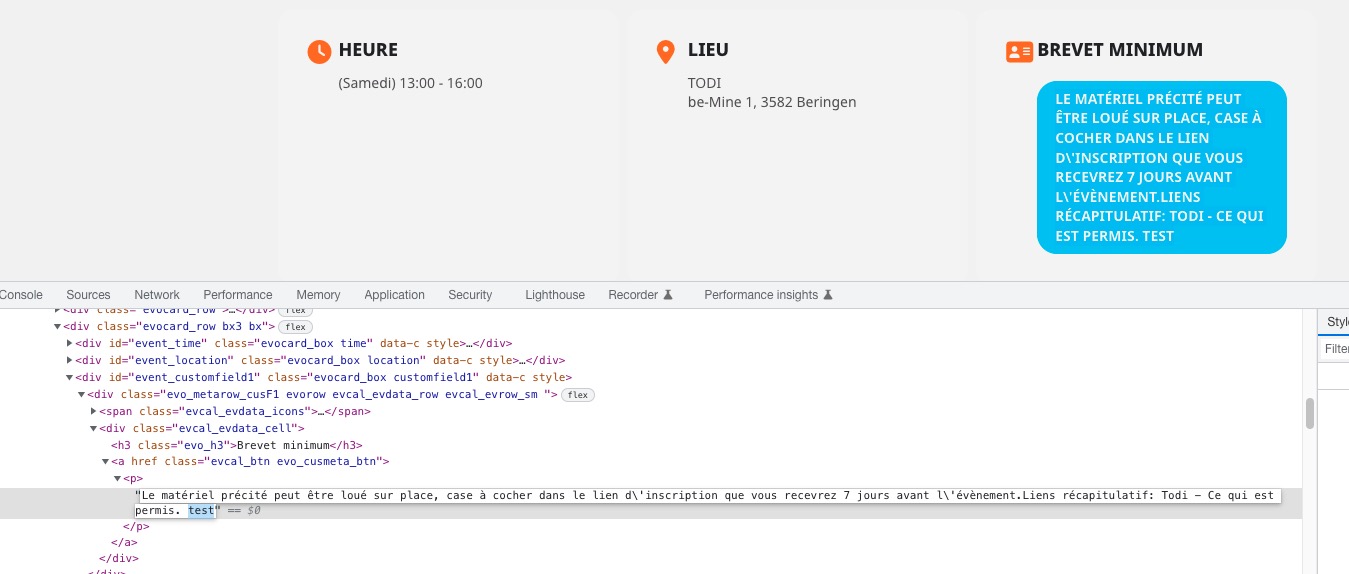 Could you try clearing browser cache? Your text input looks strange (no rich content options).
Classic Editor affects all pages. However, you can enable it only when you need to edit events.
The thing is that we are still working on compatibility between EventON and Gutenberg, so if you can use Classic Editor for a little while, that should work as a temporary solution. Unfortunately, it’s hard to tell how much time will it take.
Hello,
Please add this CSS code to EventON > Styles (If you don’t see any change, EventON > Scripts & Styling > turn off Write dynamic styles to header > save settings > turn on Write dynamic styles to header):
body .evcal_eventcard .evcal_cell_rel_events a { background-image: none !important; background: none !important; } body .evcal_eventcard .evcal_cell_rel_events a h4 { text-shadow: none !important; color: black; } .evcal_cell_rel_events a em { color: black !important; text-shadow: none !important; }
It’ll look something like this: