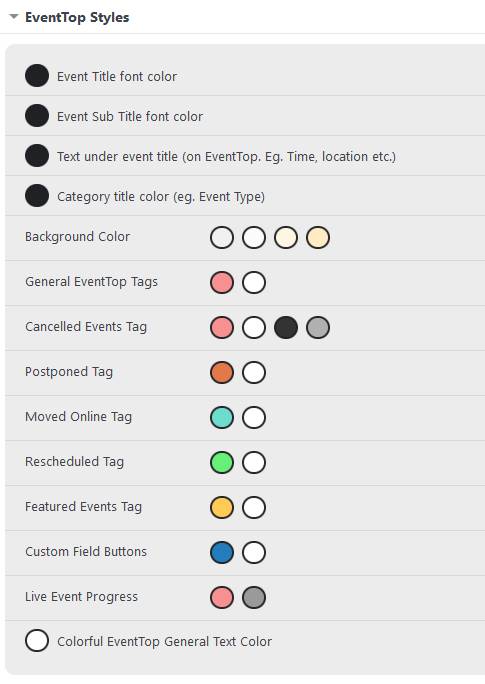
sure you can, see video below
you might?? also need to clear your cache and go to
myeventon>>>>settings>>>scripts and stylling
and toggle “write dynamic styles to header” and save
We are glad your issue is resolved, if you have any further questions or concerns please create a new ticket.
If you have a moment, we would greatly appreciate if you could kindly leave us a review at codecanyon! from your account > downloads. Cheers!
can you send a direct link to that page so we can give you the right css
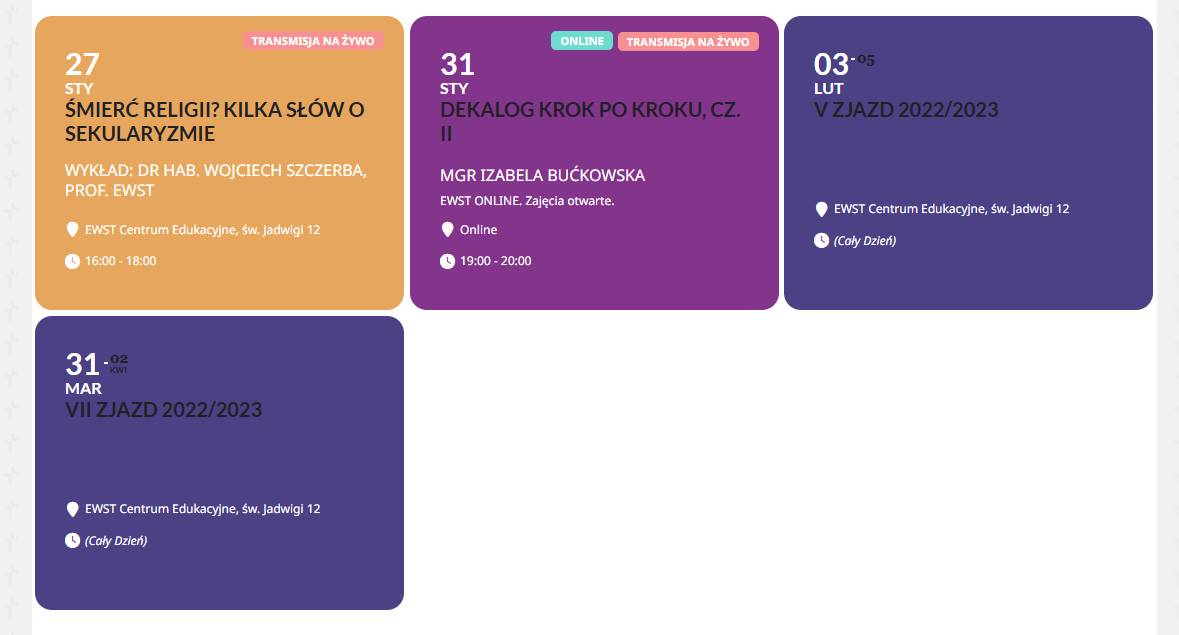
thank you – now everything works – almost. It seems there are changes in the appearance of the tiles too – the second date and title are in the main color, not overridden with white as it supposed to be – see on our main page www.ewst.pl and on the picture – how to change it? In appearance, everything seems to be OK I even reset all appearance settings to the start ones.
Thanks. My site is on the upswing after the setback. It seems Google likes the eventon plugin pretty well 🙂
—
Any idea if he adding the ability to add multiple organizers, via action user?
Thank you. My main question(s) are the implications of using the following short codes on on pages, including organizer/location/type pages.
cal_init_nonajax=”yes”
show_limit=”yes”
show_limit_ajax=“yes”
Ive read the literature, however Im not sure exactly what these do. And perhaps some use cases would help. Also, Im not sure if I should be trying to prevent keyword cannibalization by using cal_init_nonajax=”no”
As I understand, by removing schema data, Google won’t show the events in the search result. Am I correct?

Thank you. I am able to create a new shortcode by going to EventON > Shortcodes.
I’m not able to access the widget within Elementor on indvidual pages as in the image attached.
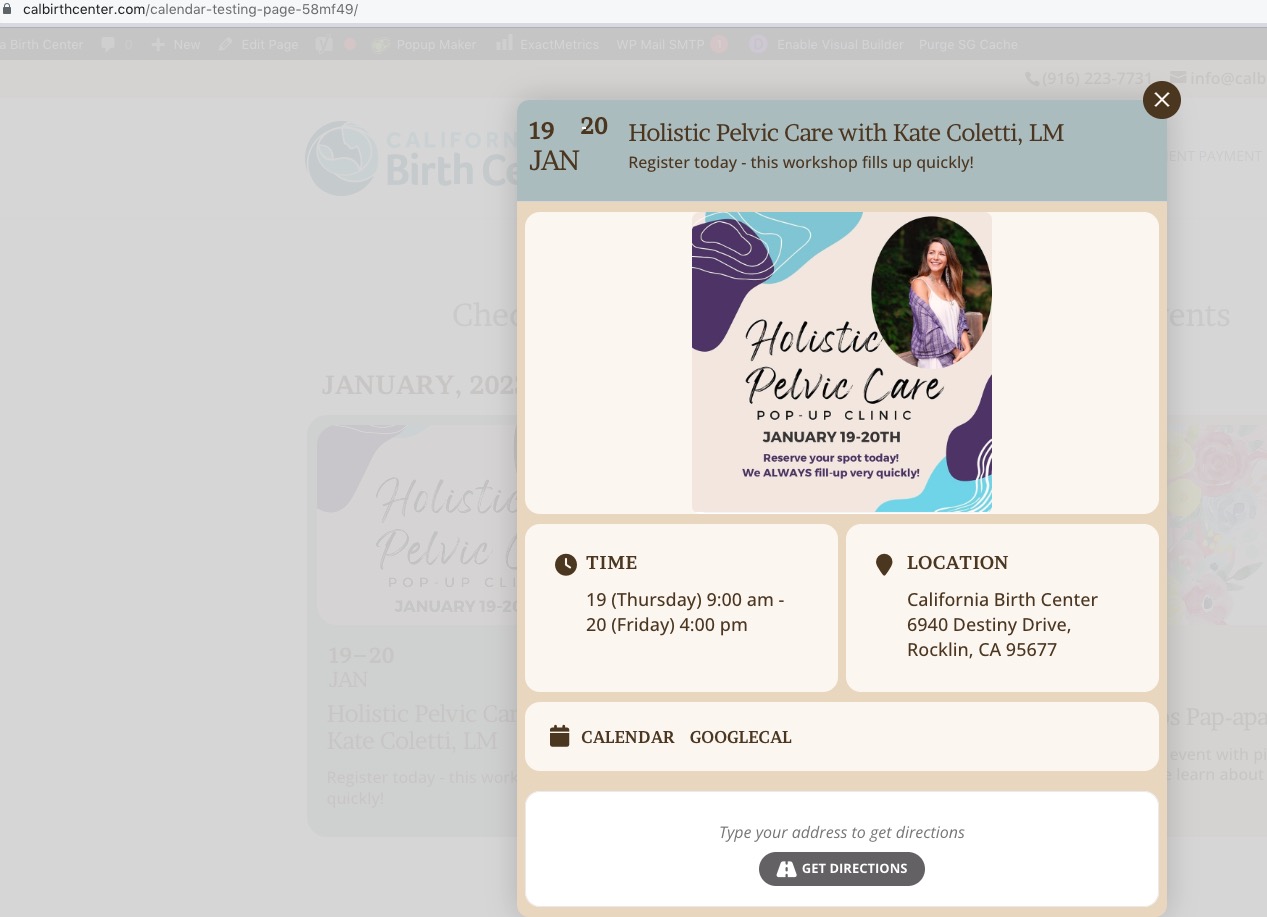
When I go to https://calbirthcenter.com/wp-admin/post.php?post=3492&action=edit, it has 3282 in Targeting, which means that the calendar shouldn’t open events, however it seems to be working correctly:
Could you tell us if Popup is enabled right now?
Hello,
Please go to EventON > Single Events > enable Load current repeat event by default on single event page. Also go to EventON > Tickets > select Default event ticket stop selling time base: When Event Ends.