Ashan,
Please take a look at
Though I still do need input on the SEO effects of activating (
cal_init_nonajax=”yes”) on location/organizer pages. I know this is a strategic decison, and Im curious eventon has a position or a guide on the implications on SEO with this function that seems to be applying schema on location/organizer pages
Hello,
Thank you for your messages, I am going to assign this ticket to Ashan and he will be able to take it from here and find you a solution. Please allow some time for him to get back to you, we greatly appreciate your patience and thank you for being a eventon customer! Also please disable any IP blocking on your site if there are any.
Please use this code to hide unnecessary content:
.evocard_row .evo_metarow_organizer .evo_card_organizer_social { display: none !important; } .evocard_row .evo_metarow_organizer .evo_card_organizer + .evo_card_organizer { display: none !important; }
To show an image, go to Edit Event Organizer > add Image:
https://xzib.com/wp-admin/term.php?taxonomy=event_organizer&tag_ID=7463&post_type=ajde_events&wp_http_referer=%2Fwp-admin%2Fedit-tags.php%3Ftaxonomy%3Devent_organizer%26post_type%3Dajde_events%26s%3Dmoon
Please try switching to Twenty Twenty-One or older theme.
Could you try following?
Photos does not show in eventcard?
Go to myEventON Settings > EventCard > Re-arrange the order of eventCard event data boxes — make sure Event photos row is checked. And move this up or down and click “save changes”
Also try disabling Classic Editor and re-save the event.
Hello,
Thank you for your messages, I am going to assign this ticket to Ashan and he will be able to take it from here and find you a solution. Please allow some time for him to get back to you, we greatly appreciate your patience and thank you for being a eventon customer!
Ashan,
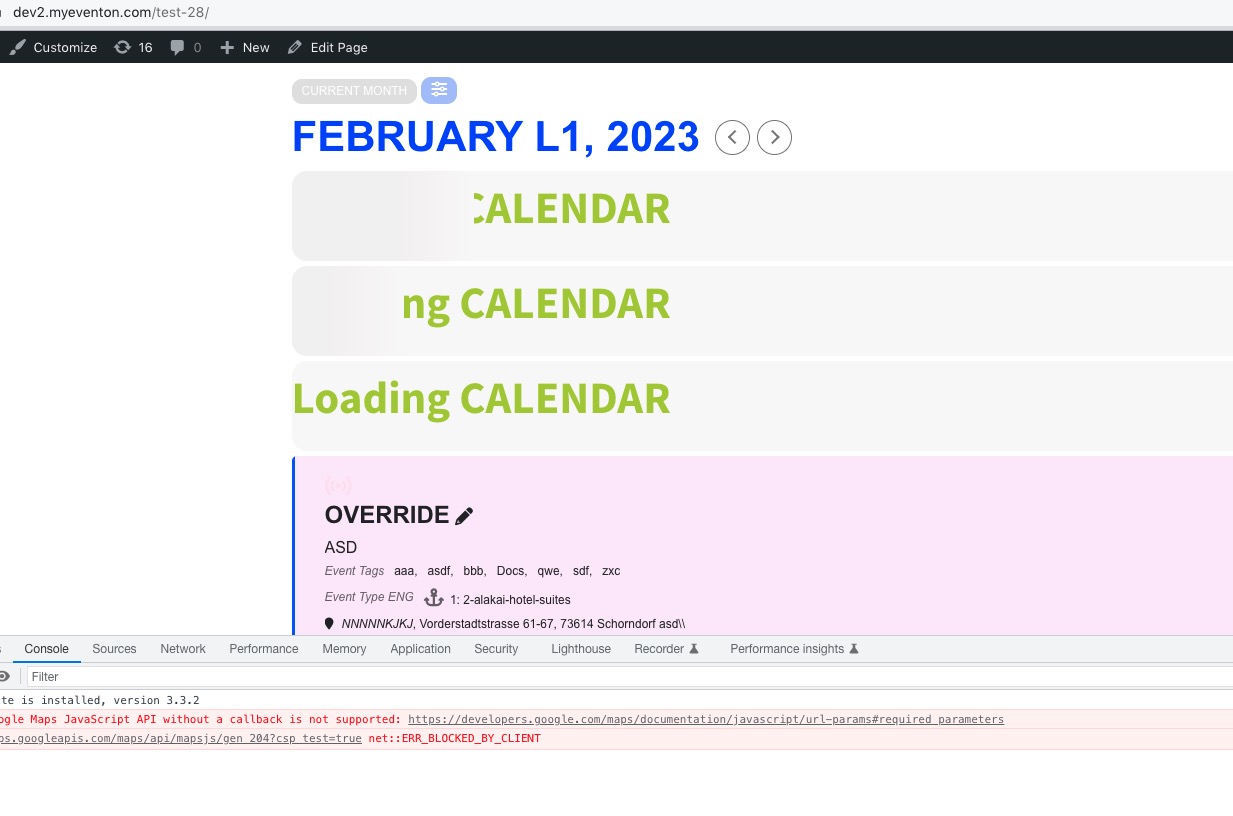
The same on dev2:
https://dev2.myeventon.com/test-28/
cal_id=”All-Events” doesn’t hide the loading bars.
Hello,
Thank you for your messages, I am going to assign this ticket to Ashan and he will be able to take it from here and find you a solution. Please allow some time for him to get back to you, we greatly appreciate your patience and thank you for being a eventon customer! Also please disable any IP blocking on your site if there are any.
As a temporary solution, please try removing cal_id from the shortcode.
Hello,
Thank you for the info! Please check my reply in your other ticket.
Thank you for the login info!
I put 24 to number_of_months=”24″, also added hide_empty_months=”yes”. After clearing the cache it seems to be showing events.
Please check and let me know.