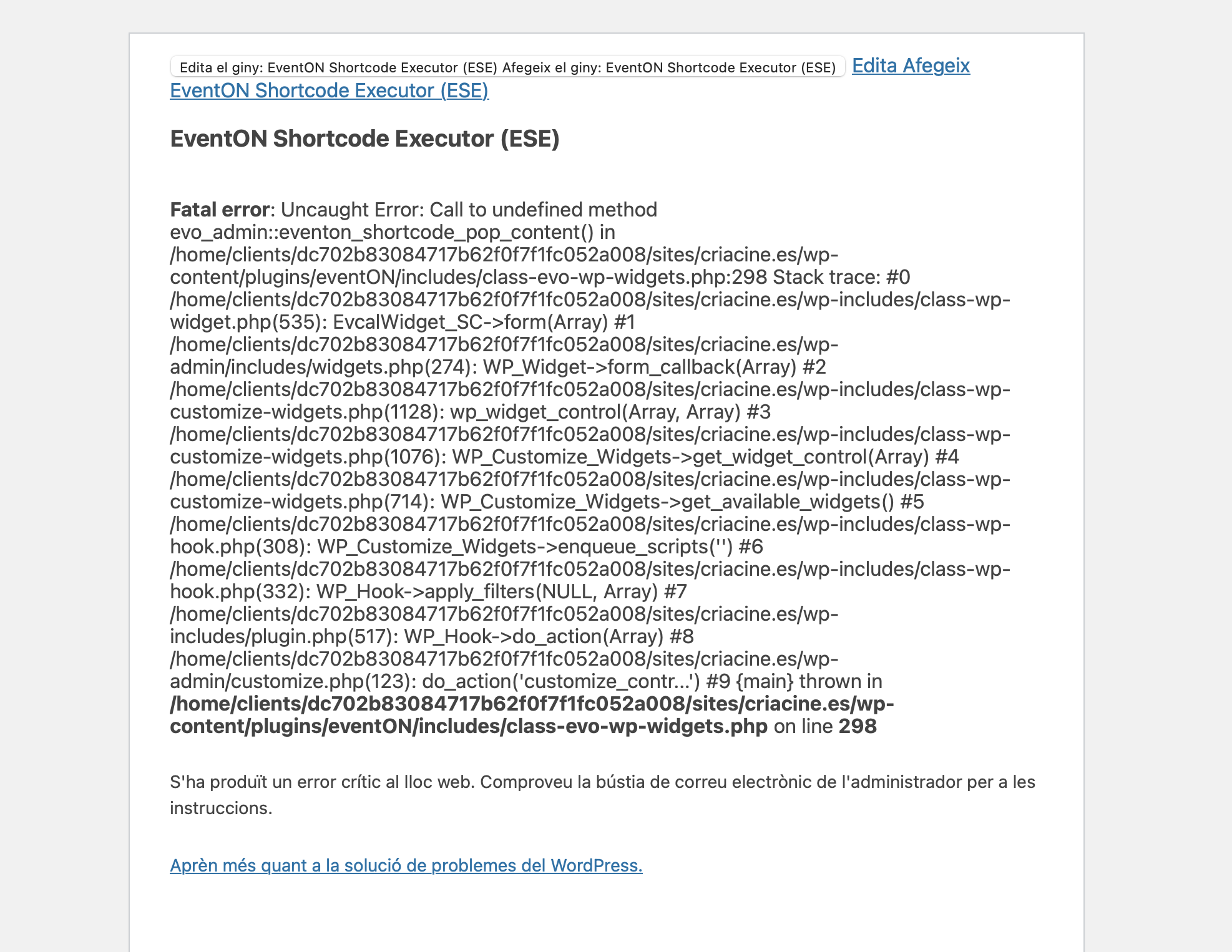
Reply to: tickets(302950)
Replies for tickets on suppota
Hi Ashan,
Thank you for your reply
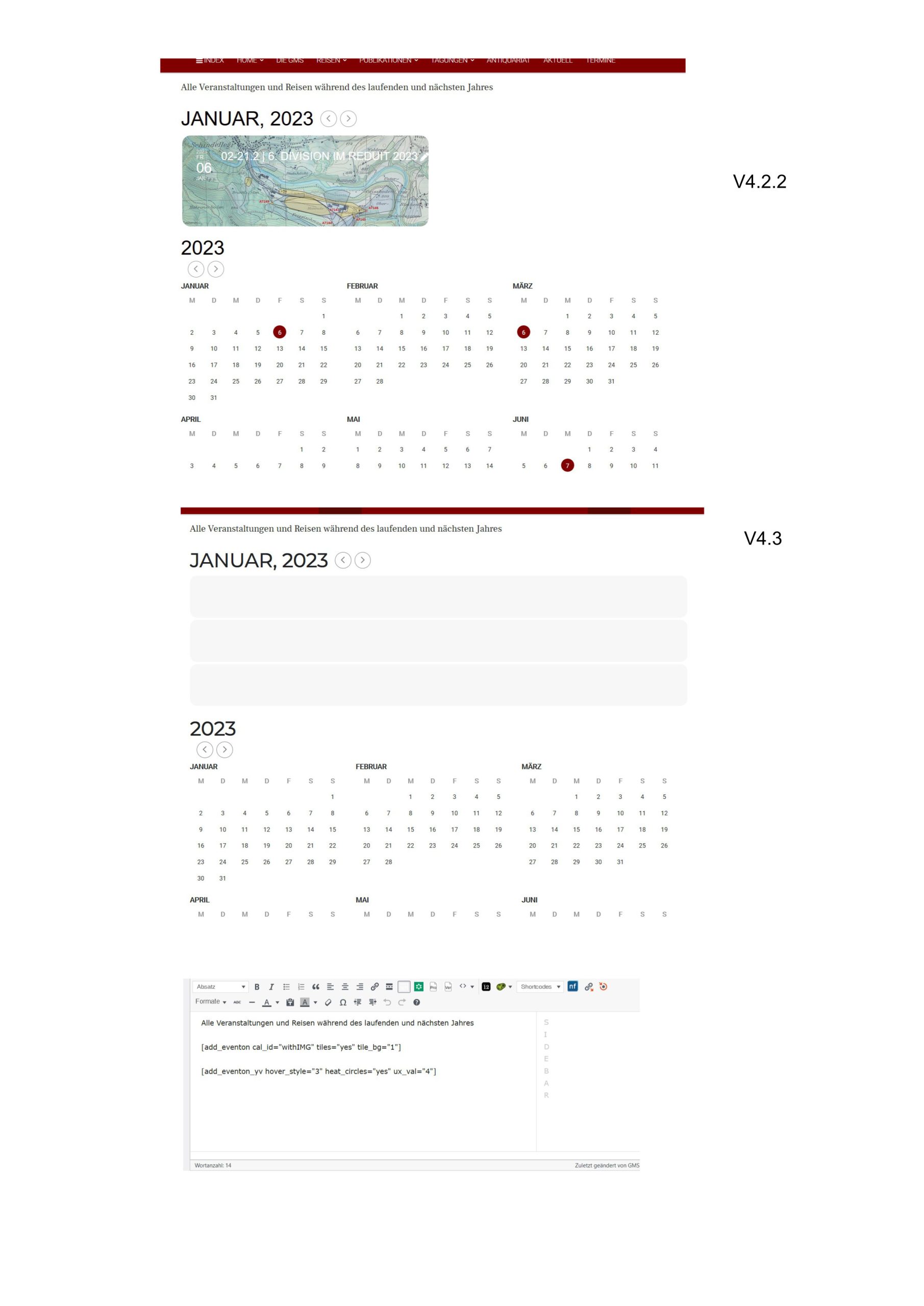
but now the problem has become bigger, I will send you a Screen of version 4.2.2 and version 4.3.
I installed version 4.3 all caches cleared but as you see the yearly calendar doesn’t work anymore. To be sure that the problem is version 4.3 I reinstalled version 4.2.2 again and everything is in order.
I would be grateful for your quick reply
Guido
That username and password does not work
please check again and if you have IP address blocking deactivate that so we can get in
I’m sorry. Please try the following:
Username: ZG54
Password: Q2TrrGCQ!
Also would like to add that with the new update it is not possible for me to add new events since Main event details just keep loading. Also can not change days on weekly view.
Hi Ashan,
well… decided to ruin my early morning here by trying to get this done (as client not happy without google maps) but absolutely no chance to make this work.
I’ll try to explain again … The Borlabs Cookie Plugin has a built in Google Maps Blocker but it is not working with EventOn as the maps are inside the plugin.
For these kind of situations Borlabs cookie has a “Script Blocker” to run before setting up a “Content Blocker” (For the latter see this video https://borlabs.io/kb/content-blocker-video/ )
The Script Blocker gave me the following code to block (to be copied additionally in the Google Maps standard “Content Blocker”)
window.BorlabsCookie.allocateScriptBlockerToContentBlocker(contentBlockerData.id, “eventonnomaps”, “scriptBlockerId”);
window.BorlabsCookie.unblockScriptBlockerId(“eventonnomaps”);
Now in the “Content Blocker” it asks you on the page with the map to surround the shortcode for the Map with the following code:
[borlabs-cookie id=”googlemaps” type=”content-blocker”][SHORTCODE TO BE BLOCKED][/borlabs-cookie]
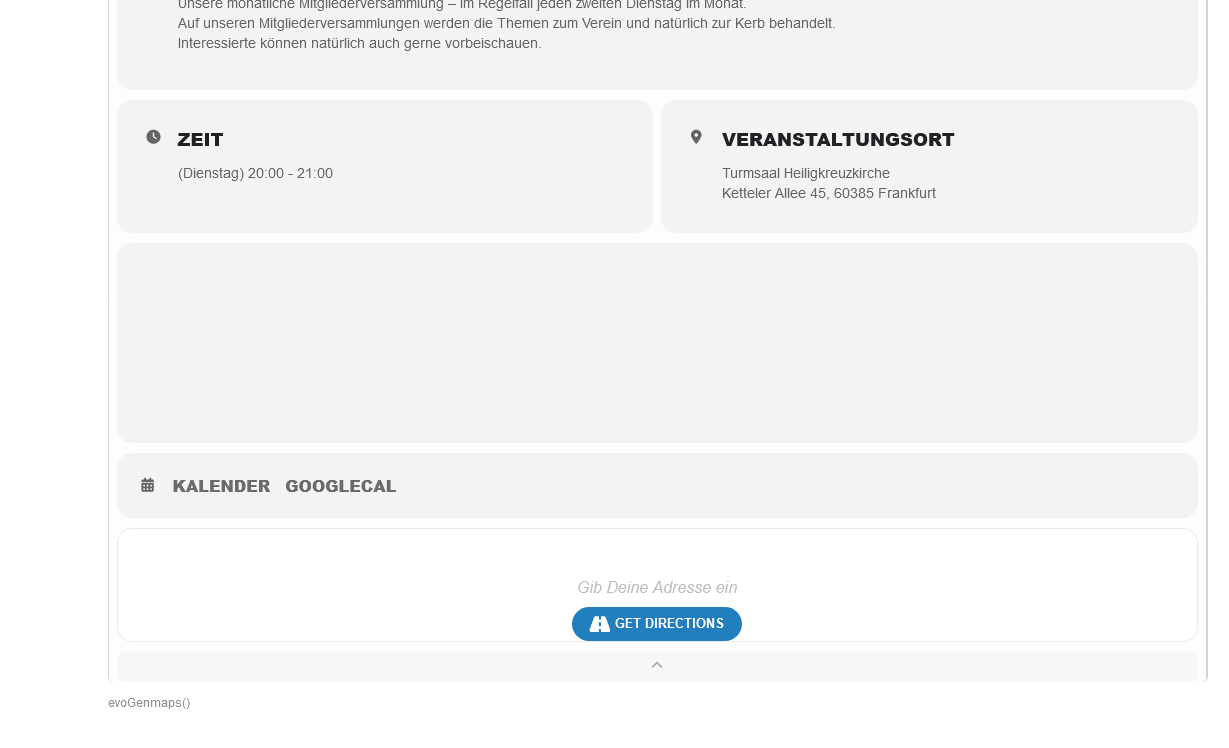
And this is where things fail … I’ve tried with blocking the entire EventOn Calendar Shortcode and also trying to block evoGenmaps() .. but both – obviously – fail miserably.
The desired (and legally binding) outcome is that the calendar loads .. and once the user clicks on a event to slide down the map only shows after the user consents to load google maps.
Any ideas?
If this can’t be done only options are to use EventOn without maps or use maps disregarding data protection laws and therefore risking trouble..
Looking very much forward to hear from you
Thx
Axel
theres no current setting, but it might be able to be added if you make a feature request- people can vote on it
However please create a new ticket and select Feature Request as category so others can vote on your idea and get it moved into development faster.
that kind of thing is available in the RSVP addon (so when people RSVP you can make them a subscriber) and the ticket addon-with woocomerce you can force people to become a member in order to purchase.
as for question 2:
In the past I have used Dokan multivendor lite (which does work with action user and tickets and is free on the repository)
and when they sign up I ask them are you a event manager or a guest- and that is a tick box and it then opens the appropriate form for them to fill out to join. iether a vendor (event manager) or a guest (as in a guest to an event be that RSVP or tickets customer)
Dokan is pretty good with action user and tickets as it allows them to create events with tickets activated and you can say they get 90% of the money and you get 10% of the ticket sale for example (or any other kind of percentage)
Adding in version 4.3
Would you mind sharing screenshot of this idea?
To update eventon to latest version: If you are unable to do autoupdate, you can go to codecanyon your account > download and get the latest eventon version as zip file. Then you can go to your website > make sure “Delete eventon settings & data when EventON is uninstalled” is Deslected from eventon settings, delete old eventon, install new one and activate. This link will further explain the process it. Also you can follow us on twitter to get real-time announcements on updates!
I have another problem with organizer pages which was overlooked when Ive asked it prior.
All social media icons are showing on some event_organizer pages such as the one below. (I only have instagram and website populated).
https://xzib.com/event-organizer/christina-nicola
However if an organizer page has an event attributed, it correctly hides the unpopulated fields/icons
https://xzib.com/event-organizer/roscoe-b-thicke
How do I resolve this?