Hello,
Yes it works !
Thank you.
Replies for tickets on suppota
Hello,
Yes it works !
Thank you.
Hi Jenny,
Use the custom CSS code below to remove the background color;
.ajde_evcal_calendar.boxy.boxstyle0 #evcal_list p.desc_trig_outter{background-color:transparent !important;}
Please add the custom CSS code to “EventON Settings > Styles” and save changes. If you do not see the new style changes, Go to “EventON Settings > Styles & Scripting > Turn off write styles to header” Click save changes – to write the styles css code direct into page header. You can turn this off once the cache is cleared.
they are there now
wp-query was set to year
Ashan confirmed bug
see video
Thank you for your messages, I am going to assign this ticket to Ashan and he will be able to take it from here and find you a solution. Please allow some time for him to get back to you, we greatly appreciate your patience and thank you for being a eventon customer! Also please disable any IP blocking on your site if there are any.
https://helpdeskx.s3.amazonaws.com/wp-content/uploads/2023/01/06135121/bare-event-bubbles-1.jpg
Do you want to remove Januanry, 2021, filters + order buttons and Months Arrows?
Ashan,
Take a look at
The same on dev2:
https://dev2.myeventon.com/32389-2/
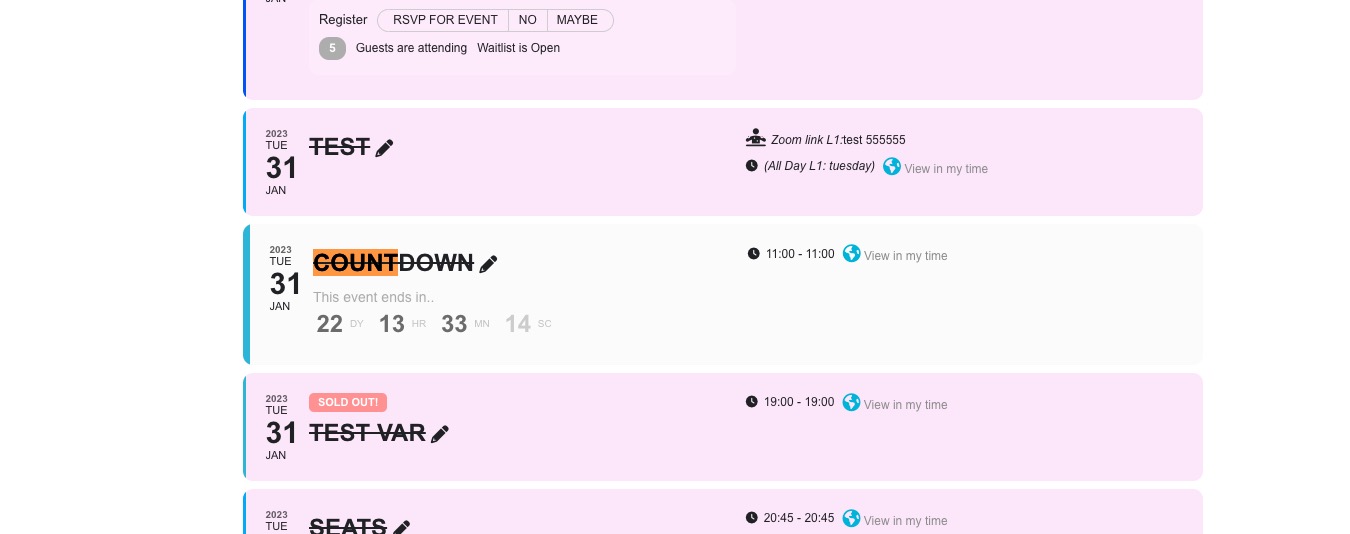
Open “Countdown” event
Thank you for your messages, I am going to assign this ticket to Ashan and he will be able to take it from here and find you a solution. Please allow some time for him to get back to you, we greatly appreciate your patience and thank you for being a eventon customer! Also please disable any IP blocking on your site if there are any.
Still cannot access wp-admin. Could you check?
Also try cleaning any cache plugin on the server.
https://www.gaslamp.org/wp-login.php redirects to https://www.gaslamp.org/not_found. Could you send us the correct link?