Thanks
Archives: Replies
Replies for tickets on suppota
Reply to: tickets(302322)
Hello, we don’t use any custom styles. Is there any way to achieve this without fiddling with the code? We decided to use WordPress and paid plugins to avoid having to hire a developer as we are to small to afford that yet. Also do not want to loose any modifications after updates. However we would like to use EventOn calendar and quite a few add-ons on quite a few parts of our website. Could you give some guidance or assistance, please? I was tasked to set all up with as standard as possible way, using available online documentation and support.
Thanks,
Dave
Reply to: tickets(301257)
Ashan,
Is it possible to extend
https://docs.myeventon.com/documentations/add-support-additional-ics-fields/
to show customers how you can add multiple fields?
Reply to: tickets(301257)
Thank you for your messages, I am going to assign this ticket to Ashan and he will be able to take it from here and find you a solution. Please allow some time for him to get back to you, we greatly appreciate your patience and thank you for being a eventon customer! Also please disable any IP blocking on your site if there are any.
Reply to: tickets(298359)
It seems that even manual import stopped working: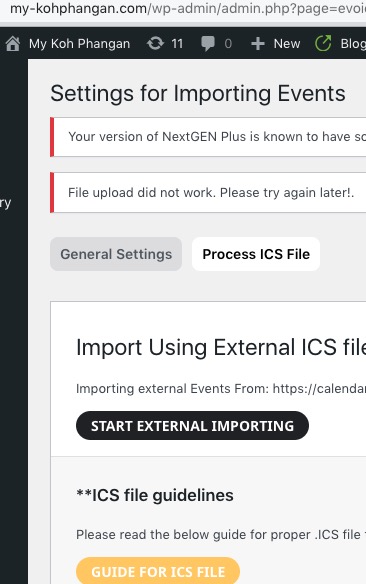 Could you take a look at this suggestion?
NOTE: If you are having trouble importing using URL, please make sure allow_url_fopen is enabled in your PHP configurations on the server
Reply to: tickets(302482)
amazing, thanks, I will wait, so we could keep the site as clean as possible.
Thanks.
Reply to: tickets(302391)
Hello,
1. Not sure how to login. wp-admin and wp-login.php redirect to 404.
Please make to sure to follow
Waitlist for RSVP: capacity must be set before enabling waitlist.
Set the capacity > Save > Refresh the page.
2. Please try following
https://docs.myeventon.com/documentations/why-my-site-and-eventon-page-loading-slow/
Also go to EventON > try switching Select event calendar WP Query method.
Reply to: tickets(288599)
Hi, thanks, but I already bought the eventON addon called: “ICS importer” to do this, so please, I need to use it as expected before auto-renewal date … Thanks
Reply to: tickets(302489)
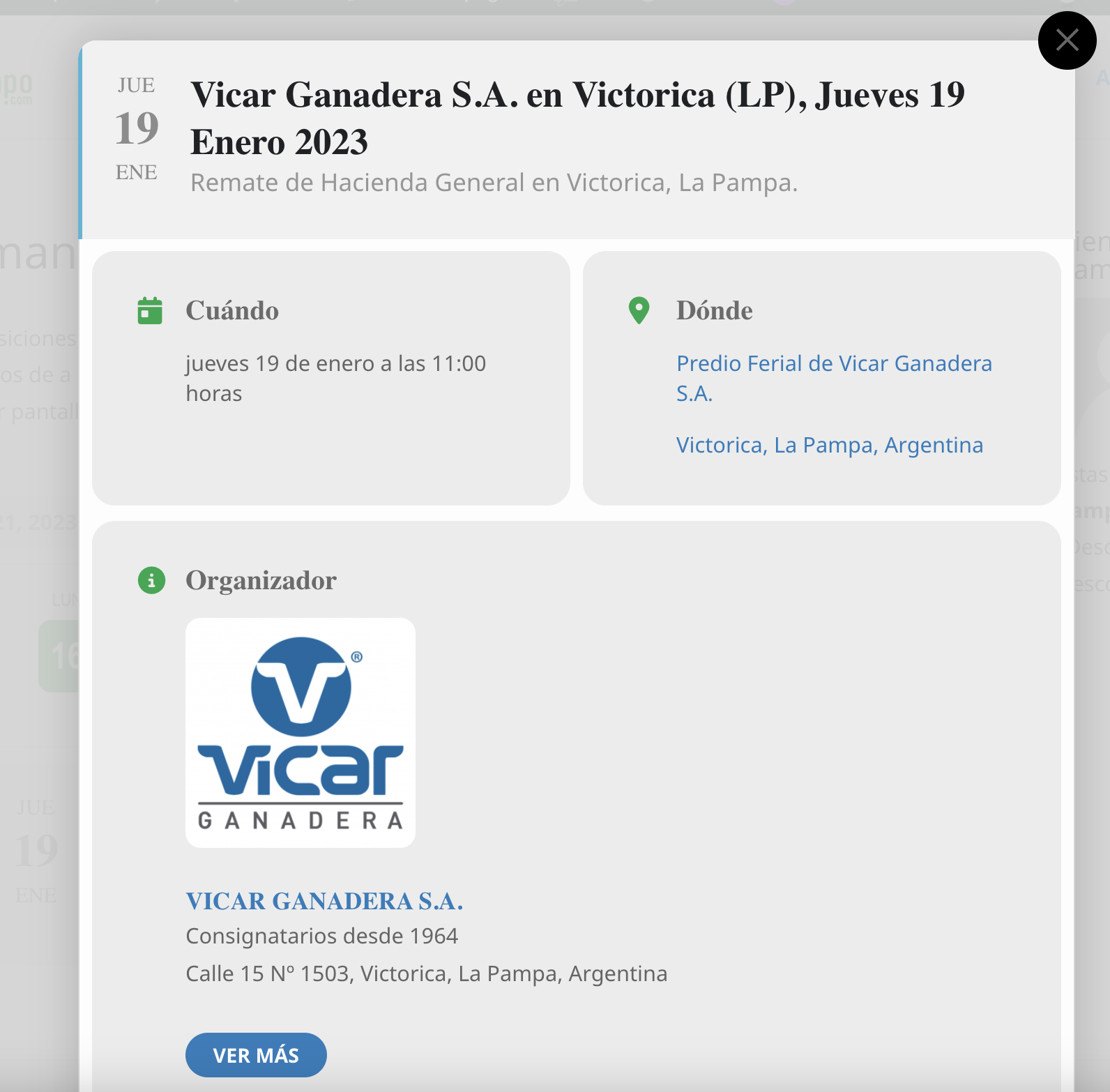
yes, it is the VER MAS button -see more- that appears on the “organizer section”, I attach an screenshot.
Reply to: tickets(300702)
Is it possible to give us more examples of what’s wrong? With screenshots, if possible.