Thanks,
When I try the event doesn’t appear in the list at all. In my experience, the original event date/time works with this setup, but once the recurring events are next in line, this shortcode doesnt work the same way.
I will look into Event Lists Extended.
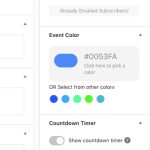
I’m sorry, but I don’t understand – – where do I find this? Is it possible for you to give me more details? I know how to edit an event, but I don’t see this there – – can you zoom out or start further back to help me find where you’re talking about? Event Color is already set at white from what I can edit within each individual event…..
Will I need to do this for each individual event? Or is there a way to set it as the default? That’s what I’m trying to do is create it as a default.
Please let me know.
Thanks.
Hello,
1. Add-on uses WordPress to send out emails.
2. Since the add-on fully based on WP, you just need to make sure that your environment has the ability to send emails. If WP can send emails, our add-on also can.
3. Whatever your server can handle. Add-on just tells WP to send them out, the rest is on the environment.
2. a) Thank you for your great suggestion, at the moment it is not supported. However please create a new ticket and select Feature Request as category so others can vote on your idea and get it moved into development faster.
b) Invitee only available from the back-end.
c) Thank you for your great suggestion, at the moment it is not supported. However please create a new ticket and select Feature Request as category so others can vote on your idea and get it moved into development faster.
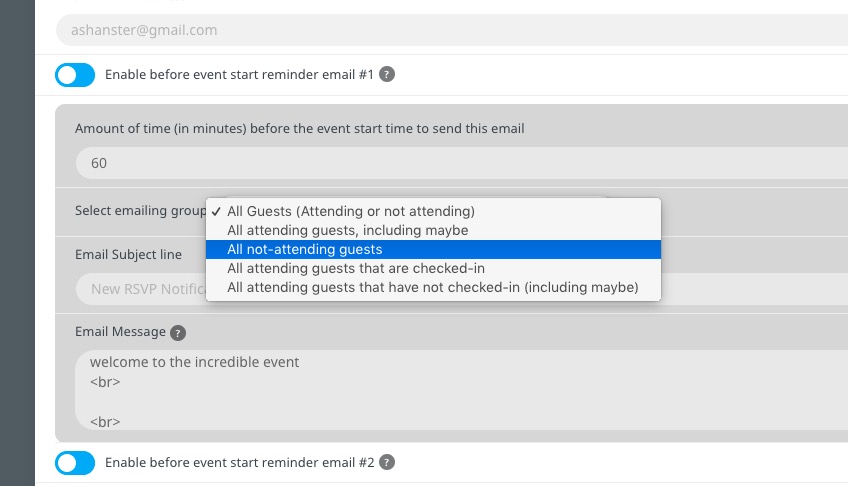
a) Enable a new reminder and select one of these options, whichever works best. “Select emailing group All attending guests that have not checked-in (including maybe)” should work.
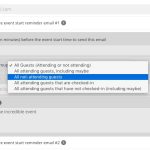 Now go to an event and enable newly created reminder there.
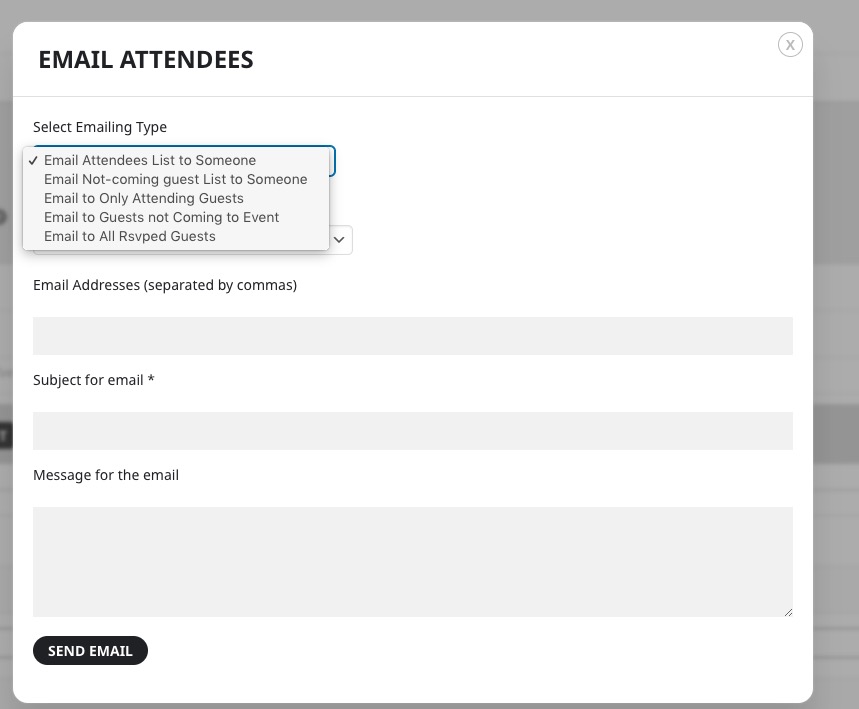
b) Go to Edit Event > RSVP > Emailing:
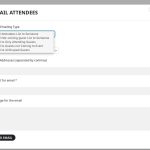 Try on https://dev.myeventon.com/wp-admin/
Hello,
H1 title is for SEO. In order to hide it please add this CSS code to EventON > Styles (If you don’t see any change, EventON > Scripts & Styling > turn off Write dynamic styles to header > save settings > turn on Write dynamic styles to header):
.evo_page_body .evo_sin_page .evosin_event_title { display: none !important; }
You can also go to EventON > Single Events > Select eventTop style: Immersive Flow.
Hello,
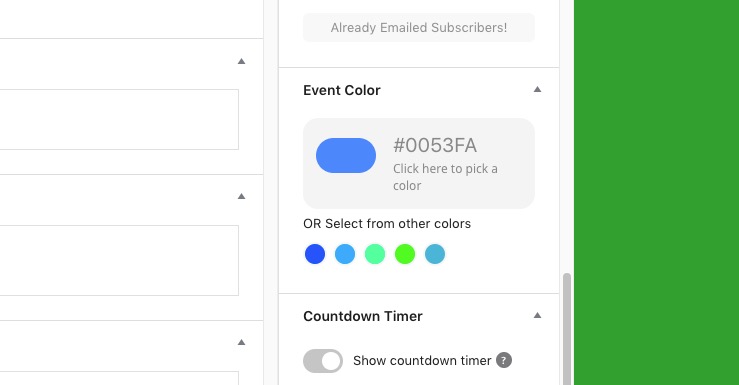
Please go to Edit Event > Event Color:
Hello,
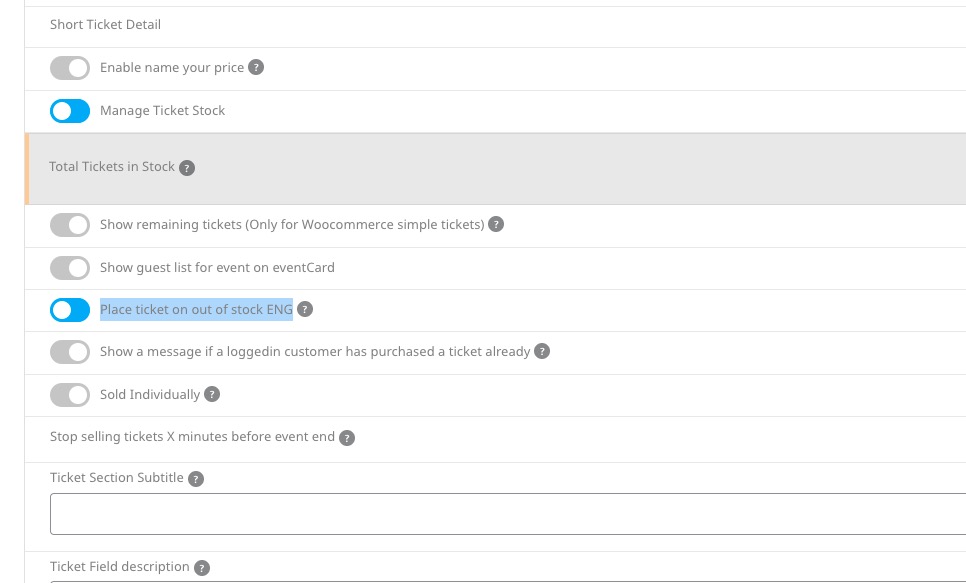
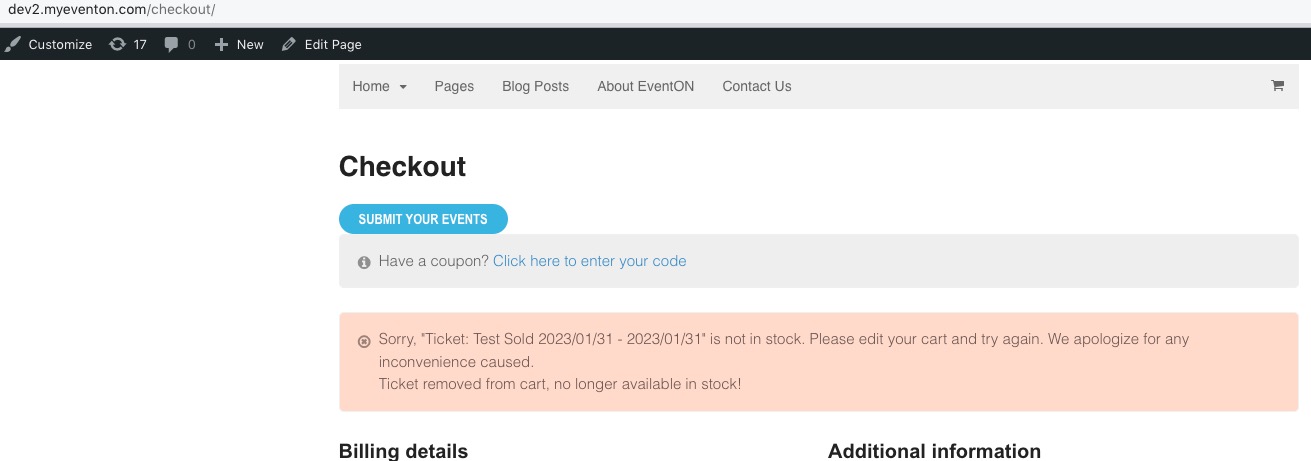
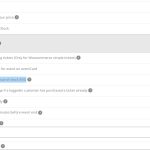
When you go and enable Place ticket on out of stock:
 a
a
It’s impossible for a customer to purchase a ticket: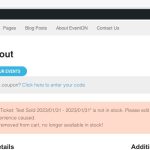 Please send us wp-admin access to your site as a private message for us to further assist your situation.
Hello,
1. Change hide_mult_occur=”no” to hide_mult_occur=”yes” in your shortcode.
2. You need to use Event Lists: Ext add-on
https://www.myeventon.com/addons/event-lists-extended/
Try on https://dev.myeventon.com/wp-admin/
[add_eventon_el number_of_months=”12″ hide_empty_months=”yes”]
Hello,
After you pressed Publish make sure to refresh the page one more time. Could you try and let us know if it works?
Hello,
Please go to EventON > EventCard Design > remove one of Add to Calendar.
I already left a well-deserved review, thanks again 🙂
Cheers