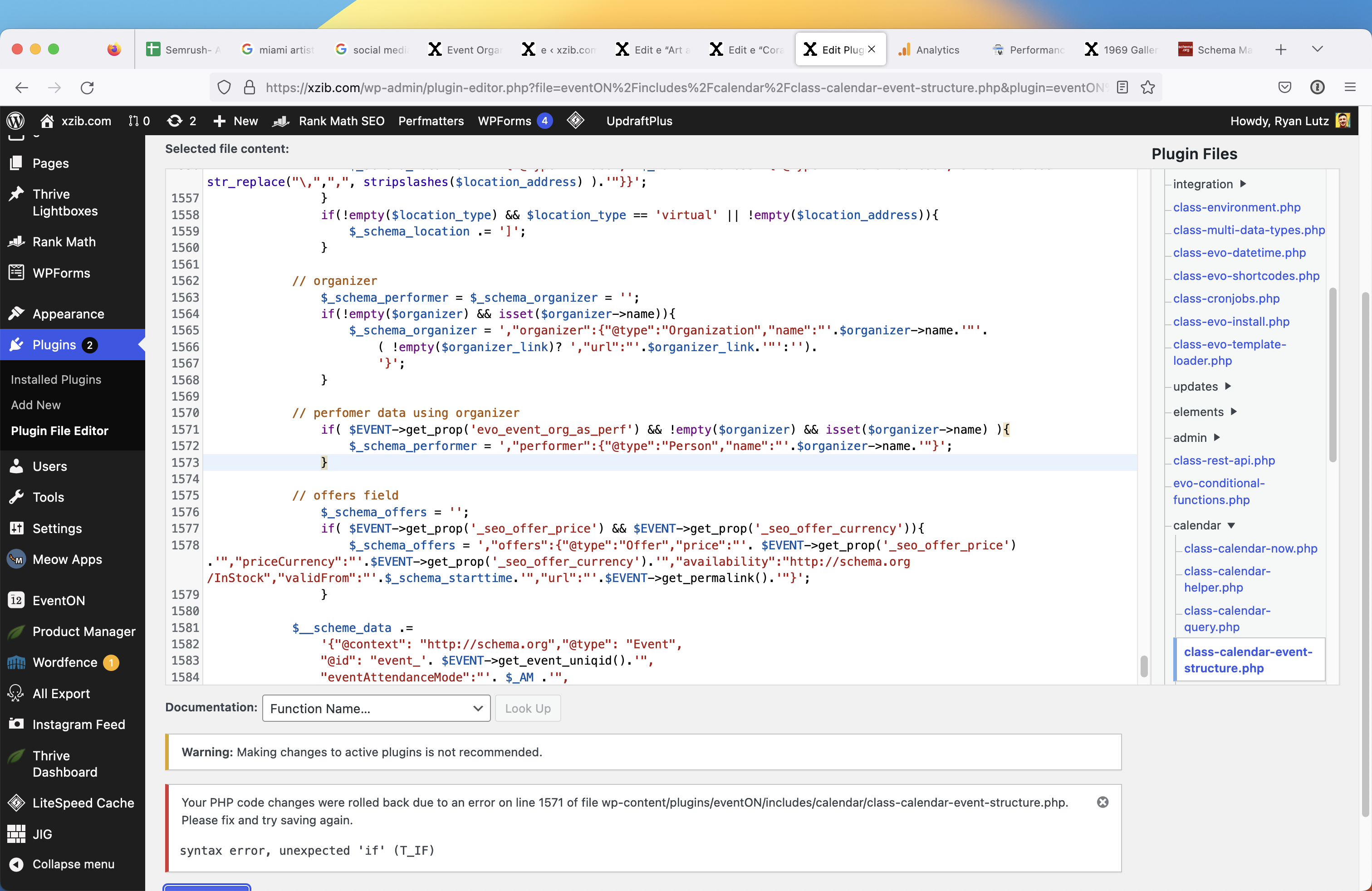
hello
It throws this error when I replace the code
Replies for tickets on suppota
hello
It throws this error when I replace the code
Hi there
I also done know howe to update the section TICKET SECTION TITLE
I can’t find it backend on the event? I only see subtitle and description.
Hi there I have managed to turn off the comments but it now shows “No Comments Sorry, the comment form is closed at this time.”
I would like this to be removed.
Thank you.
I change the appearance for the cards (2 columns), I would like to reduce the padding for the card and centering the label text on the square please 🙂
Hi there
Thank you, this is sorted.
I have installed the QR code plugin however it is not showing up on the email, it just showing the ticket number and I can’t find any instructions on how to set this up?
Please confirm how to add the QR codes to the emails.
thank you
The code can be found here:
https://pastebin.com/5Tc4btgC
Just copy it and paste it to the file the same way Ashan did.
We can do this for you, but we need FTP access.
YearlyView seems to be working now: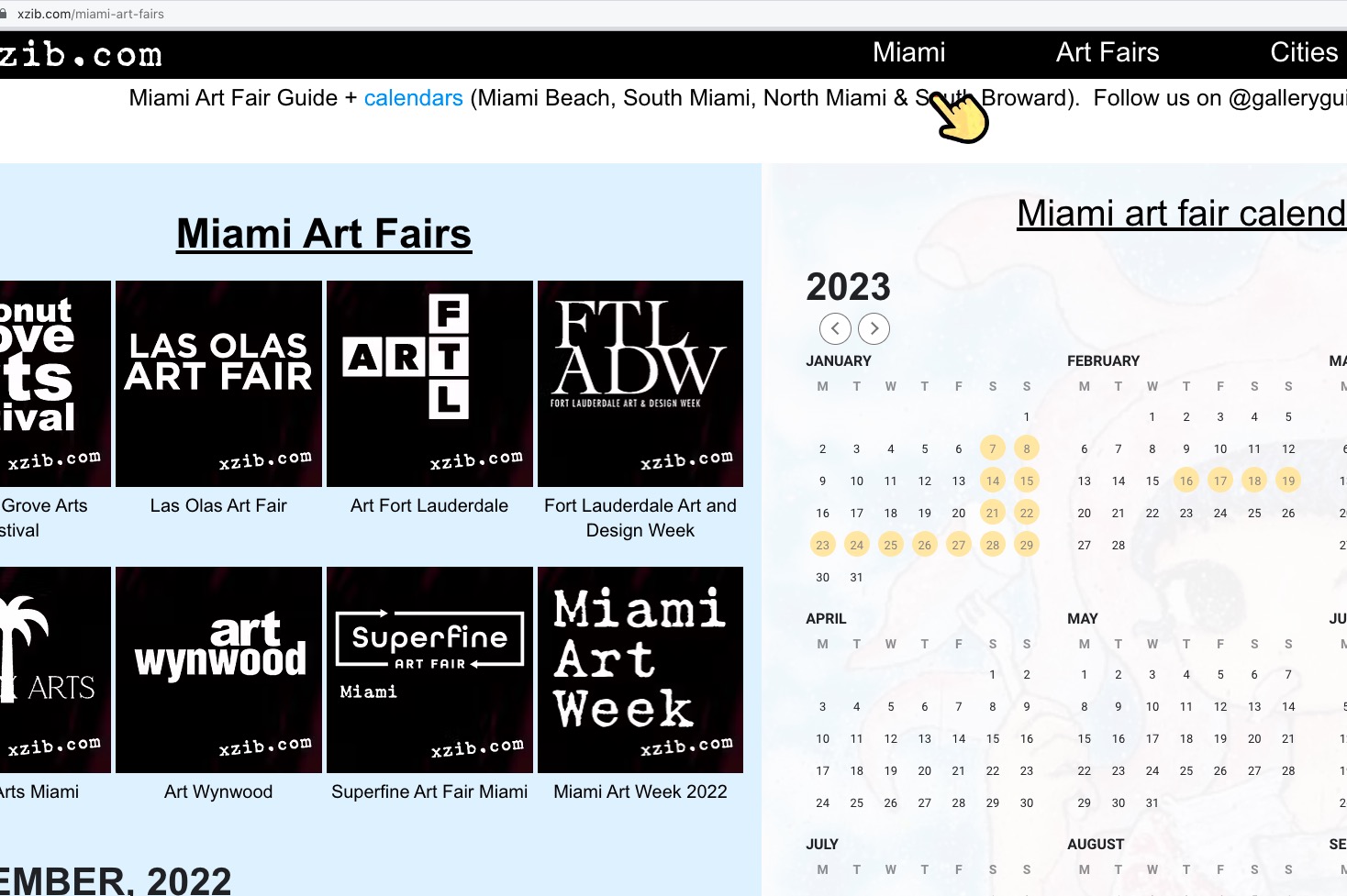 Could you check and let us know?
Ashan,
Also, on a separate note, when I change their status from waitlist to RSVP’s, I get a critical error. I have to click the browser back button to go to back and it automatically updates to the correct RSVP’ed
The same on dev2:
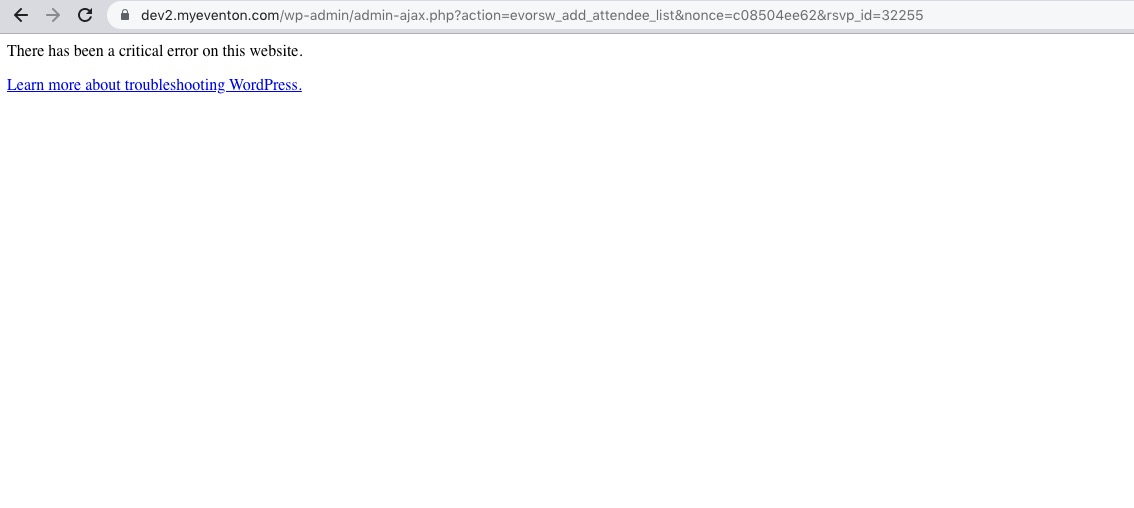 Go to https://dev2.myeventon.com/wp-admin/post.php?post=31549&action=edit > press Checkin to Event Status: Waitlist > now press ADD TO EVENT ATTENDEE LIST.
Hello,
I am going to manually change their waitlist status to RSVP/Checked in but when I do this they do not get the RSVP-ed email. How do I make this happen?
Manually change the status until you get the critical error (Ashan will fix the issue), go back to the Edit Event RSVP page, refresh the page, RSVP Email sidebar should now have “Re-send Customer Confirmation email again to…” button. Press on the button.
Also, on a separate note, when I change their status from waitlist to RSVP’s, I get a critical error. I have to click the browser back button to go to back and it automatically updates to the correct RSVP’ed
Thank you for your messages, I am going to assign this ticket to Ashan and he will be able to take it from here and find you a solution. Please allow some time for him to get back to you, we greatly appreciate your patience and thank you for being a eventon customer! Also please disable any IP blocking on your site if there are any.
I try that but there is no effect :
.ajde_evcal_calendar.boxy.box_1 .eventon_list_event, .ajde_evcal_calendar.boxy.box_1 .evoShow_more_events{padding-bottom:-20px padding-top:-20px;}