Hello,
https://fica-oc.pt/wp-admin/
user: FICA16
XRy4R0GN2VnbbQ(m
Replies for tickets on suppota
Hello,
https://fica-oc.pt/wp-admin/
user: FICA16
XRy4R0GN2VnbbQ(m
Hello,
Thank you for your messages, I am going to assign this ticket to Ashan and he will be able to take it from here and find you a solution. Please allow some time for him to get back to you, we greatly appreciate your patience and thank you for being a eventon customer! Also please disable any IP blocking on your site if there are any.
Did you find out what happen with the ssue we wrote you a week ago?
No new updates on this topic, I am afraid. Please wait for Ashan.
I need to put the web on but I can’t get the events to repeat over the years.
If you don’t have too much events, as a temporary solution, you could import them and then make them repeating.
I also can’t change the colours of the daily view from settings–appearance…
Please send us wp-admin access to your site as a private message for us to further assist your situation.
Hello,
Please add ev_uxval=”X” to your shortcode to remove the redirect.
Auto expanding when using Single Event shortcode isn’t possible, unfortunately.
Hello,
Please also send us wp-admin access to your site as a private message for us to further assist your situation.
I also enabled WP_DEBUG.
Hello,
Please go to https://events868.com/wp-admin/admin.php?page=action_user#evoAU1 > enable Allow event image upload to non logged-in visitors (Not recommended).
Hello,
I was able to login, but still cannot access wp-admin. It redirects me to https://404london.co.uk/bookings/
Could you check?
As for the 00 question, please go to EventON > Time Settings > change Select minute increment for time select in event edit page > save > change the settings again to any number you like > save.
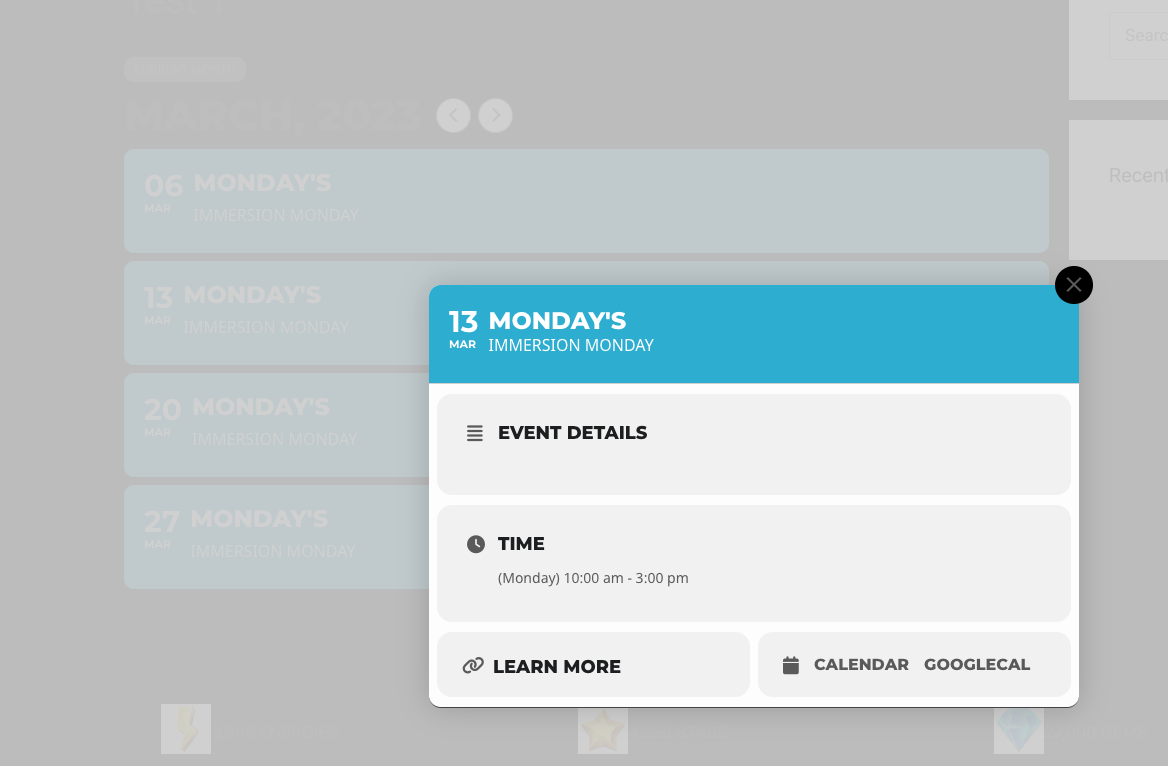
I’ve tried adding the shortcode: [add_eventon cal_id=”Test 1″ event_count=”12″ add_eventon_wishlist_manager]
My shortcode builder isn’t working… so i had to build that myself but the wishlist hasn’t appeared.. see pics
Thanks
Dan
Hello,
To change the size for the specific widget, use the code below
.elementor-widget-container .ajde_evcal_calendar #evcal_head.calendar_header #evcal_cur, .ajde_evcal_calendar .evcal_month_line p, .ajde_evcal_calendar .evo_footer_nav p.evo_month_title{font-size:14px;}
To change the size of the title and date, use the code below
.elementor-widget-container .ajde_evcal_calendar #evcal_list.eventon_events_list .eventon_list_event p .evoet_cx span.evcal_event_title{font-size:10px;}
.elementor-widget-container #evcal_list .eventon_list_event .evoet_cx em, .evo_lightboxes .evoet_cx em{font-size:10px;}
Please add the custom CSS code to “EventON Settings > Styles” and save changes. If you do not see the new style changes, Go to “EventON Settings > Styles & Scripting > Turn off write styles to header” Click save changes – to write the styles css code direct into page header. You can turn this off once the cache is cleared.
Hello,
Use the custom CSS code below to remove the extra title
.evo_page_body .evo_sin_page .evosin_event_title{display:none;}
Please add the custom CSS code to “EventON Settings > Styles” and save changes. If you do not see the new style changes, Go to “EventON Settings > Styles & Scripting > Turn off write styles to header” Click save changes – to write the styles css code direct into page header. You can turn this off once the cache is cleared.
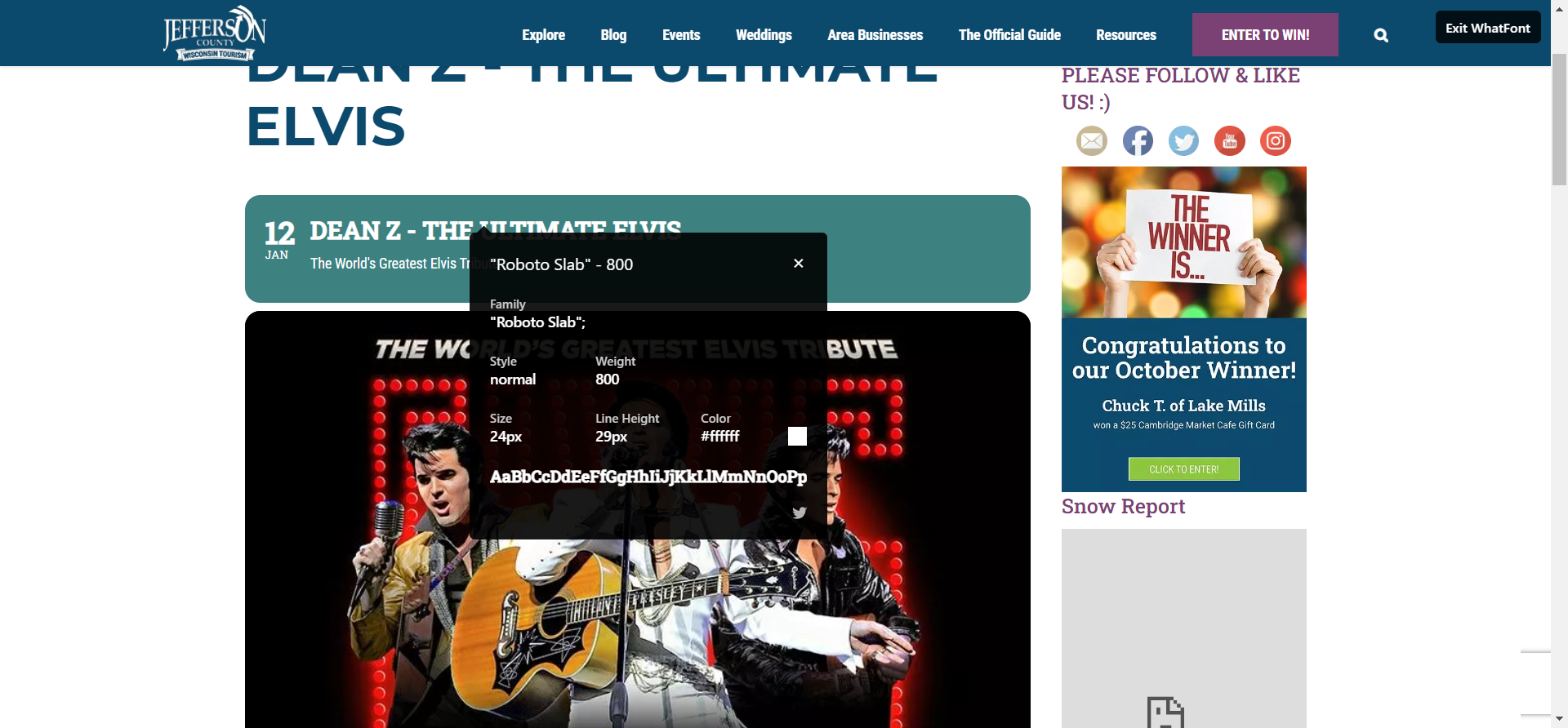
Regarding the font used, it seems it’s using Roboto. Is that what you have set up?