Hello,
We are sorry for the delay. Could you let us know where can we find this website to test things out:
https://helpdeskx.s3.amazonaws.com/wp-content/uploads/2022/02/14102931/Screen-Shot-2022-02-14-at-12.25.46-PM.png
Replies for tickets on suppota
Hello,
We are sorry for the delay. Could you let us know where can we find this website to test things out:
https://helpdeskx.s3.amazonaws.com/wp-content/uploads/2022/02/14102931/Screen-Shot-2022-02-14-at-12.25.46-PM.png
You are trying to hide month headers only on certain calendars, right? Seems working: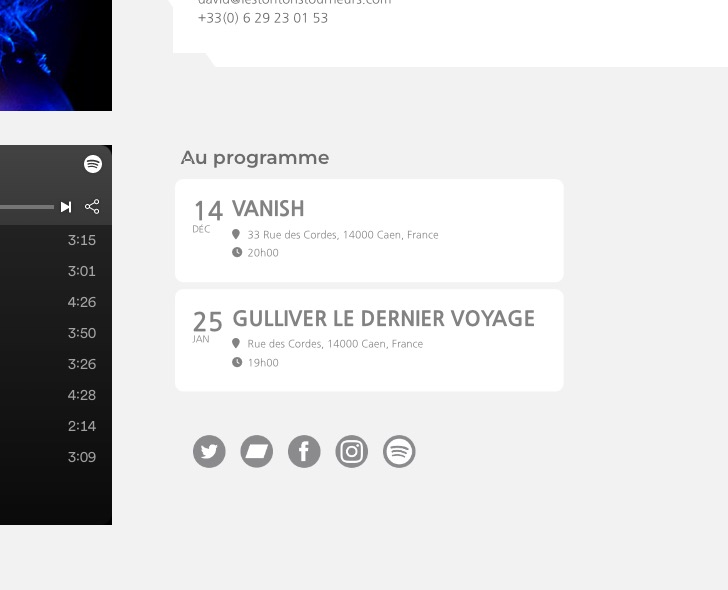 Try adding this code to wp-admin > Theme > Customize > Additional CSS:
#evcal_calendar_customcal.ajde_evcal_calendar .calendar_header .evo_header_title { display: none !important }
The code works for the calendar with added cal_id=”customcal”
Hello,
I can not autoupdate. When I go to codecanyon my account > download I do “not have any downloads yet”.
It was the woman who created my website back then who purchased EventOn.
She would probably not be able to find this and download the latest version as zip file.
Is there another way around updating to the latest version.
Thank you for your help in advance
You need to purchase it first. Please go to https://www.myeventon.com/addons/event-lists-extended/ and add it to cart.
Have you tried this?
https://docs.myeventon.com/documentations/how-to-show-past-events/
Hello,
Everything seems to be correct:
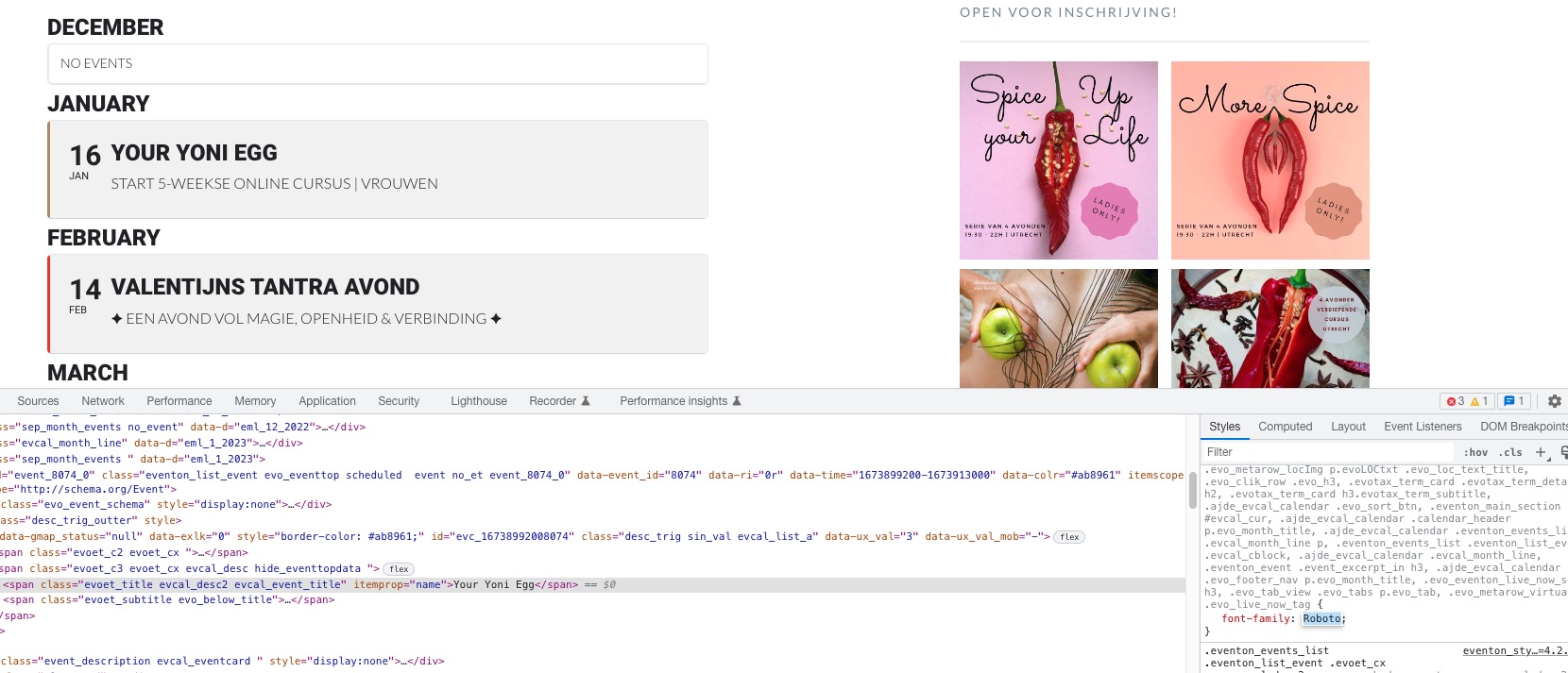 Roboto and Lato fonts.
The issue that I am seeing is that are you sure that the fonts you are trying to use has been loaded correctly on the site. EventON doesn’t really load them, it just changes the CSS code.
When you go to https://wygrani.co.uk/wp-admin/admin.php?page=eventon and select “Select event calendar WP Query method: Query only the event posts created this month”, does it start working?
Hello,
Please go to for the demo:
https://dev.myeventon.com/wp-admin/admin.php?page=eventon#eventon_rss
RSS Feed you can try with:
https://dev.myeventon.com/evofeed
https://charlottebelhachecommunication.com/essai-artiste-4
Thanks for your help. Unfortunately, it didn't work. For several days, all the css codes that I add no longer work. Including with "Write dynamic styles to header". Can you look why?
Great stuff, that’s done the trick! Thanks.