Hi there,
Thanks for your reply. As for your last suggestion… perhaps I should do that if that is what you recommend.
Should I use both then ?
e.
Replies for tickets on suppota
Hi there,
Thanks for your reply. As for your last suggestion… perhaps I should do that if that is what you recommend.
Should I use both then ?
e.
I am sorry but it seems that I sent you the wrong option.
Please add
event_count=”20″
We aren’t sure if this third-party plugin works with our product. The only solution is to test them together.
No issues on my side: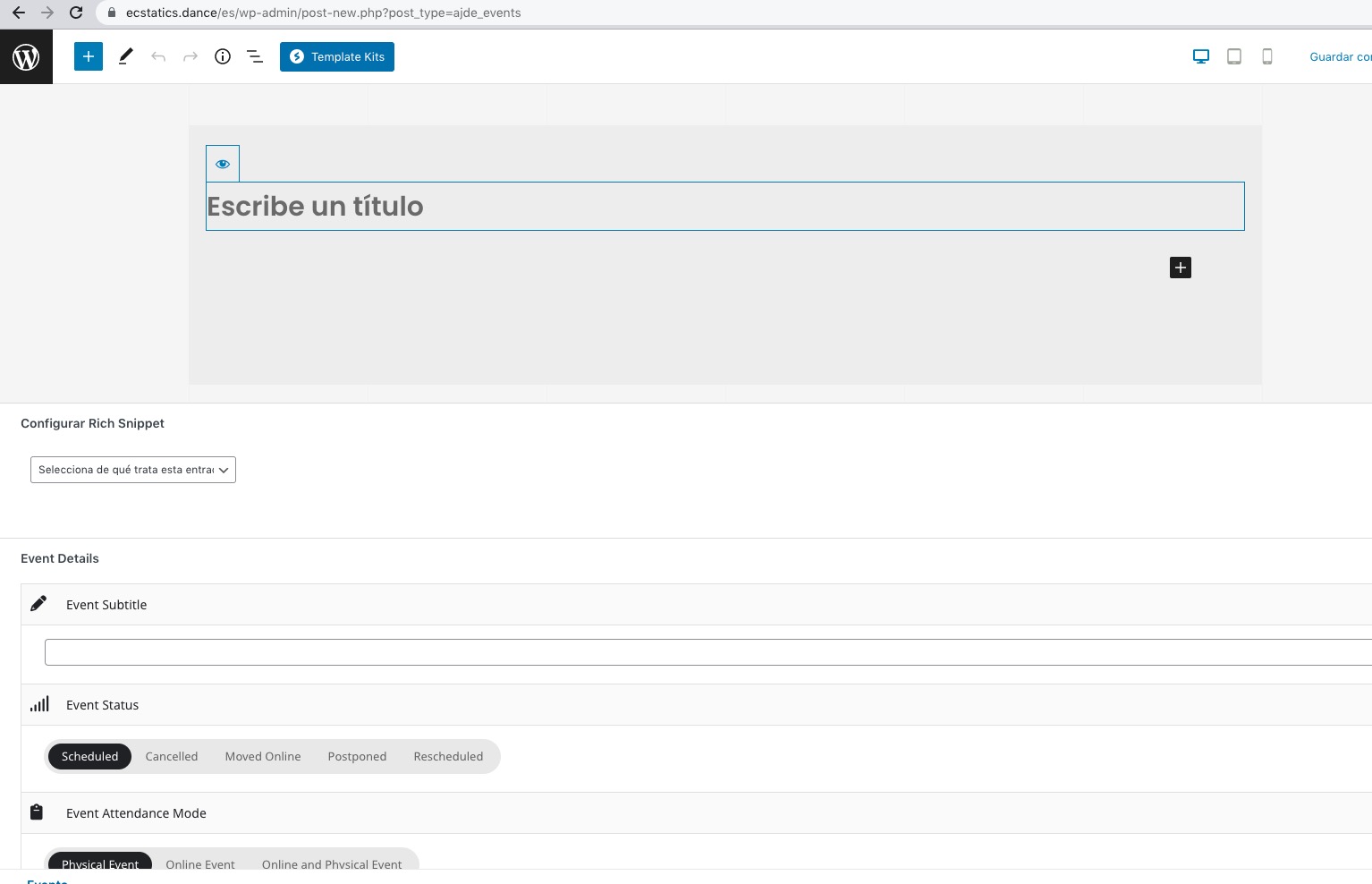
Please follow the instructions in this documentation to activate debug in your site to see any PHP errors recorded that can provide insight on to whats going on. Please reply with a link to debug.log file. If you are not able to do this please send us FTP access to your site so we can do this for you.
Hello,
Please take a look at Action User add-on:
https://www.myeventon.com/addons/action-user/
Try it on https://dev.myeventon.com/wp-admin/
Hello,
If you want to use /calendar as EventOn Event Post Slug, please go to and add it to “EventOn Event Post Slug“:
https://dev-mountmadonna.pantheonsite.io/wp-admin/admin.php?page=eventon#evcal_011
After, go to https://dev-mountmadonna.pantheonsite.io/wp-admin/options-permalink.php and press Save Changes.
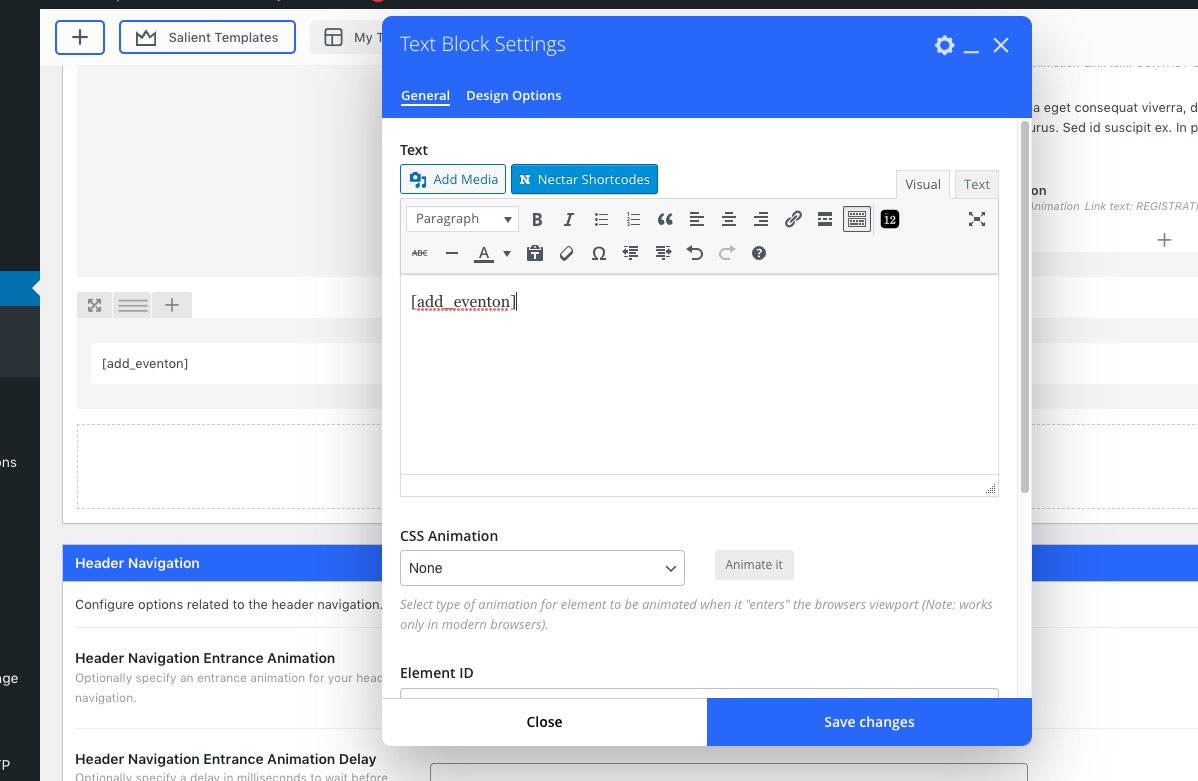
You can also just use Calendar page and leave /events slug for Single Event page. Just create a shortcode and use Text Element to show it on the page:
I am sorry, the access information you have provided did not work for us. Please check them and post the correct login information as a private message, thank you!
The option that overrides event colors with event type colors, if they exists is:
etc_override=”yes”
Could you try adding it to the shortcode?
PS This whole ticket is private.
WordPress handles the registration process. Action User can only redirect users to a login/registration form.
Please take a look at this guide:
https://docs.myeventon.com/documentations/add-additional-fields-actionuser-event-submission-form/
Unfortunately, we unable to help with customizations, since it’s against CodeCanyon’s Support Policy.
Hello,
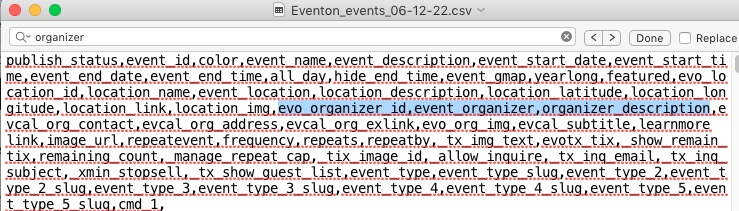
The only option available is EventON > Download all eventON events > CSV FORMAT. In the downloaded file you can find organizers’ info: