Please follow the instructions in this documentation to activate debug in your site to see any PHP errors recorded that can provide insight on to whats going on. Please reply with a link to debug.log file. If you are not able to do this please send us FTP access to your site so we can do this for you.
Archives: Replies
Replies for tickets on suppota
Reply to: tickets(298034)
Hello,
Could you send FTP access? Please check if there is a custom template in /theme folder/eventon.
Reply to: tickets(297811)
It will take time to populate into google results so give it some time and get back to us in a week (yeah I know sometimes it takes a week and sometimes eeeeek it can take longer)
Reply to: tickets(297868)
No, sorry, it doesn’t make sense to use RSVP with multiple languages. I use WPML and the problem is the capacity is not synchronized with the different language pages, which makes this plugin unfortunately useless.
On the contrary, with WooCommerce the stocks are synchronized with all the different language pages.
Reply to: tickets(298033)
can you try re-saving your permalinks
from the dashboard: settings>>>>permalinks- just scroll to the bottom and save
Reply to: tickets(296154)
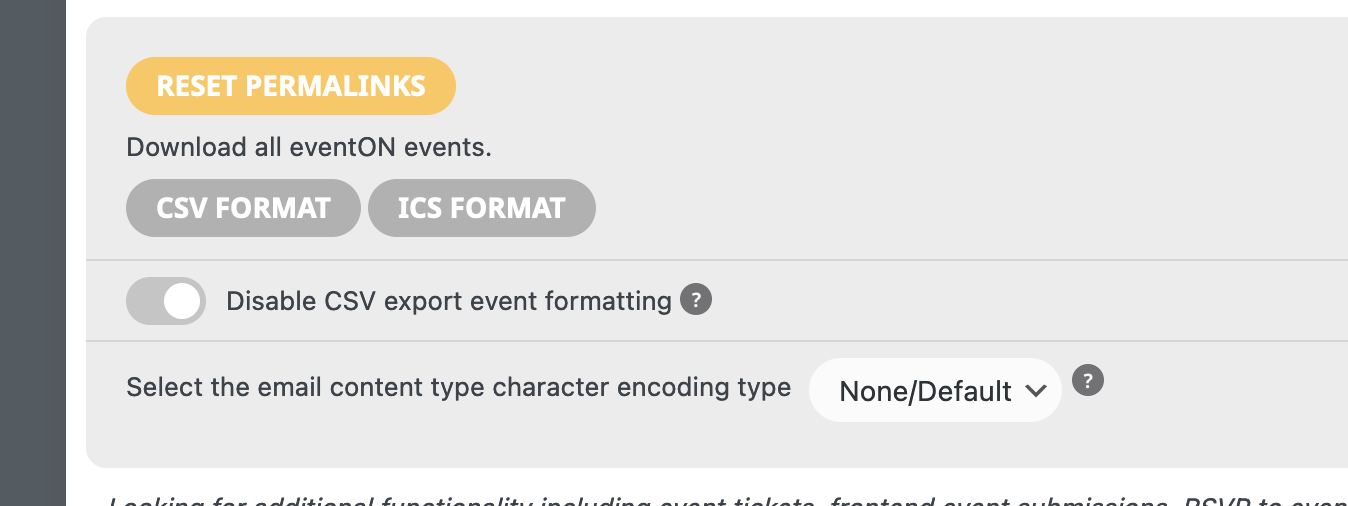
Hello,
We are having multiple issues at this point.. we are trying to export events and they are not exporting, the csv file comes up empty with this message “<p>There has been a critical error on this website.</p><p><a href=”https://wordpress.org/support/article/faq-troubleshooting/”>Learn more about troubleshooting WordPress.</a></p>”
We have never had this many issues with EventOn until these new updates. Please assist as we need to have an excel file of the upcoming events.
Reply to: tickets(297811)
Oh, I see. Okay I have that fixed now. I don’t know how I missed that! Thank you so much for your help.
Reply to: tickets(298030)
With a screenshot https://ibb.co/wRYbNjJ
Reply to: tickets(297624)

I’m sorry I sent the wrong screenshot.
It shows like this.
Reply to: tickets(297624)

But your plugin show events as in this image so far.