sorry for the delay
do you wish to upgrade an addon which is purchased on myeventon.com? or the eventon you purchased from codecanyon? (because there is no upgrade after you purchase from codecanyon)
we only sell eventon pro on codecanyon
Replies for tickets on suppota
sorry for the delay
do you wish to upgrade an addon which is purchased on myeventon.com? or the eventon you purchased from codecanyon? (because there is no upgrade after you purchase from codecanyon)
we only sell eventon pro on codecanyon
looks the same to me
could you clear your browser cache and if that doesn’t fix it please provide the link to login so we can diagnose
OK See long video below (Sorry I waffle on)
so the links from the video are:
https://docs.xylusthemes.com/docs/wp-event-aggregator/facebook-import/
which leads to https://docs.xylusthemes.com/docs/import-facebook-events/import-facebook-events-by-ical-url/
but the same company makes this plugin
which was updated 3 weeks ago and has 85 x 5 star reviews so it most likely works (whether it does exactly what you are after is another thing)
https://wordpress.org/plugins/import-facebook-events/
sorry to send you here there and everywhere. facebook gave us a mega headache and they kept changing their API so we gave up on it.
I did the Step 3 (I may have pasted the code “ EVO()->archive_page();” into my template because i dont know where exactly y have to paste it)
I have in Settings options:
This page will allow you to control templates and permalinks related to eventon event pages.
Select Events Page: a page of my wordpress
And in these last point is where nothing change and my events look without the head of the theme template web
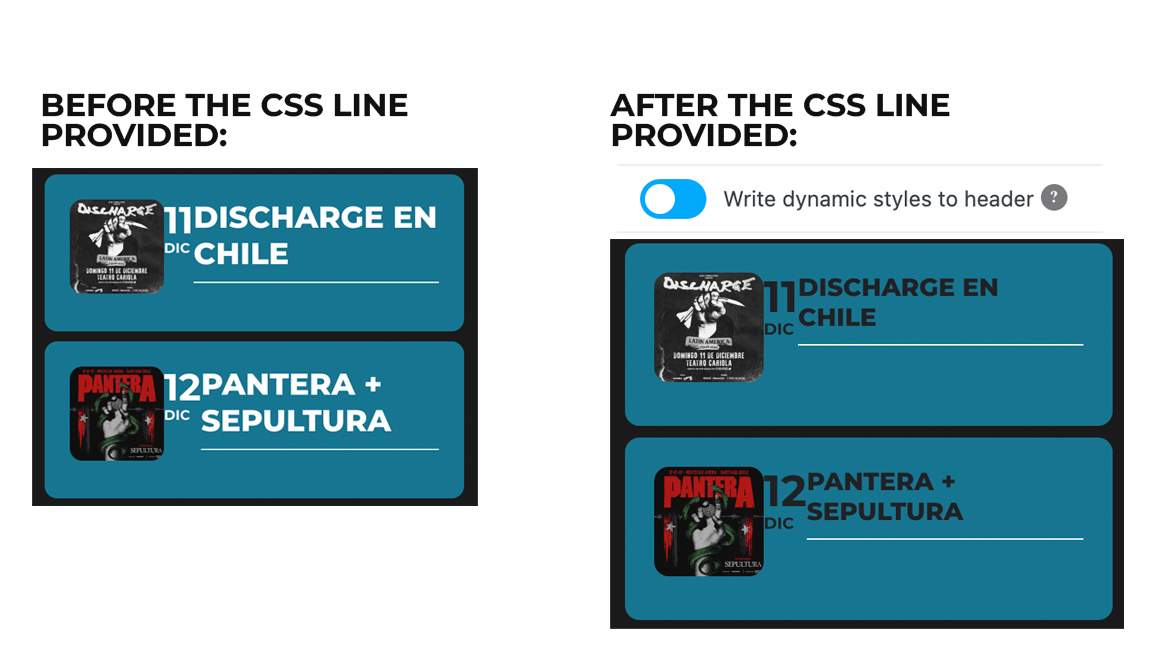
Dear Artem,
Thank you for the quick reply. I applied the CSS line you provided and it changed the font size (yay) but it is now black and there’s no space between the image, date and title, it is like everything was pushed to the left. I’ll add a screenshot.
Location and venue still gone.
Thank you in advance.
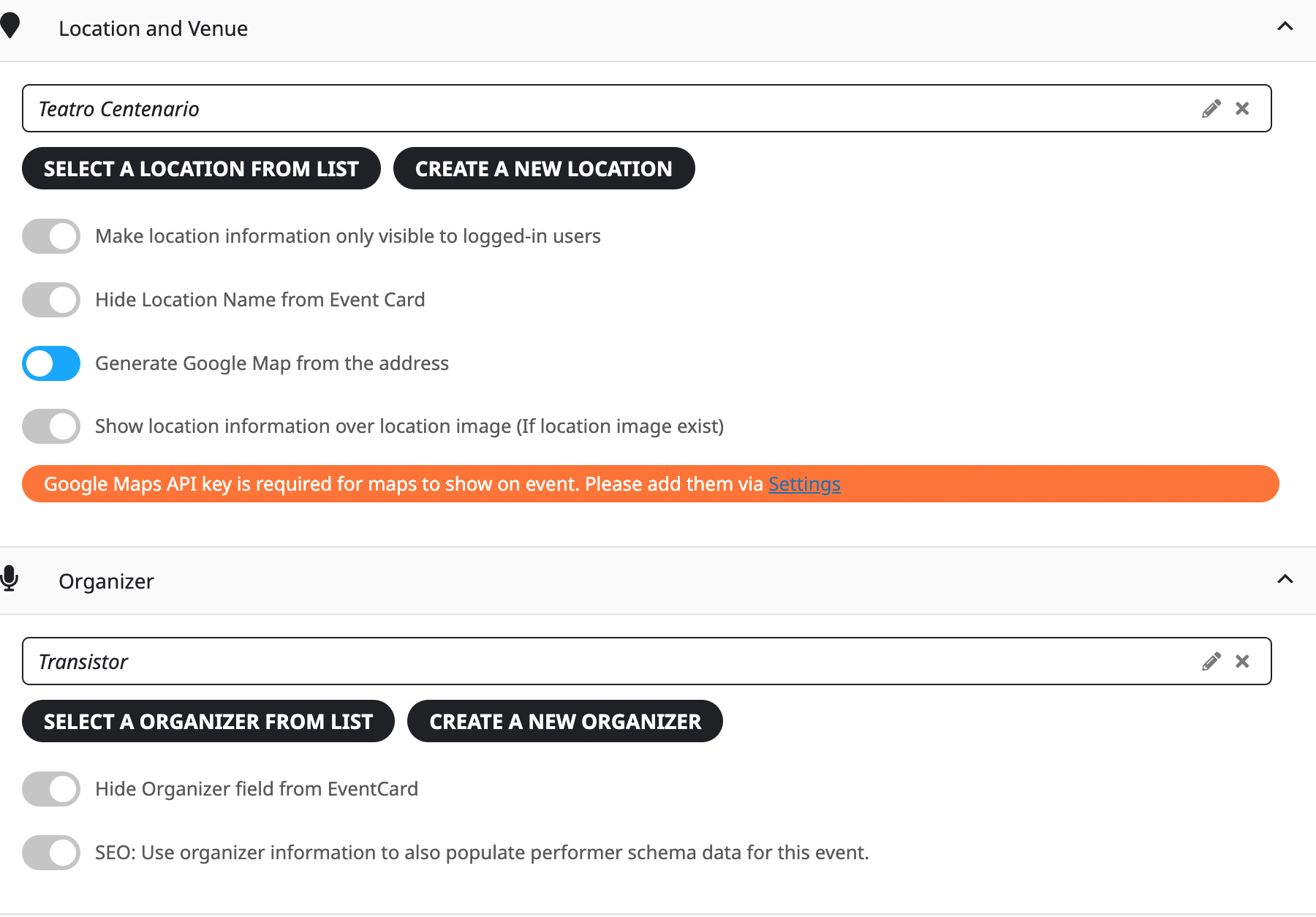
Also, I just noticed that “location/venue” and “organizer” are not showing anymore in calendar’s dates. I’m 100% sure the date for “14 DIC Sepultura (La Serena)” has location and organizer set, as you can see in the image below.
Hello,
Please add this CSS code to EventON > Styles (If you don’t see any change, EventON > Scripts & Styling > turn off Write dynamic styles to header > save settings > turn on Write dynamic styles to header):
.eventon_events_list .eventon_list_event .evoet_cx span.evcal_desc2, .evo_pop_body .evoet_cx span.evcal_desc2 { font-size: 17px; }
The code changes some font sizes. Please apply it and then send us a screenshot of more fonts that need to be changed.
Please try Select Rows: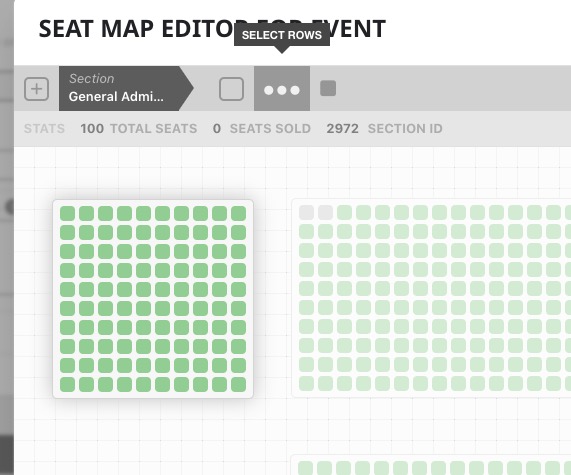
1. Please use this filter: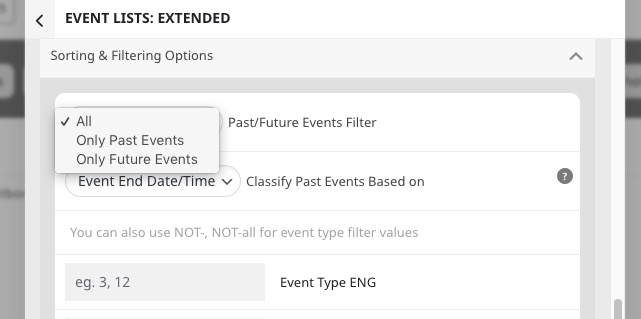 2. Please see 1. You can also try
 3. Try adding filter_show_set_only=”yes” to your shortcode.
Please try this code:
#evcal_list .eventon_list_event .evoet_cx em.evcal_time.evo_tz_time { color: #787878 !important; }