Hi Artem!
Thank you for your help!
1. I will never find that! The chance of an asteroid hitting earth in the next hour is higher than I could get it right! ^^
2. I did it myself (because I found a video link here where someone did it with the inspector and changed it) and it only took me about 2 hours!
3. Great!
4. Actually all the orange colored areas – I specify ffa301 and when I check it says ffa201
5. Thank you again! I try my luck!
How can i activate Event-list-extended addon.
Thanks
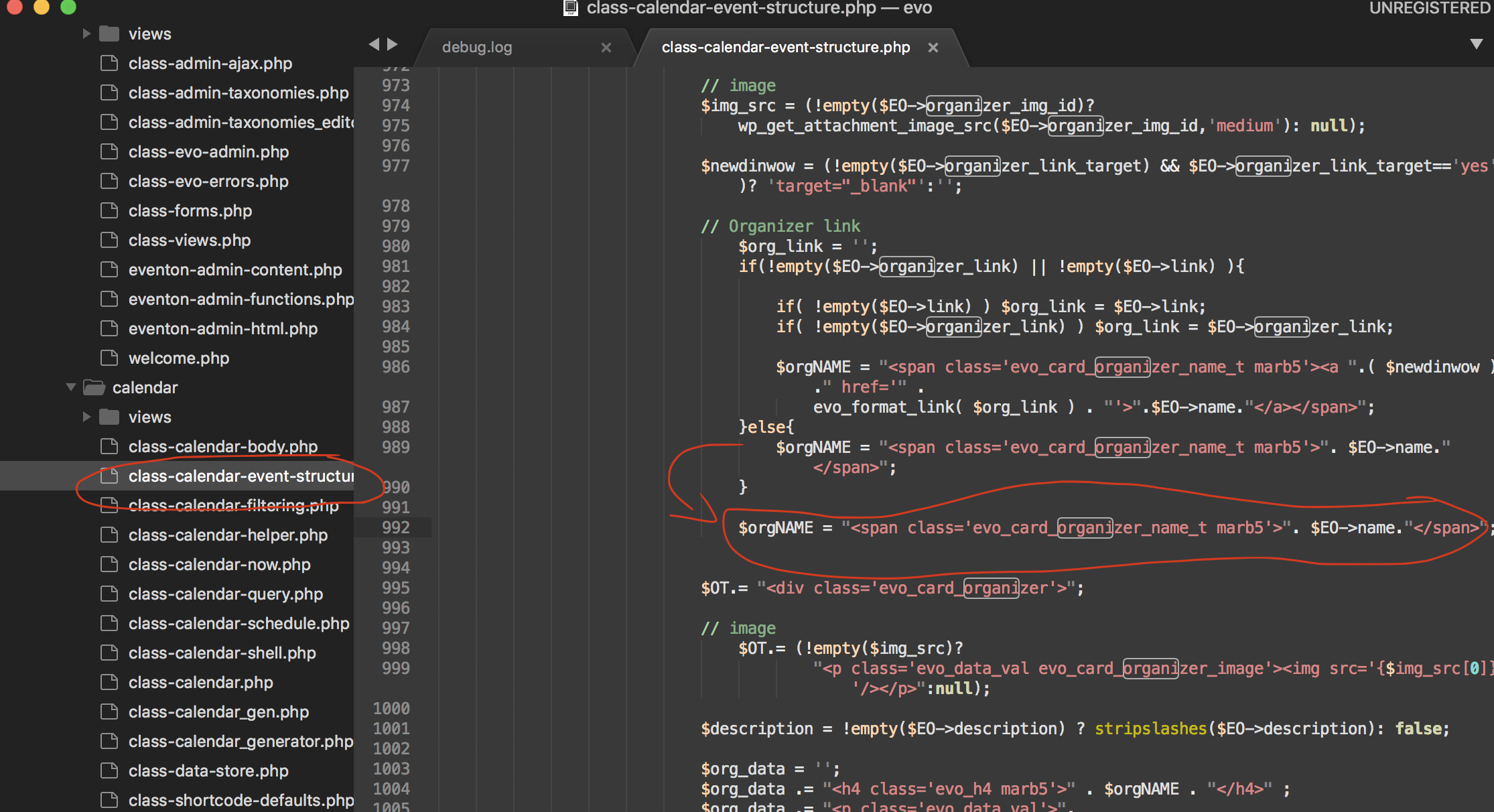
1. Try this patch fix. it will fix remove the organizer name in the event card from being linked to organizer page.
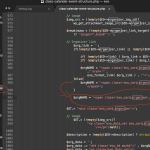
We will include this functionality in the next release.
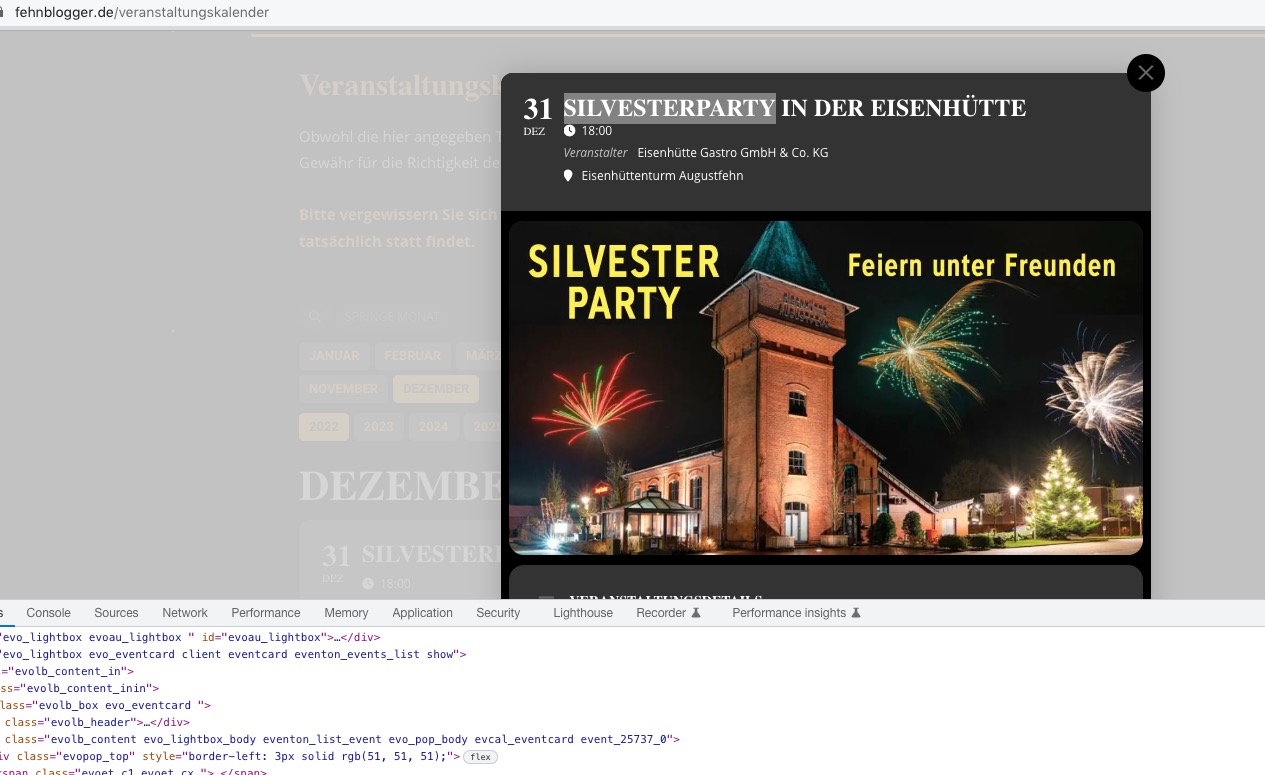
2. It is white for me:
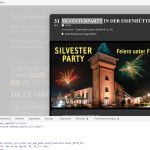 Please add this CSS code to EventON > Styles (If you don’t see any change, EventON > Scripts & Styling > turn off Write dynamic styles to header > save settings > turn on Write dynamic styles to header):
.eventon_events_list .eventon_list_event .evoet_cx span.evcal_desc2, .eventon_list_event .evoet_cx span.evcal_event_title, .evoet_cx span.evcal_desc2 { color: #fff; }
3. Please use this code:
.eventon_list_event .evoet_cx span.evcal_event_title, .evo_metarow_ICS .evcal_evdata_cell p a, .evo_metarow_learnMICS .evcal_col50 .evcal_evdata_cell p a, .eventon_list_event .evo_metarow_locImg p.evoLOCtxt .evo_loc_text_title, .evo_clik_row .evo_h3, h2.evo_h2, h3.evo_h3, h4.evo_h4, body .ajde_evcal_calendar h4.evo_h4, .evo_content_in h4.evo_h4, .eventon_main_section #evcal_cur, .ajde_evcal_calendar .calendar_header p.evo_month_title, .eventon_events_list .eventon_list_event .cancel_event .evo_event_headers, .evo_pop_body .evo_event_headers.canceled, .eventon_events_list .eventon_list_event .evcal_list_a .evo_above_title span, .evo_pop_body .evcal_list_a .evo_above_title span, .ajde_evcal_calendar .evcal_month_line p, .ajde_evcal_calendar .evo_footer_nav p.evo_month_title, .evo_eventon_live_now_section h3 {font-weight:500 !important}
4. Which part are you referring to?
5. Please try this code:
.eventon_full_description .eventon_desc_in a { color: #ffa301 !important; }
Hello,
Please go to EventON > EventCard Design > remove “Add to your calendar”.
It seems that your theme adds the footer a different way. You need to customize Single Event Page template:
https://dev-mountmadonna.pantheonsite.io/wp-admin/plugin-editor.php?file=eventON%2Ftemplates%2Fsingle-ajde_events.php&plugin=eventON%2Feventon.php
By following
Override this template by coping it to ….yourtheme/eventon/single-ajde_events.php
This template is built based on wordpress twentythirteen theme standards and may not fit your custom
theme correctly, in which case you may have to add custom styles to fix style issues
Could you contact the theme developer and ask why single page of custom post type might not have a footer? Maybe there is an option?
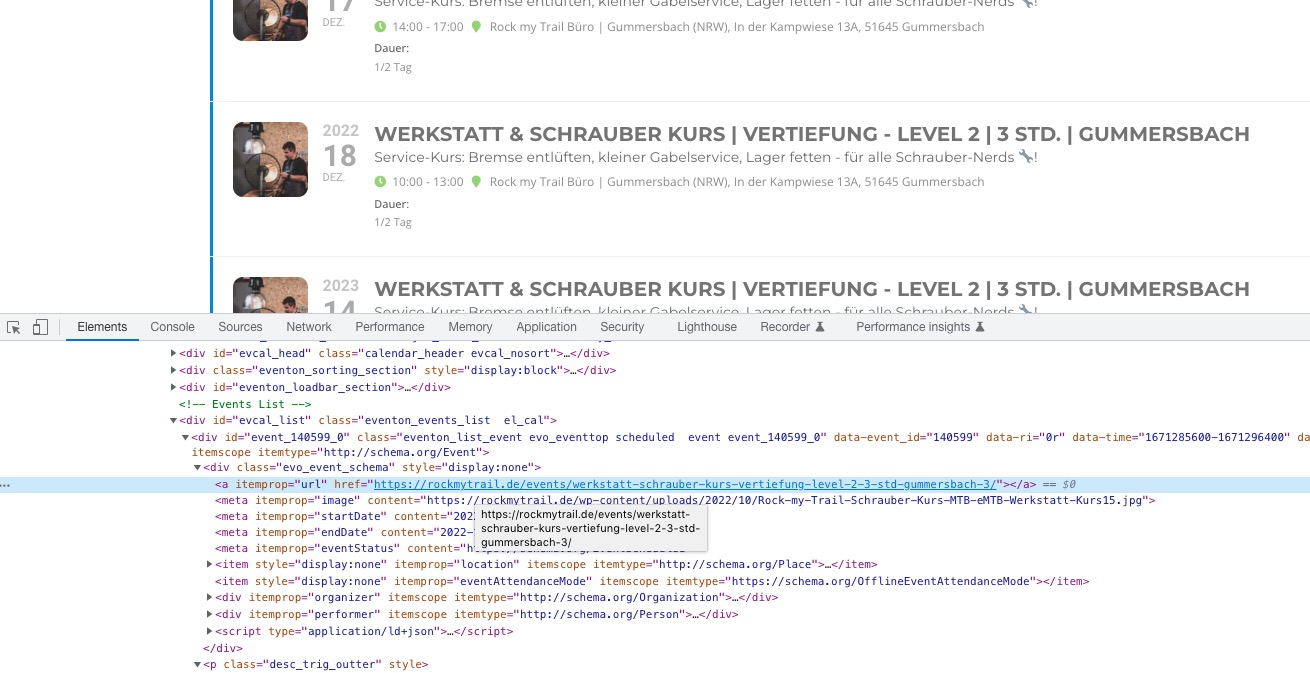
They use regular events, not repeating ones. You can see it from the code: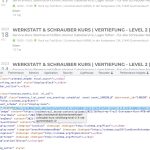 Why does PDFer no longer appear in our download list? We have paid until January and we still need the update of the plugin to 0.7
Could you send us the order id?
Please follow this guide:
https://docs.myeventon.com/documentations/how-to-show-past-events/
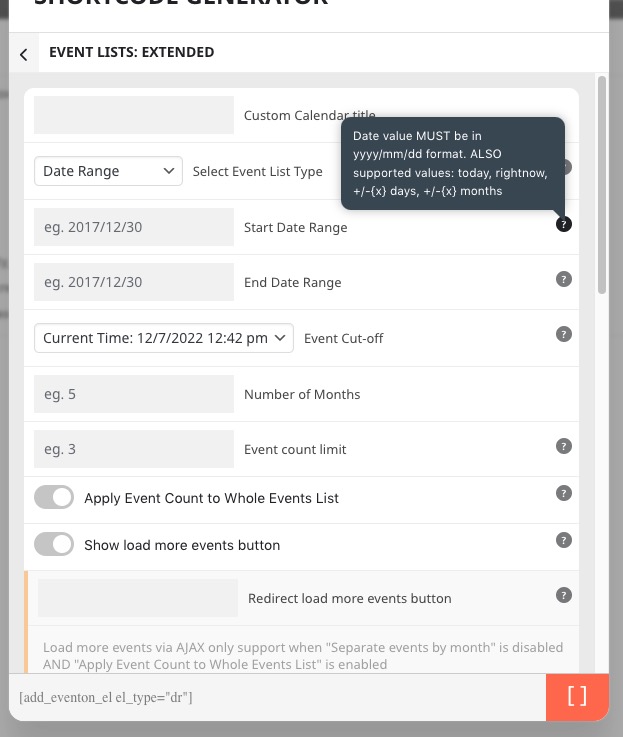
You can also use Event Lists: Ext add-on
https://www.myeventon.com/addons/event-lists-extended/
It has Date Range:
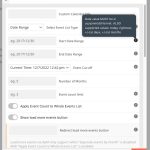 Try on https://dev.myeventon.com/wp-admin/
Hello,
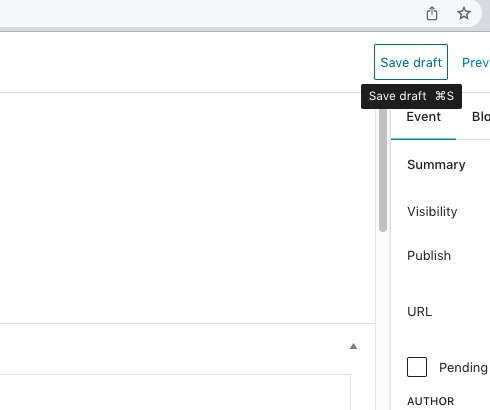
Don’t publish, but save your event as Draft:
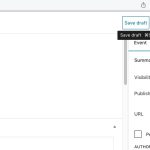 Just save it as Draft and then refresh the page. Now you can edit everything and the event isn’t visible for users.
Hello,
Just add ics=”yes” to your FullCal shortcode:
[add_eventon_fc ics=”yes”]
What is “future published event“? Could you elaborate?
Please add this CSS code to EventON > Styles (If you don’t see any change, EventON > Scripts & Styling > turn off Write dynamic styles to header > save settings > turn on Write dynamic styles to header):
.evosch_oneday_schedule p span span.evoss_hide { display: block !important; }