I set the show more events button to pink in the Appearances / Styles tab but it is still showing up grey after clearing cache? Can you confirm? Why is this?
https://www.promoternow.com/las-vegas-club-events/
Replies for tickets on suppota
I set the show more events button to pink in the Appearances / Styles tab but it is still showing up grey after clearing cache? Can you confirm? Why is this?
https://www.promoternow.com/las-vegas-club-events/
Hi,
Thank you for getting back to me…
Before I try this, let me ask this question?
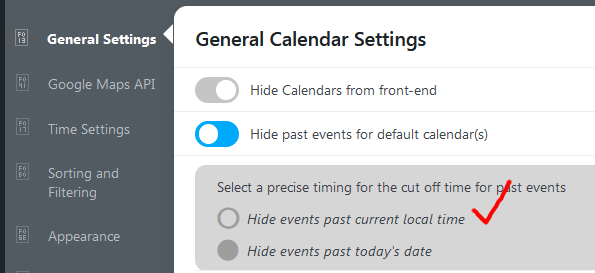
If I set it to NOT Hide Past Events, won’t ALL past events stay displayed in the calendar? I don’t want them to be displayed after the date…
AND, I also just noticed there are 2 sub options, it’s currently set to “Hide events past today’s date” should I pick “Hide events past current local time” AND would Local Time be based on the End Time or Start Time?
(see screenshot)
Thank You…
While we’d love this functionality in EventOn, we have a pretty tight timeline, the site needs to be ready for this client in the next 30 days. We are going to still use EventOn as the calendar for the website but replicated the needed functionality for the tickets and check-boxes by creating the necessary Product in WooCommerce along with a paid plugin: https://acowebs.com/woo-custom-product-addons/
We actually tried this plugin with your Event Tickets Addon, but the additional fields would not show up.
Here is a link to our roughed out page and three events with the necessary functionality we would need in EventOn: https://jeffreyc82.sg-host.com/product/sweet-tea-sunshine-family-festival/
Let me discuss with our senior developer and the client, we are meeting again on Monday 11/21.
What are you thinking development your time would be?
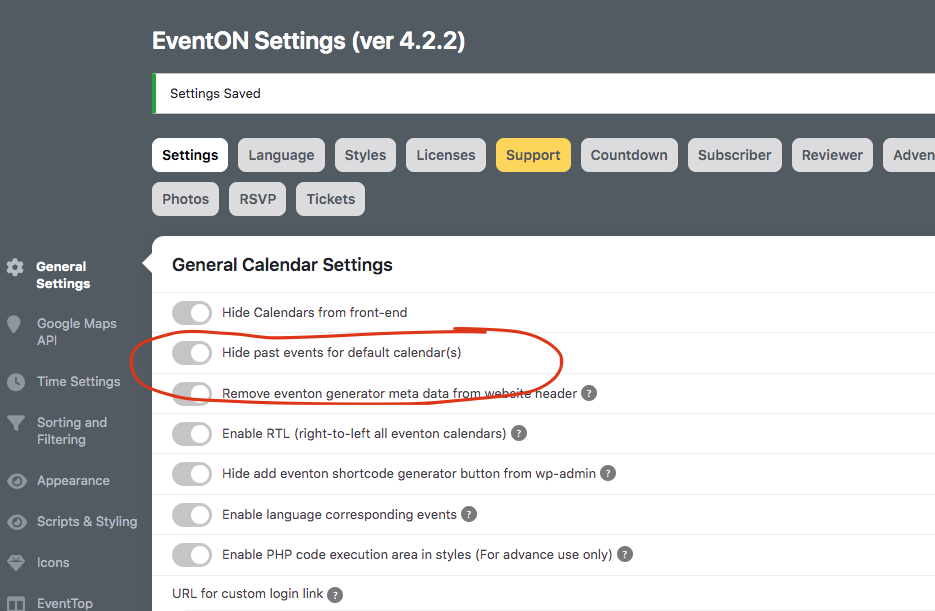
In your eventON settings is this enabled?
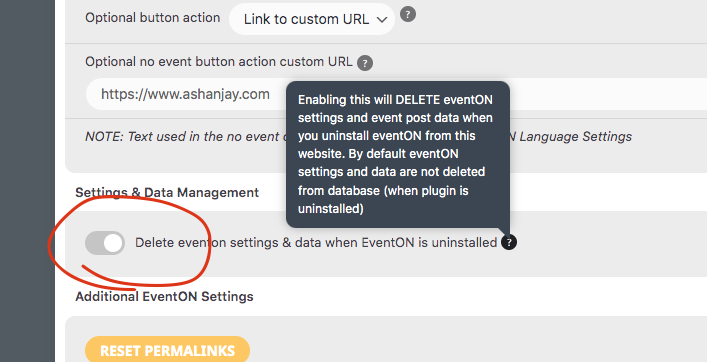
Olivier, this does not seem like a correct method, what you say. Because if there was +10 or +20 the hover over would be a big box.
Do you remember the version where this was showing other names on hover?
So in eventON settings try disabling hide past events by default.
Hi and thank you for your continued help
When i Include a page with hyperlink, it says “ERROR” or Warning in Google search Console. And When I deaden the hyperlink, it stops throwing the error in search console. Who knows if this is really a problem or not…..
I see “Future Event Times in this Repeating Event Series” is removed on mobile. Can this also be removed on desktop and pad sized?
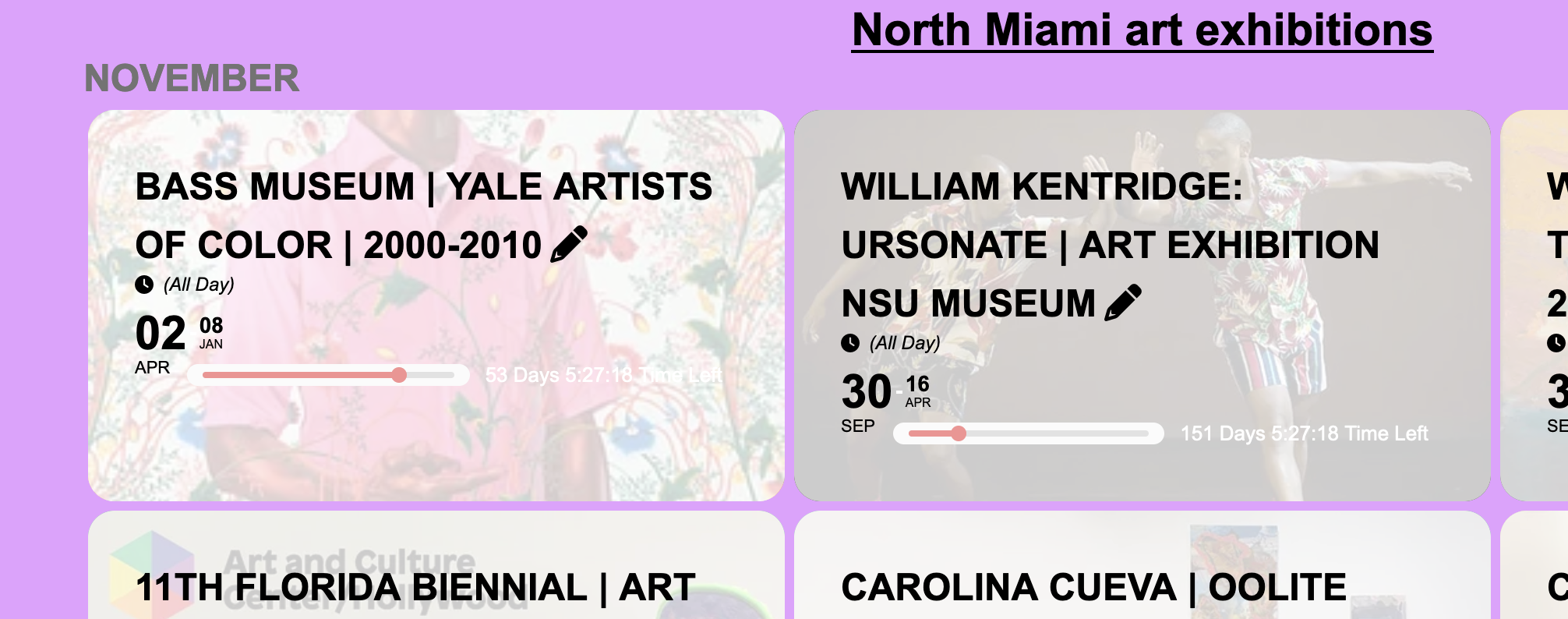
Is there code to modify the padding around the eventtop and the text and the eventcard(photo attached with the text “bass”).
As dave mentioned those could slow down and it loaded for me in 18 seconds which is way long as you mentioned. But once its loaded your calendar looks really cool 🙂
Lets try cache and autoomize disabled. Dave please go ahead and try that.
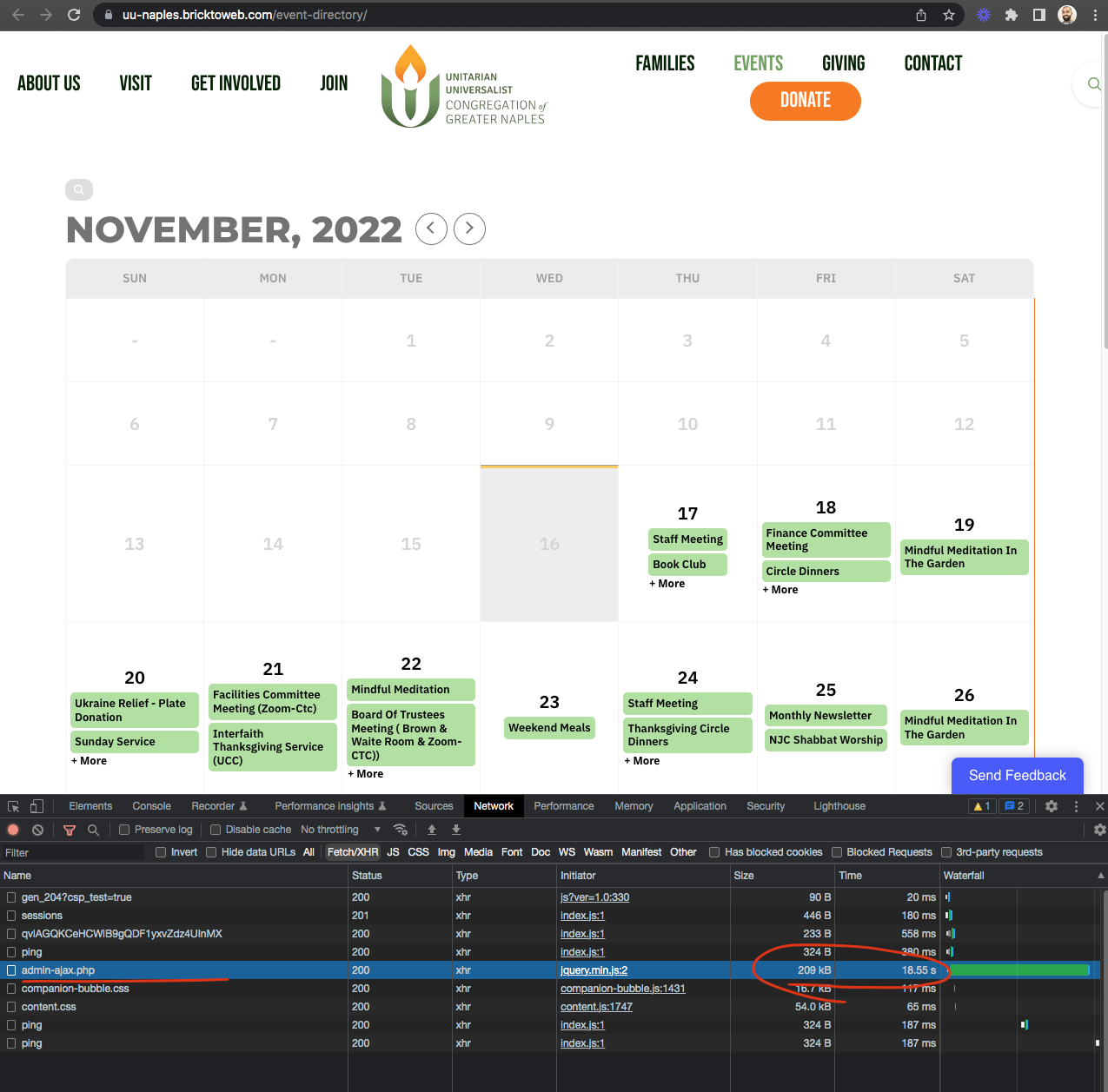
Check out this video https://www.loom.com/share/6fc32eb03317489ea2657100c59a1ece
It worked fine for me in updating the event post. I also do see 35 queries run by tickets addon. So May be the tickets addon is the issue. And I am working on moving ticket addon settings into a lightbox just by itself.
Ok so the page crash before updated page loaded.
I really want to find you a solution Morten! You have 21 plugins, so I wonder if those all combined sends too much data when saving a post. Next step would be, is it possible for you to disable other plugins one by one and see if at any point event save works? Because something + eventON go pass the supported bandwidth on your webserver.
Let me try your website again.