Hi Dave, nice video, very useful that shortcode. But i have 400 events, and i want to share them on socials with the correct url. For example in a given week i want to share the correct upcoming (repeating) event, an upcoming happy hour on friday (people drink a lot on my island 😉 )
So i am looking for the bits of code that determines the id for the next upcoming event (am sure its something with epoch dates), so i can make a customisation that changes /var/ri-3.l-L1 into /var/ri-nextupcoming.l-L1 or using a modification on the eventon_anywhere such as [eventon_anywhere cta_text=”Click here” id=”6828″ ev_uxval=”3″ interval=”upcoming“].
With this i can share the correct event url in those social auto poster plugins, in groups en my pages.
As example i probably only would need a pointer to the file and line of code where to find the code that determines the correct RI (interval). Happy with any bit of information.
Thanks in advance,
Jan
Ah yes thats working, i’ve made all the changes so everything is looking great again. Thanks.
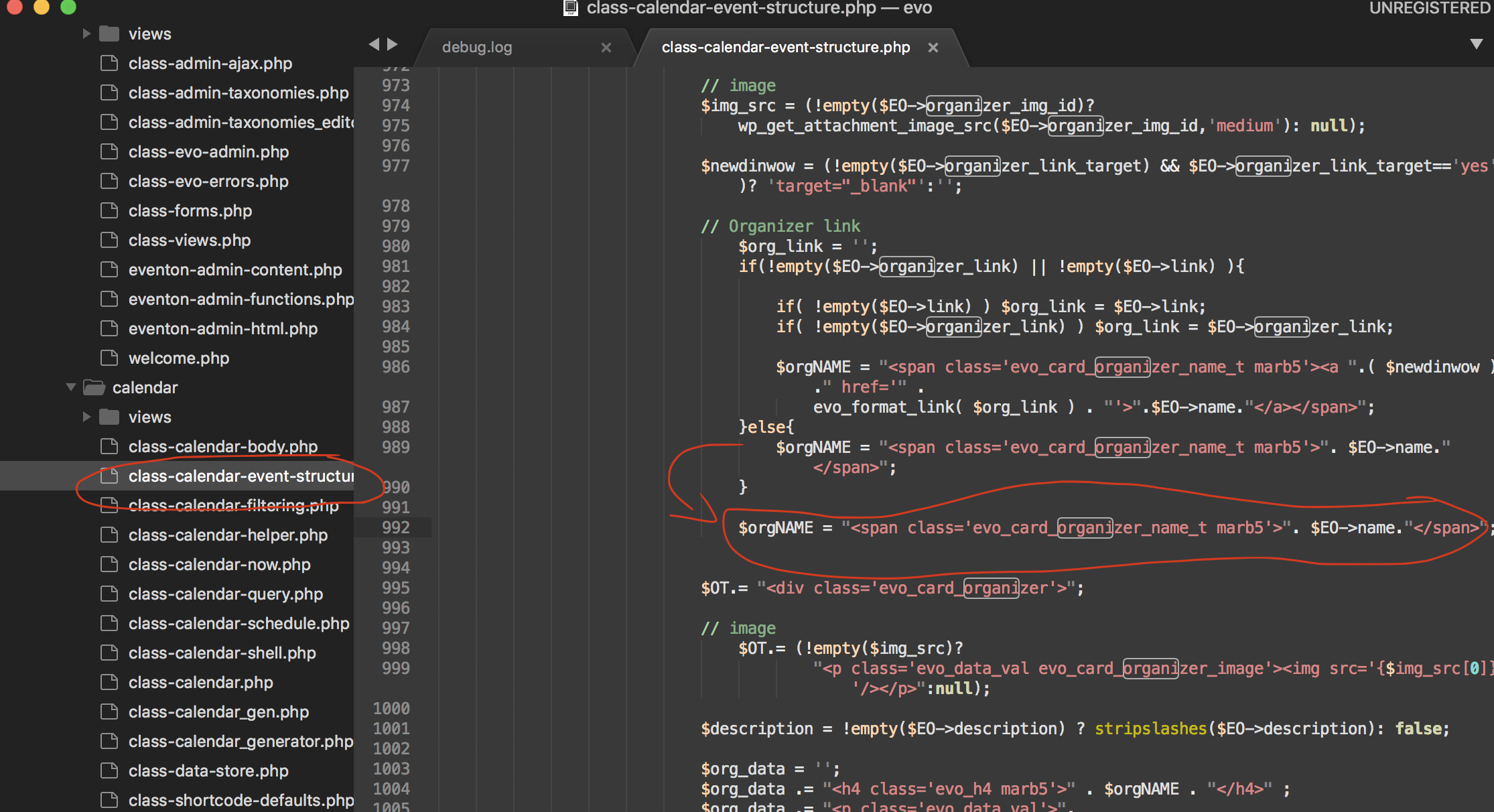
Will the feature to make the organizer unclickable be in next update? Or should we wait updating untill its fixed? Otherwise my changes in class-calendar-event-structure.php will be gone I think?
Thank u so much. Works very well.
Please also update EventON to 4.2.2. To update eventon to latest version: If you are unable to do autoupdate, you can go to codecanyon your account > download and get the latest eventon version as zip file. Then you can go to your website > make sure “Delete eventon settings & data when EventON is uninstalled” is Deslected from eventon settings, delete old eventon, install new one and activate. This link will further explain the process it. Also you can follow us on twitter to get real-time announcements on updates!
how to disable this hyperlink? so it doesn’t open the organizer in a new tab?
Try this patch fix. It will fix remove the organizer name in the event card from being linked to organizer page.
1. There is no option for this, unfortunately. Follow the css customization guide to further edit style changes.
2. Not at the moment.
3. Please go to https://developers.google.com/search/docs/appearance/structured-data, scan an event and check the table.
4. We need to check the HTML code of this page: https://helpdeskx.s3.amazonaws.com/wp-content/uploads/2022/11/22120125/pnggggggggggggggg.png
Backend access should work fine. Could you send it here?
Confirmed, RSVP addon is activated on the site, the error persists. Thanks
The name of the organizer is a link.. I dont want that to be a link. So the button learn more is gone, but the name of the organizer is still clickable. Any idea?
Try this patch fix. It will fix remove the organizer name in the event card from being linked to organizer page.
Hello,
Please update RSVP add-on to 2.8:
To update eventon addons: You can download latest eventon addons from myeventon > my account. Then you can go to your website, deactivate old addon and install new one and activate then delete the old addon. This link will further explain the process. Also you can follow us on twitter to get real-time announcements on updates!
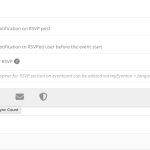
When you update something from the back-end, please make sure to go to Edit Event > RSVP > press Sync Count:
You should tell on your site that it’s not possible to use RSVP with different languages 
It is possible to use RSVP with multiple languages. When you use WPML or any other similar plugin, they always create multiple posts, pages and so on for each translation. The same with products of WooCommerce.
Please note that you can test our products before purchasing them on https://dev.myeventon.com/wp-admin/
In order to request a refund, please create a new ticket under Billing & Accounts and be sure to include the order ID for which you need a refund for and the reason for requesting a refund.