Hello,
Please go to EventON > Action User > Form Settings > Event Organizer Fields > enable Allow creating new.
Replies for tickets on suppota
Hello,
Please go to EventON > Action User > Form Settings > Event Organizer Fields > enable Allow creating new.
Hi Ashan, I sent a reply a few days ago to you on Ticket #296177, but have not heard a reply back. What do you expect turnaround to be? Also please look at the functionality as described in our reply. Pasting below too, thanks:
While we’d love this functionality in EventOn, we have a pretty tight timeline, the site needs to be ready for this client in the next 30 days. We are going to still use EventOn as the calendar for the website but replicated the needed functionality for the tickets and check-boxes by creating the necessary Product in WooCommerce along with a paid plugin: https://acowebs.com/woo-custom-product-addons/
We actually tried this plugin with your Event Tickets Addon, but the additional fields would not show up.
Here is a link to our roughed out page and three events with the necessary functionality we would need in EventOn: https://jeffreyc82.sg-host.com/product/sweet-tea-sunshine-family-festival/
Let me discuss with our senior developer and the client, we are meeting again on Monday 11/21.
What are you thinking development your time would be?
Hi there,
Of course, please find details to login below:
URL: https://staging.wmfs.net/wp-admin/
Username: oxysupportfolks
Password: ynhmK&7hXVGU8)Hbsm06a96M
Please feel free to make any changes you wish to the staging site.
Kind regards,
James
Yes, I’ll try that today and let you know.
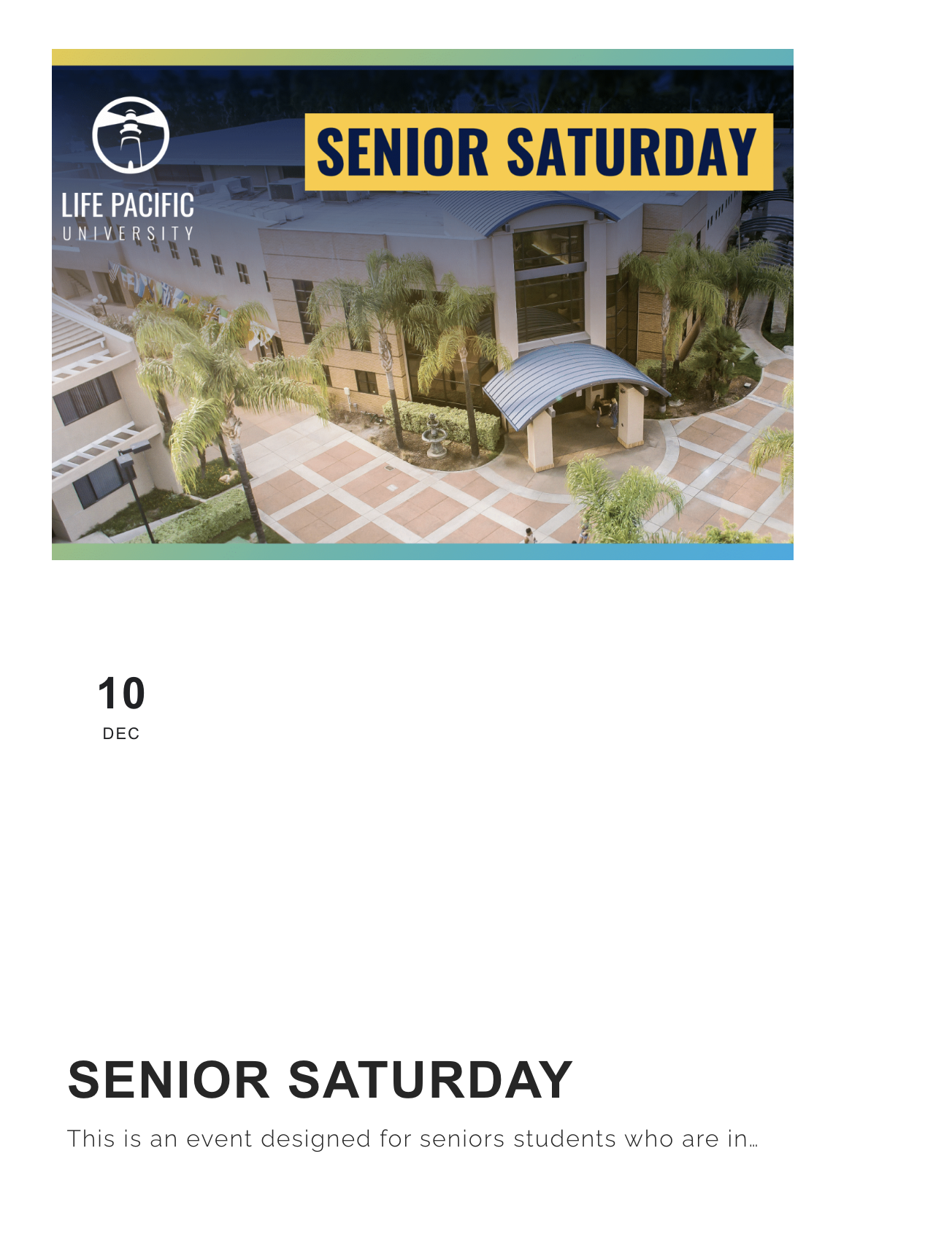
Hey Artem. One quick thing. This fixed the /events page, but on the home page, our Featured Event is displaying incorrectly. I’m attaching a screenshot. Can you take a look for us please?
I found this already in config.php:
# WP Engine Settings
define(‘WP_MEMORY_LIMIT’, ‘512M’);
define( ‘WP_MAX_MEMORY_LIMIT’, ‘1024M’ );
I changed it to:
# WP Engine Settings
define(‘WP_MEMORY_LIMIT’, ‘768M’);
define( ‘WP_MAX_MEMORY_LIMIT’, ‘1024M’ );
=====================
60 days now works, when I change it to 3 months its critical error again. I think 60 days its fine for me.
Im just worried that Wp Engine support will come crying to me that I increased it … 😛
Thanks! I was able to troubleshoot and find the issue. Once I did that, I clicked the button you said and it fixed our shortcode problem. Thank you!
Ok thanks for that, when clicking the button now the scroll goes down instantly in 1 jump, you see no movement going down, it almost feels like you would click a button and go to another page. Is there any way to give the scroll a smooth movement downwards ?
 HI!

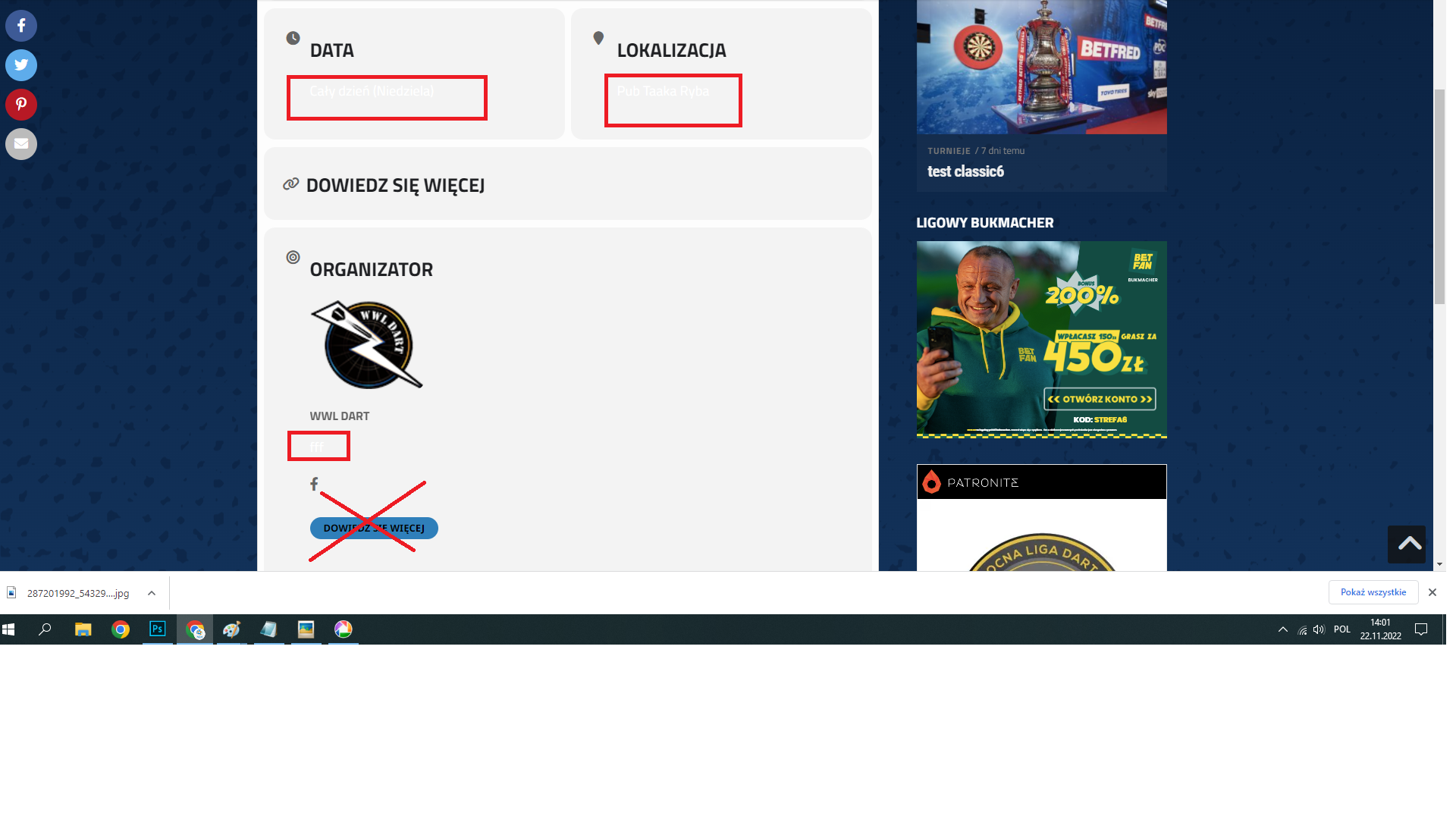
how to change the color of the content highlighted in the graphic? I wish he was black, not white. I've gone through all the options and can't find it.
and how to get rid of this blue button?

Thanks :)
No, it does not work with plugins enabled.
what is the solution then?
thank you