Hello,
Please follow
PROTIP: If the /events page does not work due to theme/plugin conflicts, create a new page, call it “Events Directory” Insert eventon shortcode and use that as your main events page which will have a URL ending like /events-directory. This would be a perfect solution if you have conflicts with /events slug.
I cannot login because you need to login to WordPress.com first. Could you check?
Could you also try checking the mobile while being logged-in?
Hello
i created a test system; there i have the same scenario.
https://onetinfo.ch/b-waffen/wp-admin
eventon-support
Q(#blXz$2a^lRRt9XTm#4NkM
Hello,
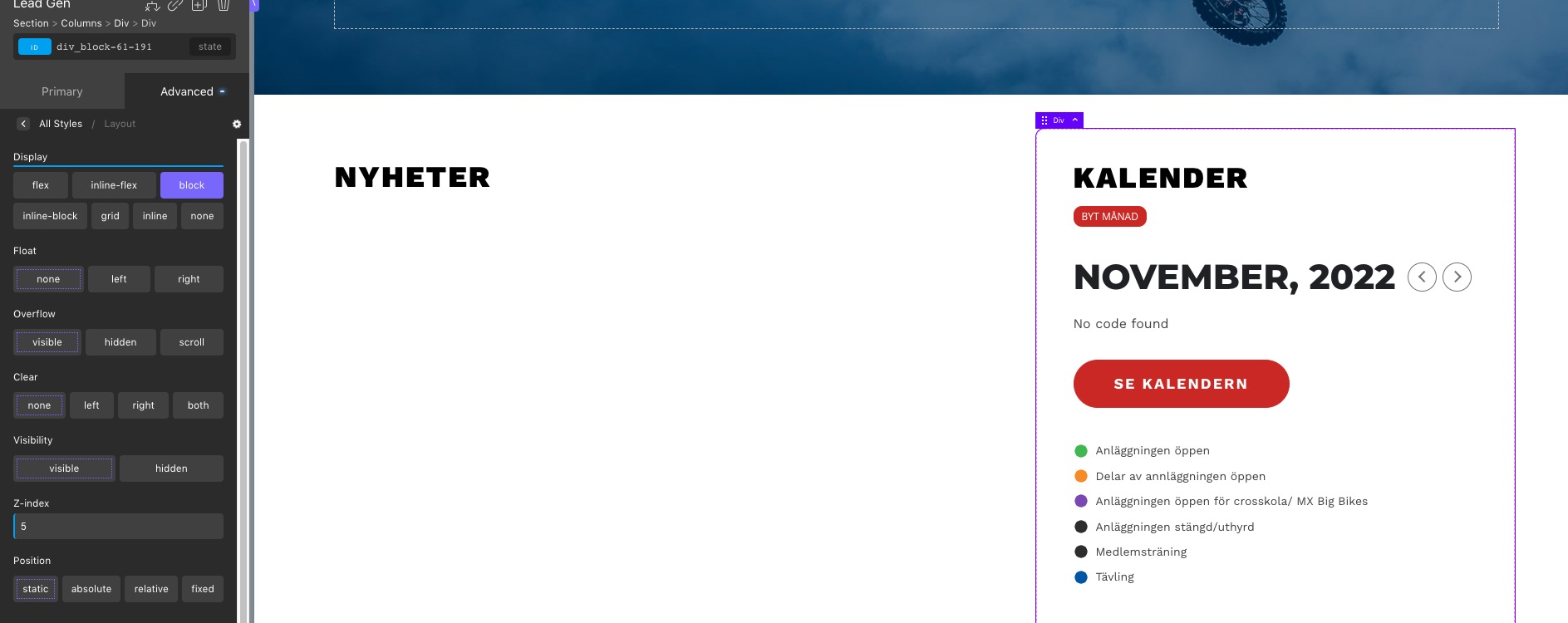
Instead of “flex”, please try “block”:
Hello,
Could you tell us how do you update? If “EventON > Delete eventon settings & data when EventON is uninstalled” is disabled, EventON doesn’t delete the events.
More info:
To update eventon to latest version: If you are unable to do autoupdate, you can go to codecanyon your account > download and get the latest eventon version as zip file. Then you can go to your website > make sure “Delete eventon settings & data when EventON is uninstalled” is Deslected from eventon settings, delete old eventon, install new one and activate. This link will further explain the process it. Also you can follow us on twitter to get real-time announcements on updates!
Hello,
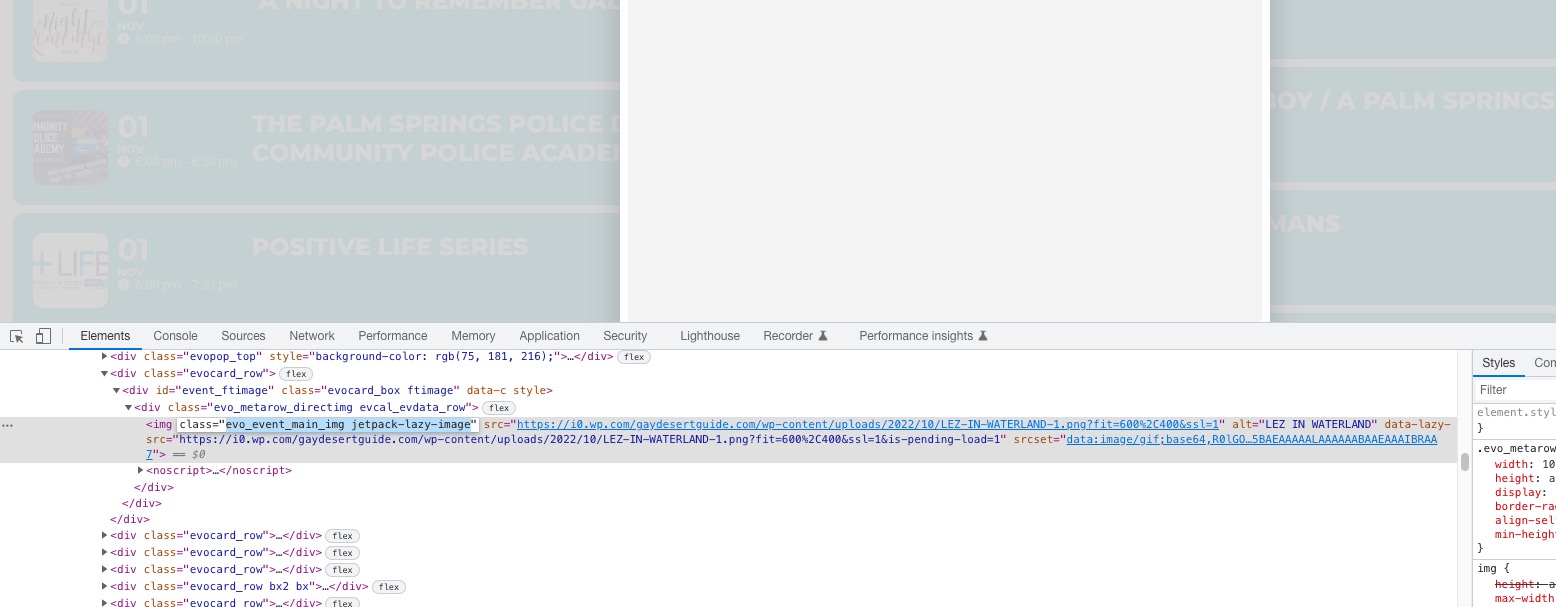
Jetpack replaces images, which prevents them from showing:
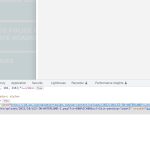 Could you disable the feature?
…the event listing displays on Mobile is not good.
Could you elaborate? With screenshots.
We are glad your issue is resolved, if you have any further questions or concerns please create a new ticket.
If you have a moment, we would greatly appreciate if you could kindly leave us a review at codecanyon! from your account > downloads. Cheers!
Hello,
Please send us wp-admin access to your site as a private message for us to further assist your situation.
Please check for latest version of this software from here Your issue might be related to an older version you are running and we might have resolved this already in the newer version update. If you are on latest version of our software and the issue still persist please let us know.
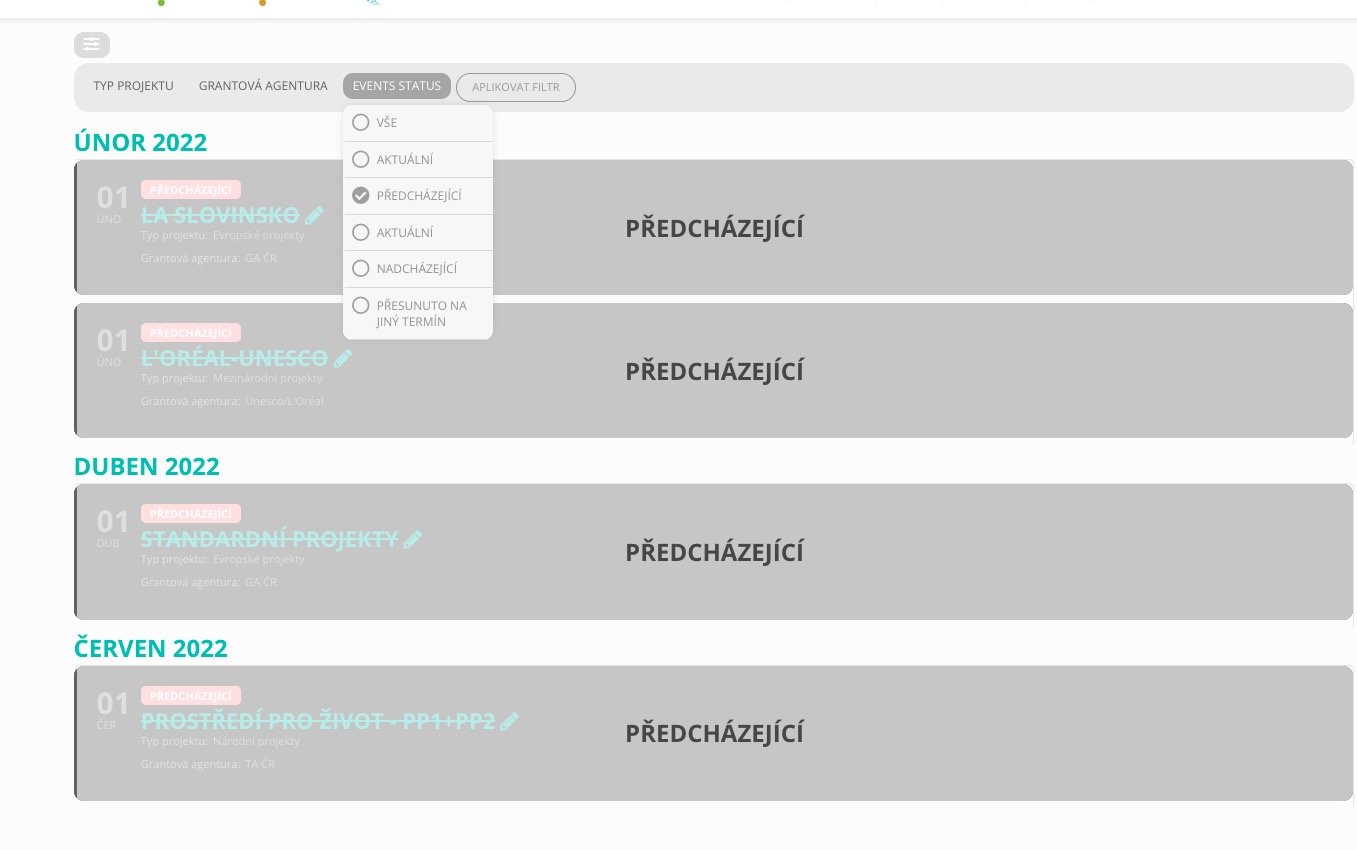
Event Status is visible and working: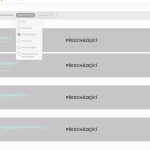 I cannot watch the video because I need to log-in. Could you send us a screenshot?
Hello,
Please add this CSS code to EventON > Styles (If you don’t see any change, EventON > Scripts & Styling > turn off Write dynamic styles to header > save settings > turn on Write dynamic styles to header):
.eventon_events_list .eventon_list_event .evoet_cx span.evcal_desc2, .evo_pop_body .evoet_cx span.evcal_desc2, .eventon_events_list .eventon_list_event .evoet_cx span.evcal_event_subtitle, .evo_pop_body .evoet_cx span.evcal_event_subtitle { text-transform: none; }