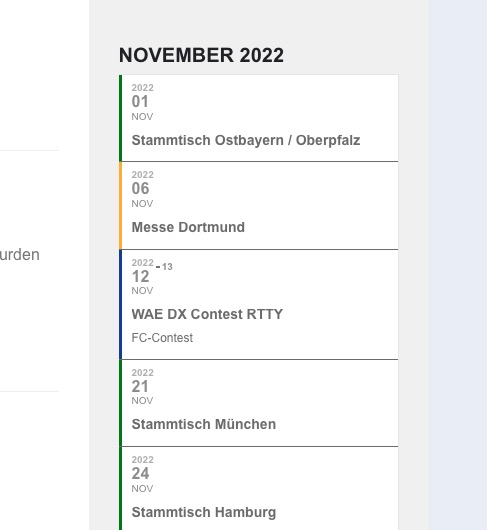
Hello,
EventON 4.1.3 can be found here: https://helpdeskx.s3.amazonaws.com/wp-content/uploads/2022/10/27053250/eventON-35.zip
Could you go to EventON > Appearance > EventTop and make sure settings are there? We changed the design, so maybe certain settings need to be updated.
Also please try going to EventON > Scripts & Styling > turn off Write dynamic styles to header > save settings > turn on Write dynamic styles to header. Sometimes, especially after updating, Appearance settings need to be updated because of the internal cache.
Settings can be exported and then later imported by going to EventON > Import/Export General EventON Settings.
Have you managed to fix everything already?
Could you check and let us know?
Great! We are glad your issue is resolved, if you have any further questions or concerns please create a new ticket.
Hello,
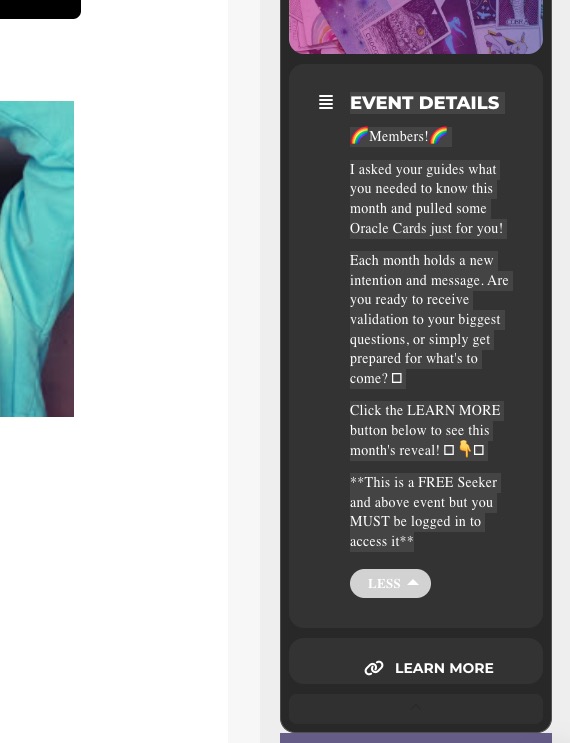
Could you elaborate more? Are you referring to this Event Details section:
setting in general settings
Could you send us a screenshot of this? Which setting are you talking about?
H Artem,
it works. Thank you. So please let me know what the issue was? Did I do something wrong or was there a bug?
Tanks again for your help,
Mascha
Google Maps does not show when an event is displayed as a popup.
As a temporary solution, could you go to your shortcode and replace ux_val=”3a” with ux_val=”3″?
You can go to EventON > Appearance > change Current Theme. Also try EventON > Appearance > Event Top. Go to EventON > EventTop > change Select Default Calendar EventTop Style.
If you don’t see any change, EventON > Scripts & Styling > turn off Write dynamic styles to header > save settings > turn on Write dynamic styles to header.
and its should be in colonne like
Could you send us a screenshot? What’s “colonne”?
Please send us wp-admin access to your site as a private message for us to further assist your situation.
Could you try moving fields from the second column to the third one?
Please add this CSS code to EventON > Styles (If you don’t see any change, EventON > Scripts & Styling > turn off Write dynamic styles to header > save settings > turn on Write dynamic styles to header):
#evcal_widget #evcal_list .eventon_list_event .evcal_list_a, .widget-area .ajde_evcal_calendar .eventon_events_list .evcal_list_a { flex-wrap: nowrap !important; }
Hello,
Since you are using Tile Design, please remove show_et_ft_img=”yes” from the shortcode.
As for the image, go to EventON > EventCard > Feature image display style: Direct Image.
In order to hide past events you need to add event_past_future=”future” to your shortcode: https://bettfedernfabrik.at/advent-ein-lichtlein-brennt/
Please go to EventON > Appearance > EventTop. If you don’t see any change, EventON > Scripts & Styling > turn off Write dynamic styles to header > save settings > turn on Write dynamic styles to header.
Hello,
WooCommerce handles Shipping, so please follow
https://www.websitebuilderinsider.com/how-do-i-remove-shipping-options-in-woocommerce/
The only alternative is
https://docs.myeventon.com/documentations/setup-basic-paypal-events/
Hello,
You can go to EventON > Single Event Page > Select eventTop style: Immersive Flow.
OR Please add this CSS code to EventON > Styles (If you don’t see any change, EventON > Scripts & Styling > turn off Write dynamic styles to header > save settings > turn on Write dynamic styles to header):
.evo_page_body .evo_sin_page .evosin_event_title { display: none !important; }
H1 title is good for SEO.