There is no need to get angry, I am here to help.
What I am trying to do is to recreate the issue, so we can fix it.
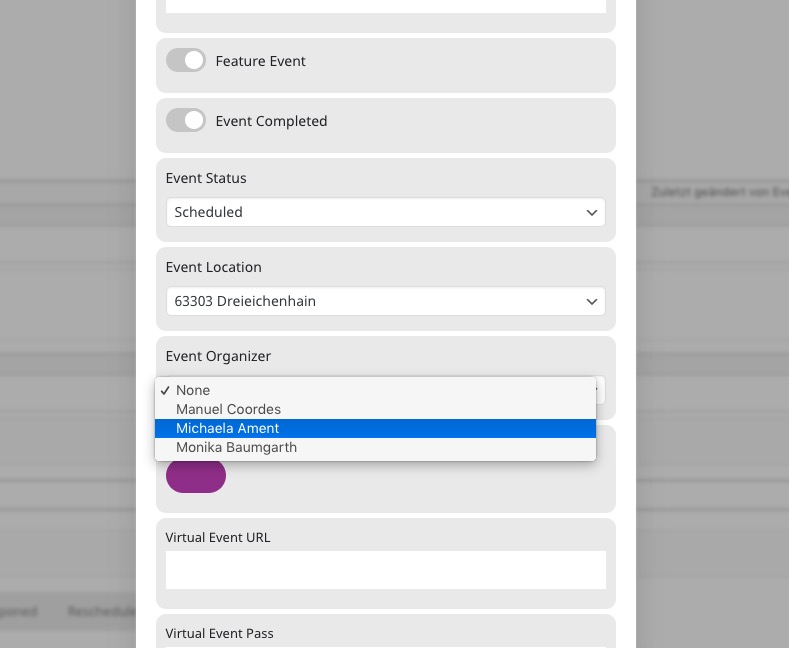
I went to http://bb.akasha-chronik.com/wp-admin/post.php?post=2985&action=edit > opened OPEN REPEAT CUSTOMIZER and was able to change Location and Organizer in both repeats.
Can you do the same? Just trying to undertand what “the second event is away….” means.
You can write in your native language if easier.
BUT the organizator still doesn`t change….
Could you tell us more?
When you try to change Organizer in Repeat Customizer, it doesn’t save the change after the page update?
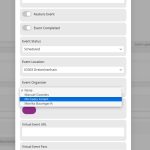
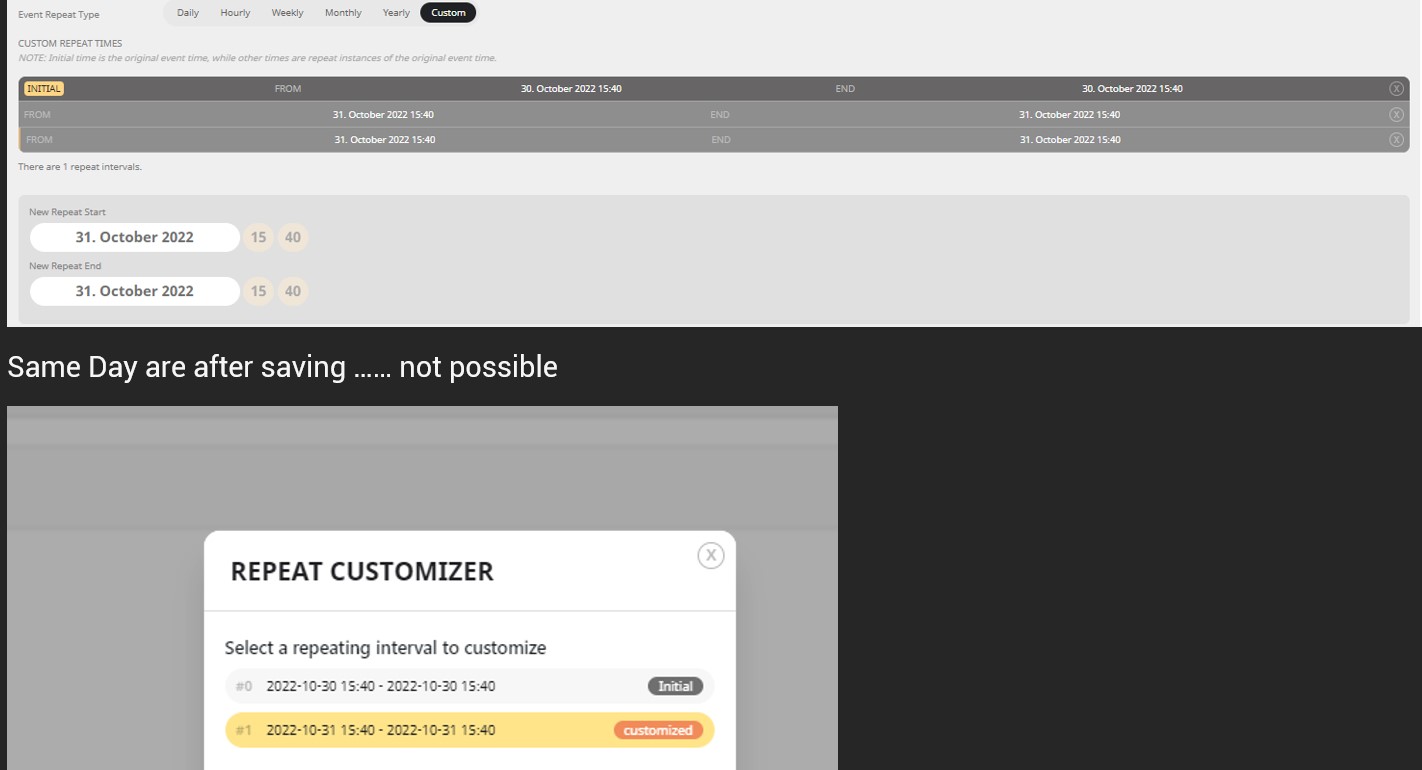
https://helpdeskx.s3.amazonaws.com/wp-content/uploads/2022/10/27065605/Screenshot-2022-10-27-155554.jpg
I am not sure what this screenshot is about. Could you elaborate as well?
You can write in your native language, if easier.
Hello,
I am sorry, the access information you have provided did not work for us. Please check them and post the correct login information as a private message, thank you!
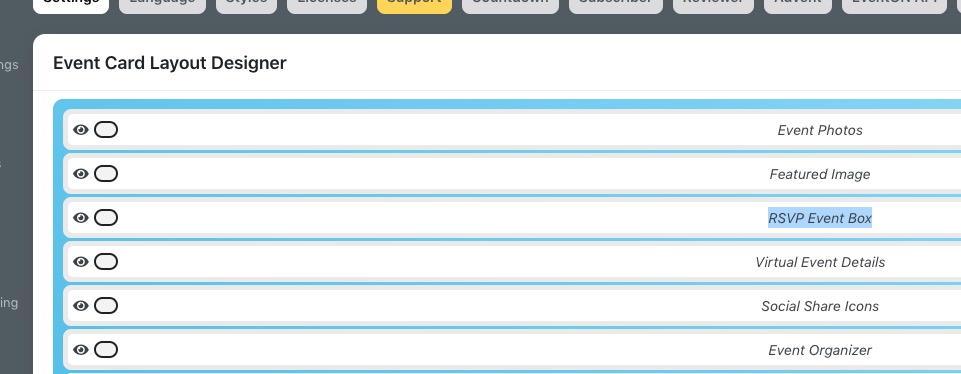
Please go to EventON > Event Card > make sure that RSVP Event Box is added:
Thank you for your messages, I am going to assign this ticket to Ashan and he will be able to take it from here and find you a solution. Please allow some time for him to get back to you, we greatly appreciate your patience and thank you for being a eventon customer! Also please disable any IP blocking on your site if there are any.
Thank you for your messages, I am going to assign this ticket to Ashan. Please allow some time for him to get back to you, we greatly appreciate your patience and thank you for being a eventon customer!
Hello,
Please add this CSS code to EventON > Styles (If you don’t see any change, EventON > Scripts & Styling > turn off Write dynamic styles to header > save settings > turn on Write dynamic styles to header):
.ajde_evcal_calendar.boxy.boxstyle1 #evcal_list .eventon_list_event .evcal_desc span.evcal_event_title, .ajde_evcal_calendar.boxy.boxstyle1 #evcal_list .eventon_list_event .evcal_desc span.evcal_event_subtitle { word-wrap: normal; overflow: visible; white-space: normal; text-overflow: inherit; }
I fixed fonts not showing + added this style (the bottom one):
https://www.litsalon.co.uk/wp-admin/admin.php?page=eventon&tab=evcal_3
Please check and let me know.
Ok great! Please wait for the next version release.