We will include this fix in the next version and release it very soon, so you can just wait.
Archives: Replies
Replies for tickets on suppota
Reply to: tickets(293831)
Hello,
Please add this CSS code to EventON > Styles (If you don’t see any change, EventON > Scripts & Styling > turn off Write dynamic styles to header > save settings > turn on Write dynamic styles to header):
.evo_page_body { padding-top: 100px; }
Reply to: tickets(293488)
I switched to the second location, saved and then switched back:
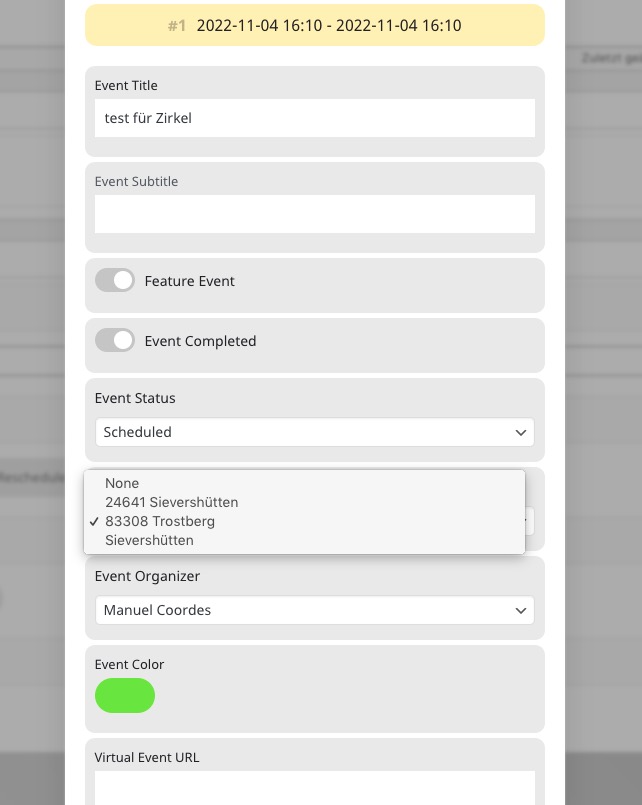
Seems to be working. Could you check with cleared cache?
Reply to: tickets(293830)
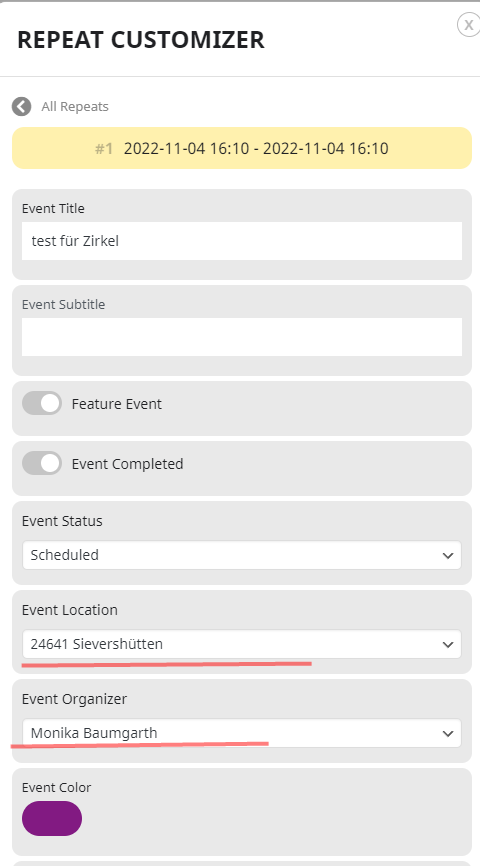
Sorry, but I can only attache one image.
Here on this attachment you can see where we change the organazer
Reply to: tickets(293830)
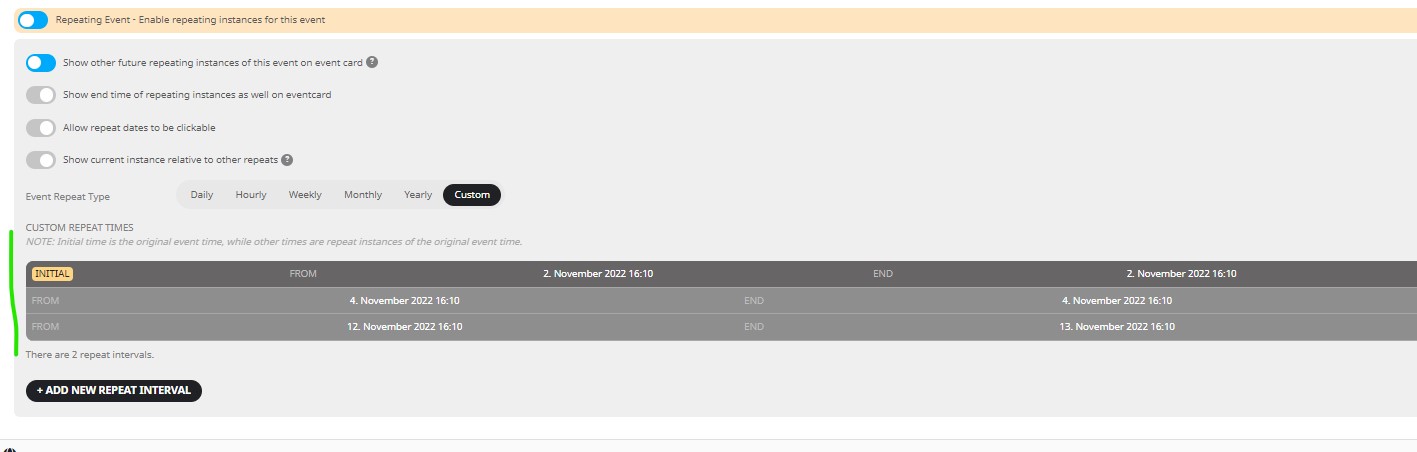
Here a attachment who is the problem
Reply to: tickets(293830)
Hello again,
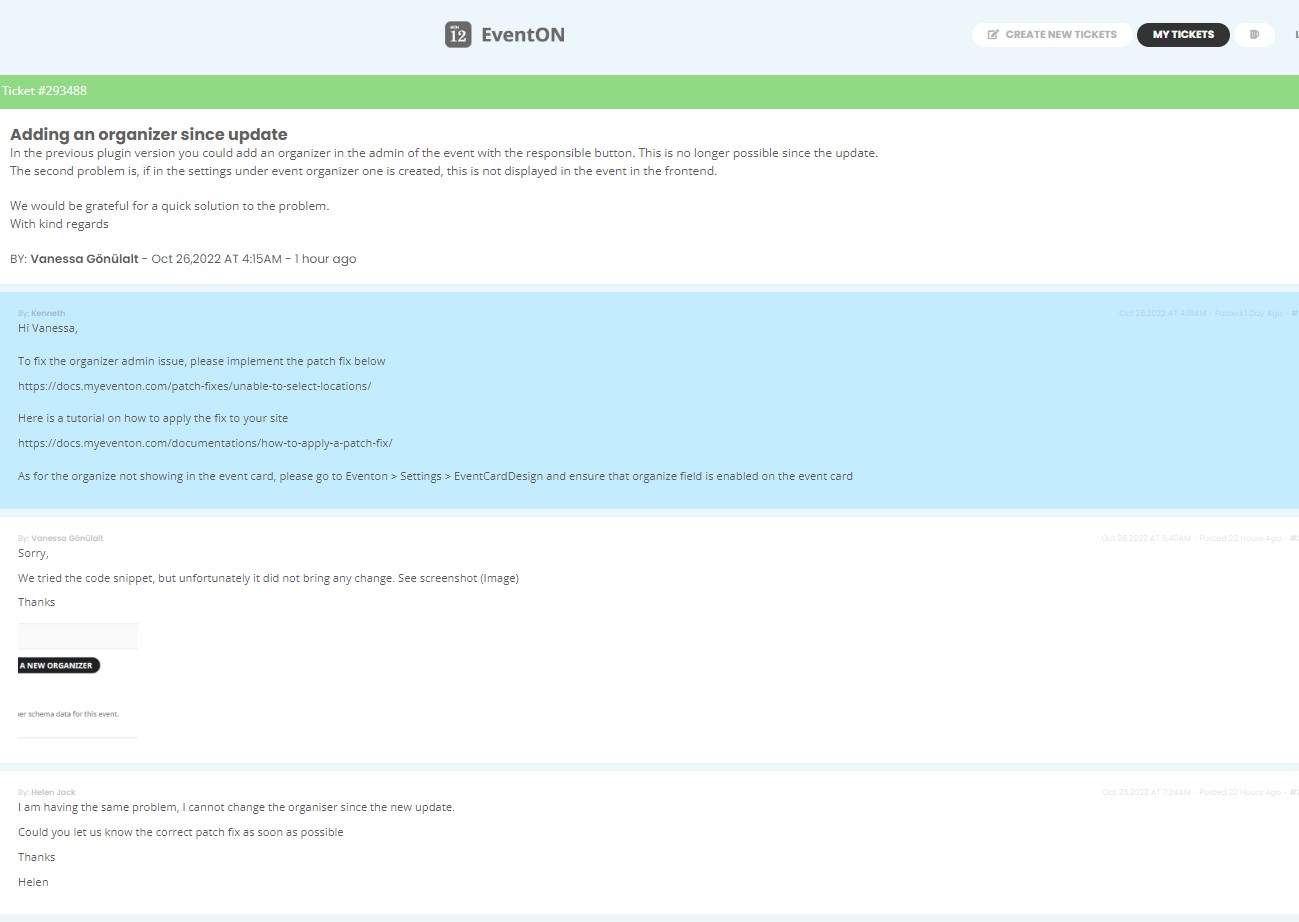
but this problem we soved befor… please read the text excactly. Because I am a little bit angry. Because here are some problems after the update and now I should solved it for EventOn ??? No, I am the customer, who paid a extra tool “addon” and this does not work, like the discription.
I send you the screnshot from the other ticket, because you had not looked in this.
We changed this and we can collect the location and orginazer.
thanks a lot
Reply to: tickets(291001)
Please add this CSS code to EventON > Styles (If you don’t see any change, EventON > Scripts & Styling > turn off Write dynamic styles to header > save settings > turn on Write dynamic styles to header):
.ajde_evcal_calendar.boxy.boxstyle1 .evo_boxtop, .ajde_evcal_calendar.boxy.boxstyle2 .evo_boxtop {margin: 0 !important;}
This code changes Time and Place color:
.ajde_evcal_calendar.color #evcal_list .eventon_list_event .evcal_desc em { color: black !important; }
Reply to: tickets(293830)
Hello,
Please follow this guide:
https://docs.myeventon.com/patch-fixes/unable-to-select-locations/
Reply to: tickets(292848)
Location doesn’t work without Location Address, so if you find locations that don’t have an address, you need to either to add one (https://orebro.minhemstad.se/wp-admin/edit-tags.php?taxonomy=event_location&post_type=ajde_events&paged=3) or remove it and then import it with added to the .csv file location.
Reply to: tickets(293594)
We are glad your issue is resolved, if you have any further questions or concerns please create a new ticket.