It’s ok, the backend is migrating to a new server. I will check later
Archives: Replies
Replies for tickets on suppota
Reply to: tickets(294168)
Now my site won’t open. Why is that?
Reply to: tickets(293446)
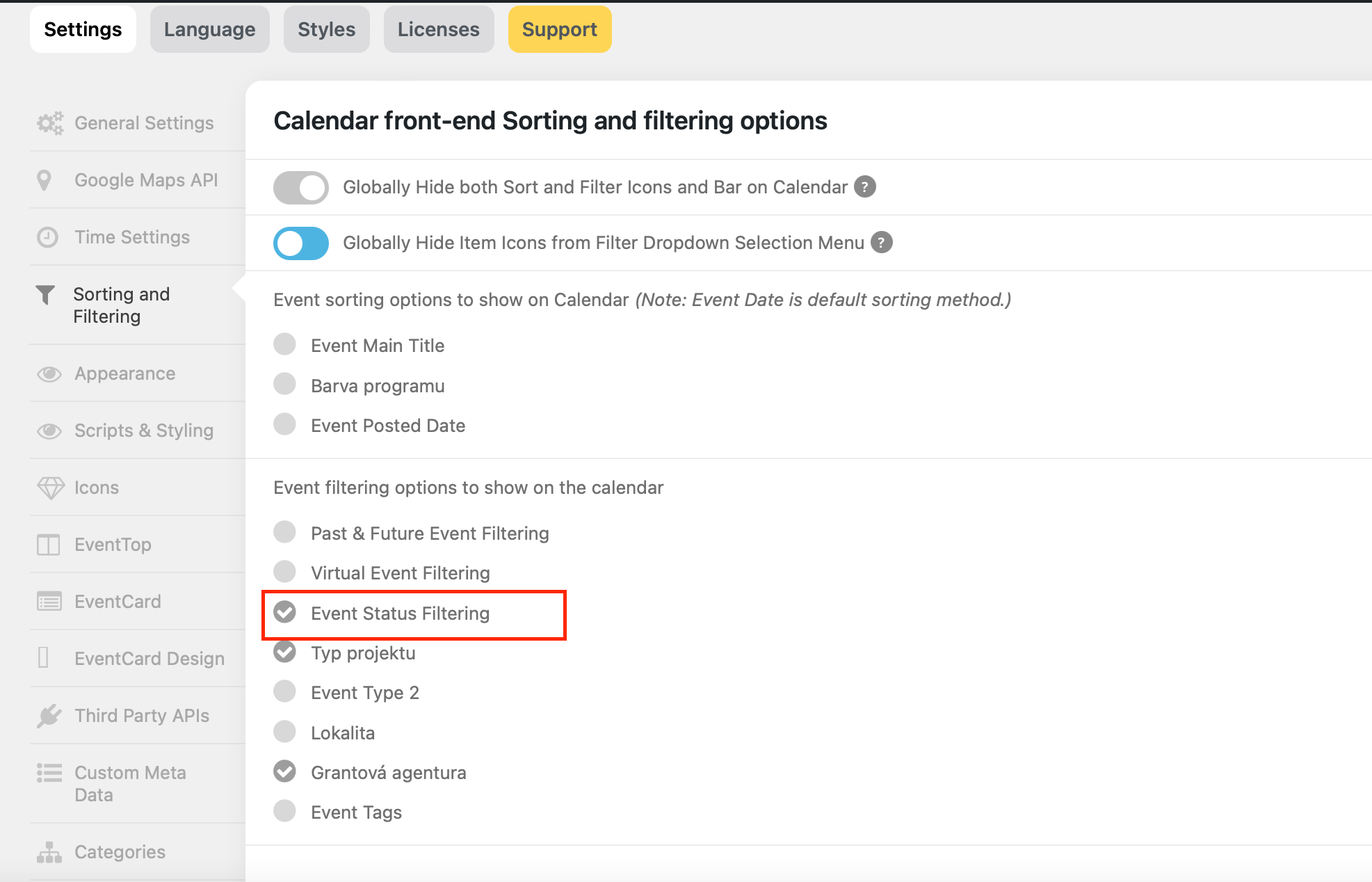
It is and also was checked on.
Reply to: tickets(294314)
It seems to work.
Here is my FTP acces
I fear i could make a huge mistake so i let you do this for me
Admin code
dngp_eventon
415DHd-NuJ3
dngp.ftp.infomaniak.com
Reply to: tickets(294296)
Thanks,that did the trick
Reply to: tickets(293593)
The heading within the event card, and all the body text in the event card, including section heads and dates, should be in Lato. Font sizes look OK.
Please go to EventON > Appearance > put Lato in both Primary/Secondary Calendar Font family.
This shows the event listing with the heading (outlined) too large (can’t remember what size it was before, but not this big) and it should be in Playfair Display.
The main title is the new addition of EventON 4.2. Use this code to customize it or hide it completely:
.evo_page_body .evo_sin_page .evosin_event_title { display: none !important; }
Reply to: tickets(294313)
Please follow
https://wordpress.stackexchange.com/questions/229474/converting-unix-timestamp-to-wordpress-date
Reply to: tickets(294071)
Try switching to “Everywhere except single event pages”:
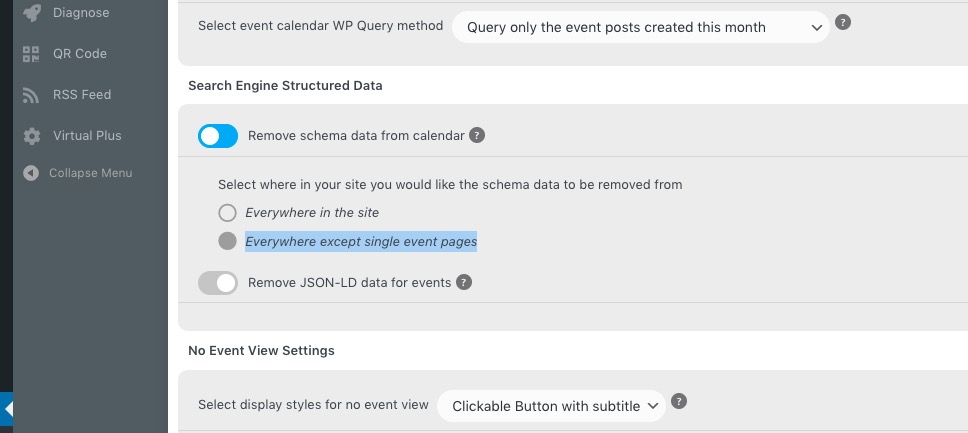
It should show only one set of schema data.
I meant all past events are not being displayed.
For more past events change number_of_months=”35″ month_incre=”-36″ to larger numbers. However, it seems that the best if to use Event Lists: Ext add-on, where you can just use:
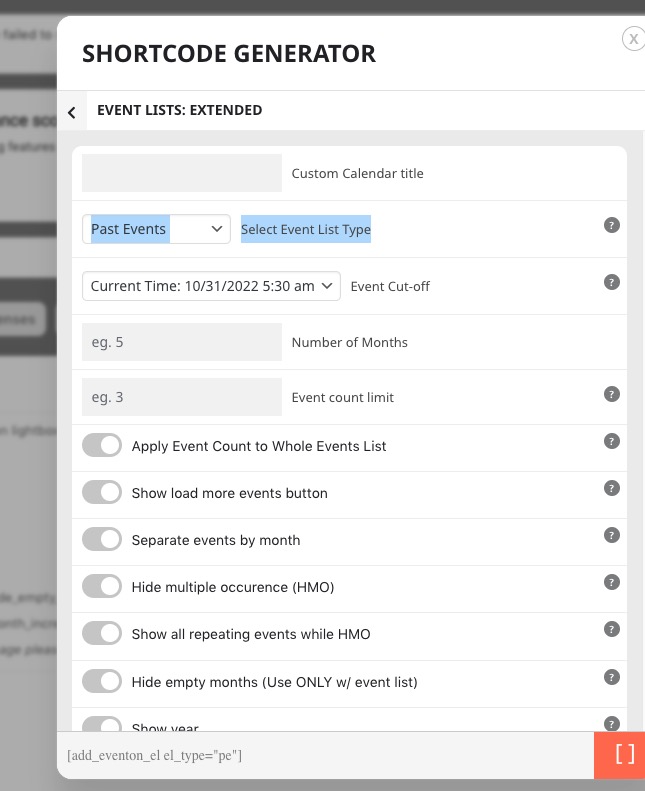
Reply to: tickets(294072)
Thank you for your messages, I am going to assign this ticket to Ashan . we greatly appreciate your feedback and thank you for being a eventon customer!
Reply to: tickets(294168)
It seems that this is because of these custom styles:
https://thebeatbali.com/wp-admin/admin.php?page=eventon&tab=evcal_3
Could you check without them?