Hello,
I commented the custom code and enabled EventON > Scripts & Styling > Write dynamic styles to header, so it should be fixed now:
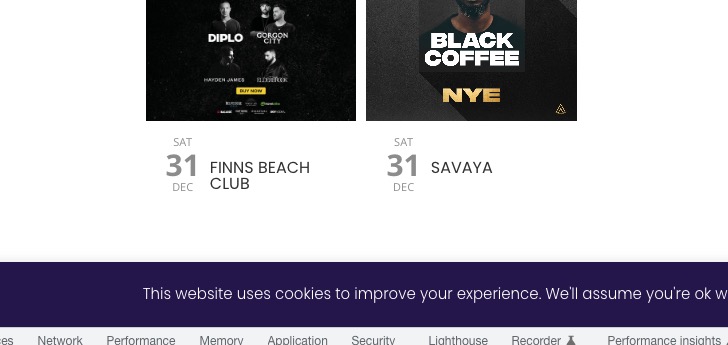 Please check and let me know.
Replies for tickets on suppota
Hello,
I commented the custom code and enabled EventON > Scripts & Styling > Write dynamic styles to header, so it should be fixed now:
Please check and let me know.
Hello,
Please add this CSS code to EventON > Styles (If you don’t see any change, EventON > Scripts & Styling > turn off Write dynamic styles to header > save settings > turn on Write dynamic styles to header):
.ajde_evcal_calendar.boxy.boxstyle2 #evcal_list .eventon_list_event .evcal_cblock { height: auto !important; } .ajde_evcal_calendar.boxy.boxstyle2 #evcal_list .eventon_list_event .evcal_desc span.evcal_event_title, .ajde_evcal_calendar.boxy.boxstyle2 #evcal_list .eventon_list_event .evcal_desc span.evcal_event_subtitle { word-wrap: normal; overflow: unset; white-space: normal; }
.evo_page_body .evo_sin_page .evosin_event_title { display: none !important; }
Hello,
You need to use Event Lists: Ext add-on
https://www.myeventon.com/addons/event-lists-extended/
Try this shortcode on https://dev.myeventon.com/wp-admin/:
[add_eventon_el number_of_months=”12″ event_count=”3″ event_count_list=”yes” hide_empty_months=”yes”]
Could you send us a link to the one we can test on?
Please add this CSS code to EventON > Styles (If you don’t see any change, EventON > Scripts & Styling > turn off Write dynamic styles to header > save settings > turn on Write dynamic styles to header):
.evo_page_body .evo_sin_page .evosin_event_title { display: none !important; }
Hello,
Please make sure that you are using the latest version of FullCal:
https://docs.myeventon.com/documentations/changelog-fullcal/
To update eventon addons: You can download latest eventon addons from myeventon > my account. Then you can go to your website, deactivate old addon and install new one and activate then delete the old addon. This link will further explain the process. Also you can follow us on twitter to get real-time announcements on updates!
We are glad your issue is resolved, if you have any further questions or concerns please create a new ticket.
Great! If you have any further questions or concerns please create a new ticket.
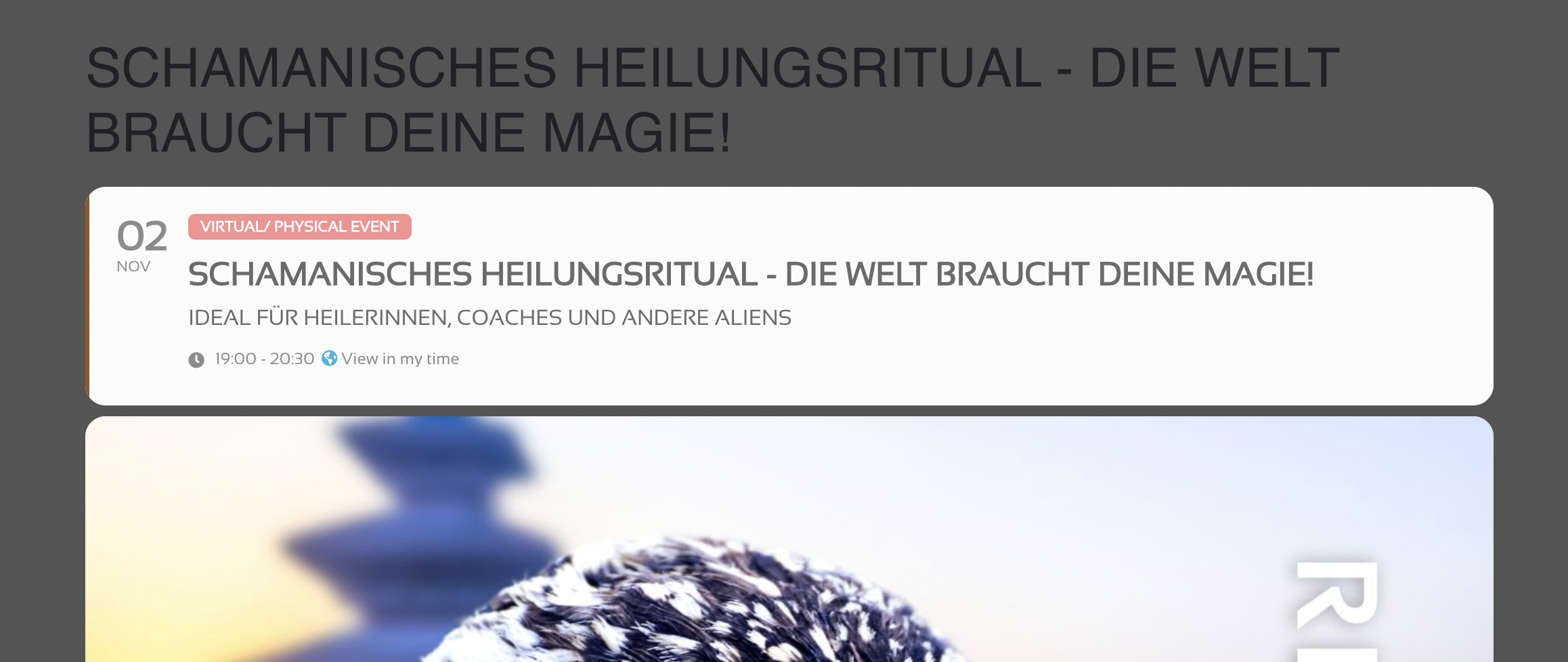
Sorry, had forgotten to attach it.
Here we go…
Hi Linda,
To fix the organizer and event locations issue, please use the patch fix below
https://docs.myeventon.com/patch-fixes/unable-to-select-locations/
Below is a tutorial on how to implement the fix
https://docs.myeventon.com/documentations/how-to-apply-a-patch-fix/
Regarding the featured event label, please go to Settings > Eventon > EventTop designer and make sure “Tags” is added