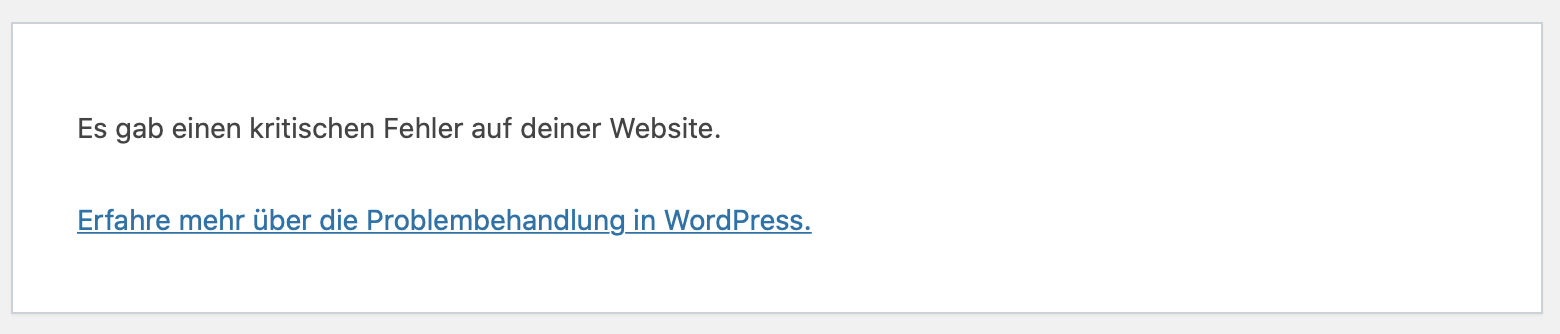
Yes. Exactly. The error is called:
There was a critical error on your website.
Learn more about troubleshooting WordPress.
Replies for tickets on suppota
Yes. Exactly. The error is called:
There was a critical error on your website.
Learn more about troubleshooting WordPress.
Well, well… Who does not ask, shall get no answer.
Would have been nice for a long-term customer. And I see that’s too much of an effort for your side.
OK, I’ve managed to make the type white again and so it can be read!
I’ve tried changing the font to ‘lato’ on the headlines and calendar but it isn’t working for me.
Have specified ’14’ months but that’s not working either. I have an event in October 2023 that isn’t showing.
Some of the information that was showing on the tiles before the update on 26 October no longer appears on the calendar.
I’m hoping that you will be able to sort this out more quickly than I can as I don’t know which lines of code were changed by the updates.
Thanks.
Hey Artem,
so I fixed my initial problem, which was caused by an outdated single page template that I was still using. However, the overlay issue shown in the screenshot remains, hence please find below the login data for my dev env so you can checkout the issue for yourself. You can replicate it when clicking on the event here: https://test.philipstrothmann.de/activity/
Login: https://test.philipstrothmann.de/wp-login.php
User: JohnDoe
PW: QX!Op*%^erhlO&F5l1C52cRV
FTP: philipstrothmann.de
User: web124f3
PW: gobwiHi~MidTact
Thanks a lot for looking into the issue!
Kind regards, Philip
I’ve just loaded your latest update, unfortunately it hasn’t improved the situation and the heat calendar is now wrong too:
https://www.litsalon.co.uk/study-calendar/
wrong font and grey instead of white. Trying to see what I can do to fix it but your help would be appreciated.
Thanks,
N
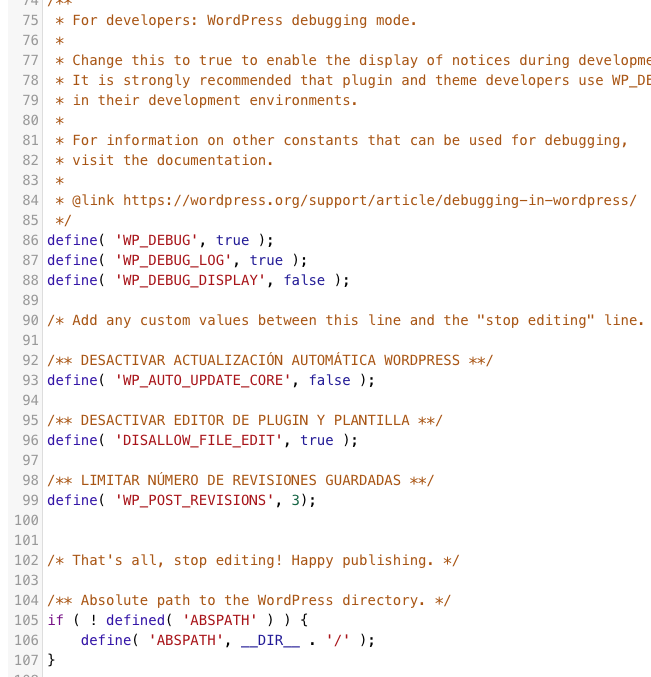
Ok, I’ve renamed the file single-adje_events.php and now it’s working. But what it can’t work like before?
Ich hoffe sehr auf eine baldige Lösung, denn das benötigen wir wirklich dringend.
Danke
Ich würde gerne zuerst das andere Ticket abschliessen und dann schauen wir weiter
Hello,
Could you update EventON to 4.2.1?
To update eventon to latest version: If you are unable to do autoupdate, you can go to codecanyon your account > download and get the latest eventon version as zip file. Then you can go to your website > make sure “Delete eventon settings & data when EventON is uninstalled” is Deslected from eventon settings, delete old eventon, install new one and activate. This link will further explain the process it. Also you can follow us on twitter to get real-time announcements on updates!
I just re-checked everything and I don’t think this is possible. However please create a new ticket and select Feature Request as category so others can vote on your idea and get it moved into development faster.