however the plugin does not work correctly.
going into the settings does not allow me to change the various settings
Archives: Replies
Replies for tickets on suppota
Reply to: tickets(292672)
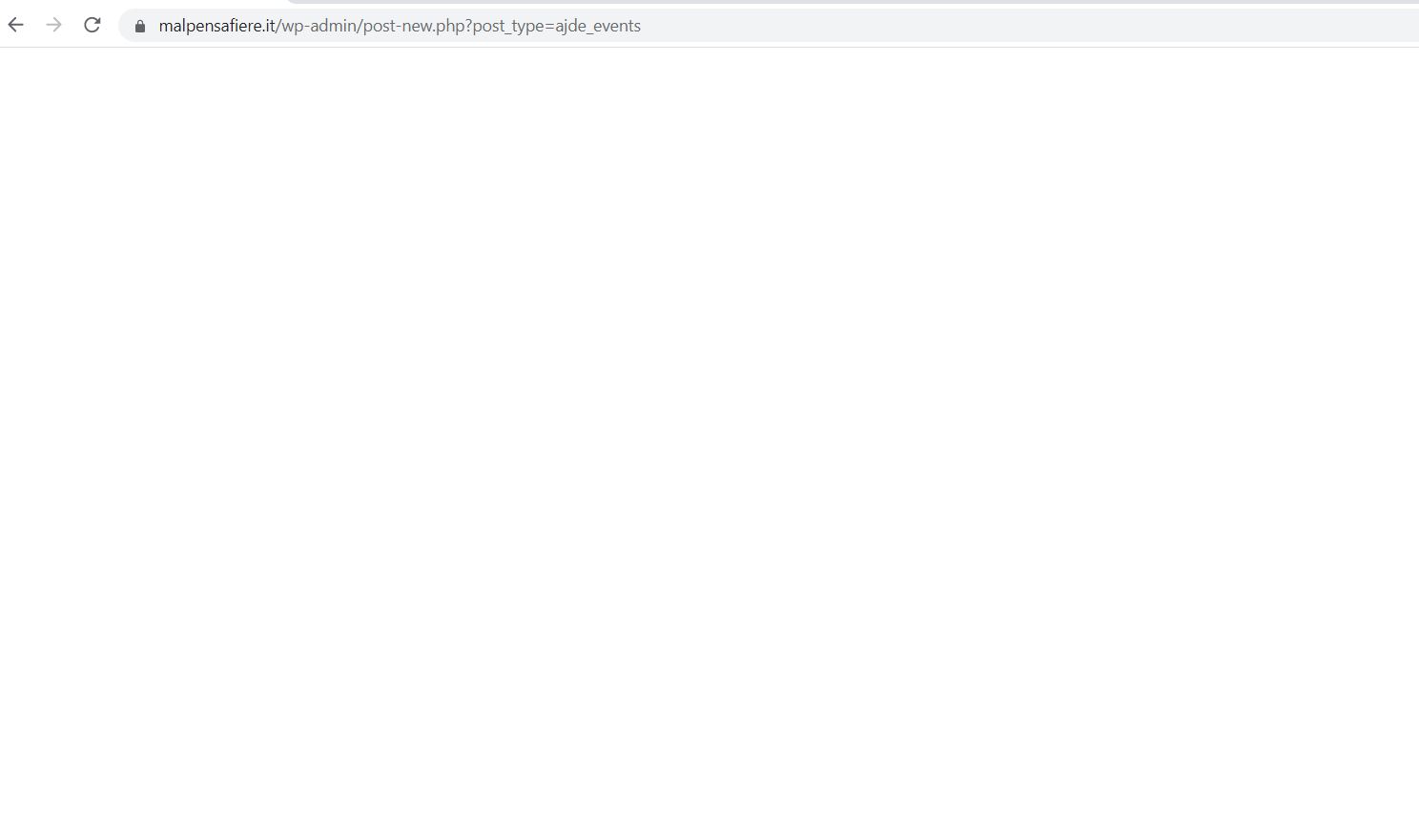
the white screen is there when I insert a new event and not when
I go to modify an existing one. furthermore, the possibility of
assigning a different color to the event no longer works and inserting the highlighted
image does not work. I attach examples
Reply to: tickets(292677)
I have the newest version installed.
Here is the acces:
afh-luxembourg.lu/wp-admin
Support
czKyZHYmpX2pj@c^zB*fa2Q%
Reply to: tickets(292700)
Hello,
The problem is in this custom CSS code:
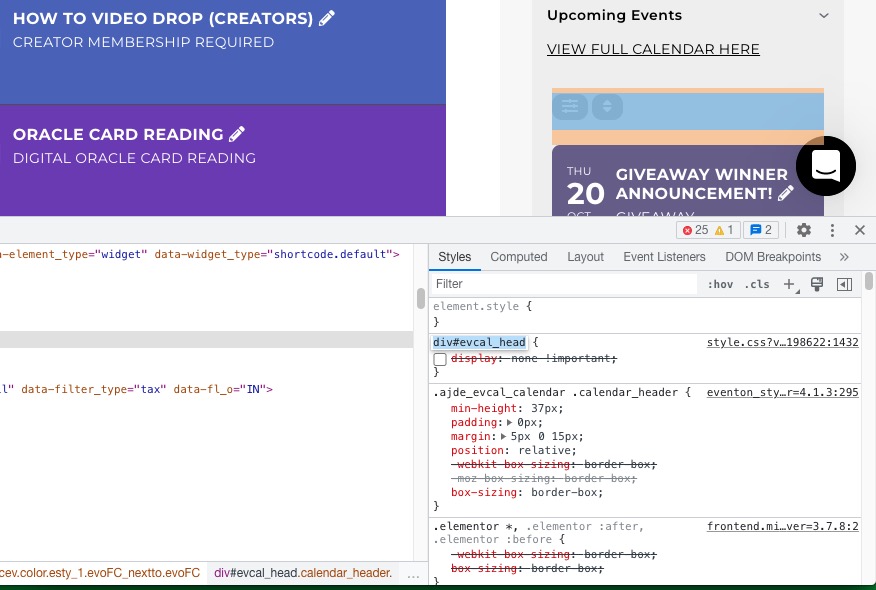
Could you remove it?
Reply to: tickets(292682)
Hello,
Are you trying to override Event Color with Event Type’s?
https://docs.myeventon.com/documentations/override-event-colors-event-type-colors/
Reply to: tickets(289943)
https://helpdeskx.s3.amazonaws.com/wp-content/uploads/2022/10/14130546/Screenshot-2022-10-14-at-22.04.41.png
Which event are you referring to? They both are there, I think:
https://heartfulnessmeditation.dk/wp-admin/edit.php?s=Workshop+Aarhus&post_status=all&post_type=ajde_events&action=-1&event_date_type=all&ev_month=all&seo_filter&readability_filter&paged=1&action2=-1
https://heartfulnessmeditation.dk/wp-admin/edit.php?s=Workshop+K%C3%B8benhavn&post_status=all&post_type=ajde_events&action=-1&event_date_type=all&ev_month=all&seo_filter&readability_filter&paged=1&action2=-1
Reply to: tickets(292555)
And which event are you referring to? Everything seems to be correct.
Reply to: tickets(292550)
Thank you for sharing the solution with us!
If you have any further questions or concerns please create a new ticket.
Reply to: tickets(292677)
Hello,
Please send us wp-admin access to your site as a private message for us to further assist your situation.
Please also check for latest version of this software from here Your issue might be related to an older version you are running and we might have resolved this already in the newer version update. If you are on latest version of our software and the issue still persist please let us know.
Reply to: tickets(292673)
Hello,
There is a new version of QR Code available – 2.0. It hides qr codes in Media.
Could you update?
To update eventon addons: You can download latest eventon addons from myeventon > my account. Then you can go to your website, deactivate old addon and install new one and activate then delete the old addon. This link will further explain the process. Also you can follow us on twitter to get real-time announcements on updates!