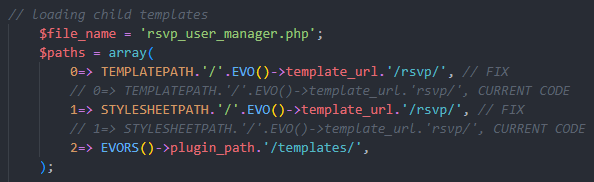
rsvp class-event-manager template fix
Replies for tickets on suppota
rsvp class-event-manager template fix
Hi,
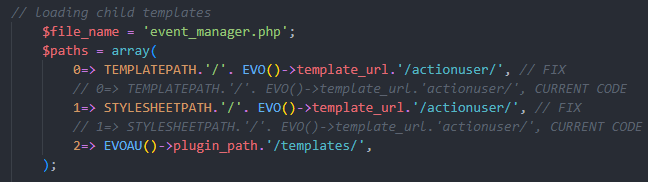
We’ve also discovered that the template files acitonuser/event_manager.php and rsvp/rsvp_user_manager.php aren’t being brought through either.
I’ve managed to fix these issues in the plugin and I’ve attached images of the fixes.
Thanks,
Tommy
Yes, You are right the location still works. That is one wunderfull step.
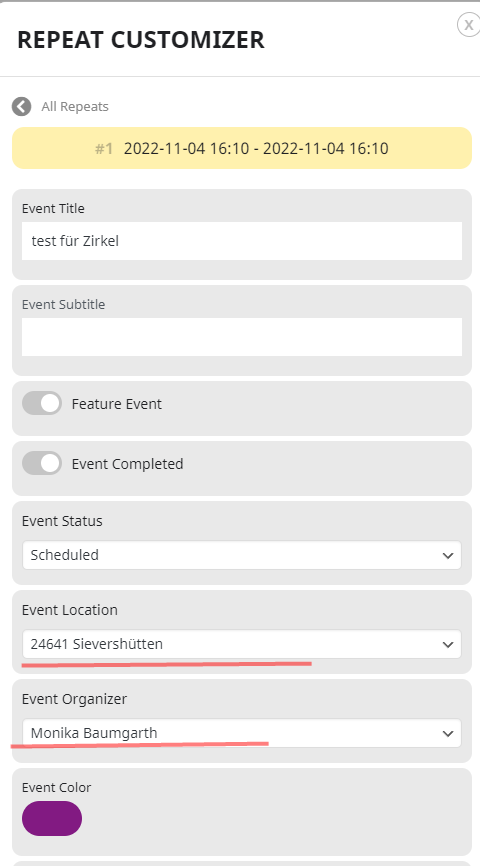
BUT the organizator still doesn`t change….
I am so sorry, we need all thise futuers… because we paid the repead-costumizer .
Thanks a lot for answer allways so quickly
Hello,
Please follow the instructions in this documentation to activate debug in your site to see any PHP errors recorded that can provide insight on to whats going on. Please reply with a link to debug.log file. If you are not able to do this please send us FTP access to your site so we can do this for you.
Unfortunately, it still the same.
We will include this fix in the next version and release it very soon, so you can just wait.
Hello,
Please add this CSS code to EventON > Styles (If you don’t see any change, EventON > Scripts & Styling > turn off Write dynamic styles to header > save settings > turn on Write dynamic styles to header):
.evo_page_body { padding-top: 100px; }
I switched to the second location, saved and then switched back:
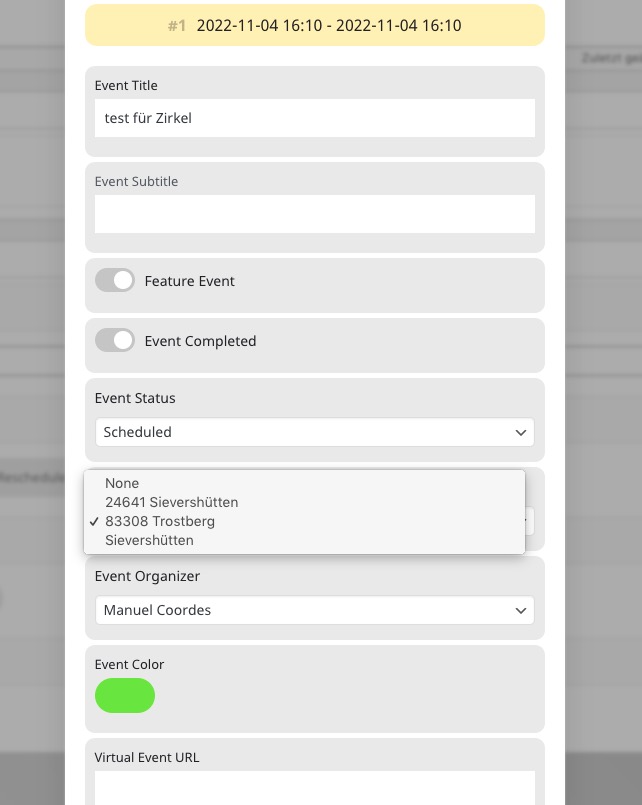
Seems to be working. Could you check with cleared cache?
Sorry, but I can only attache one image.
Here on this attachment you can see where we change the organazer
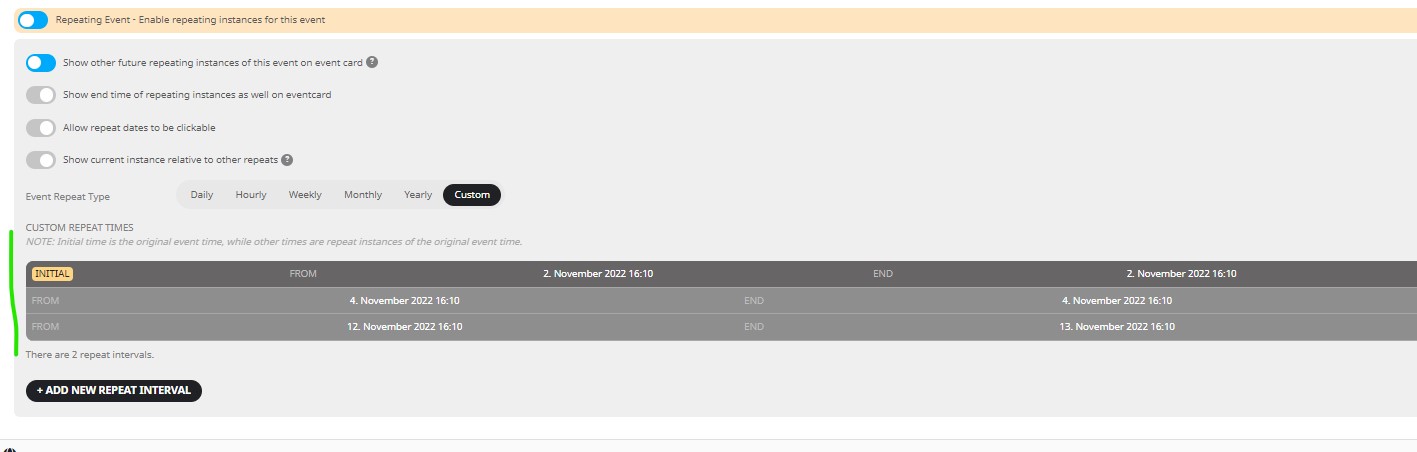
Here a attachment who is the problem