Hello,
Could you send us a link to the file you are trying to import? Also please let us know which texts you tried to change to translate in the file.
Replies for tickets on suppota
Hello,
Could you send us a link to the file you are trying to import? Also please let us know which texts you tried to change to translate in the file.
You can also use Shortcode Generator to add/remove options from a shortcode and then copy it:
https://docs.myeventon.com/documentations/shortcode-generator/
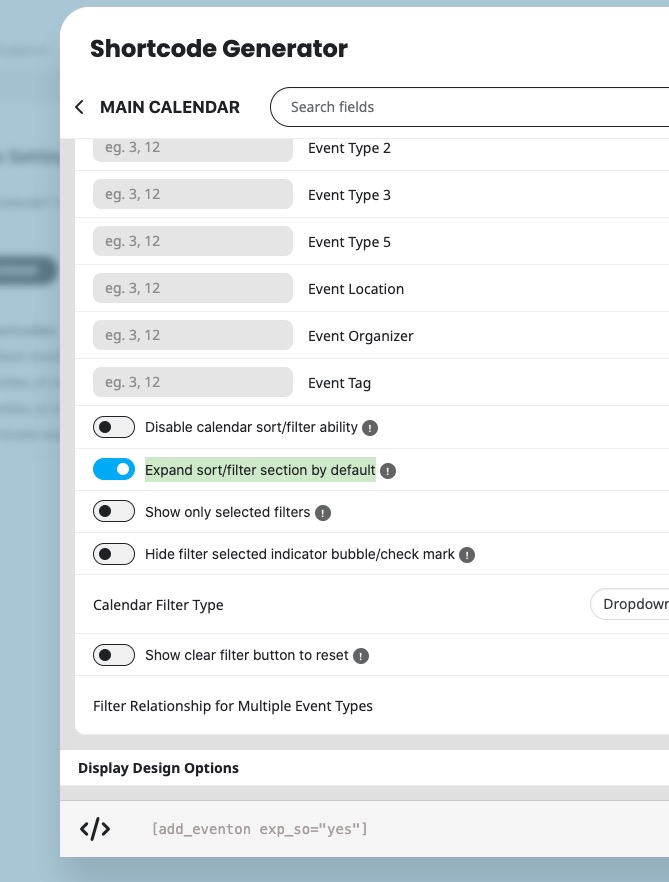
Like this:
[add_eventon show_et_ft_img=”yes” exp_so=”yes”]
Please check and let me know.
Ashan,
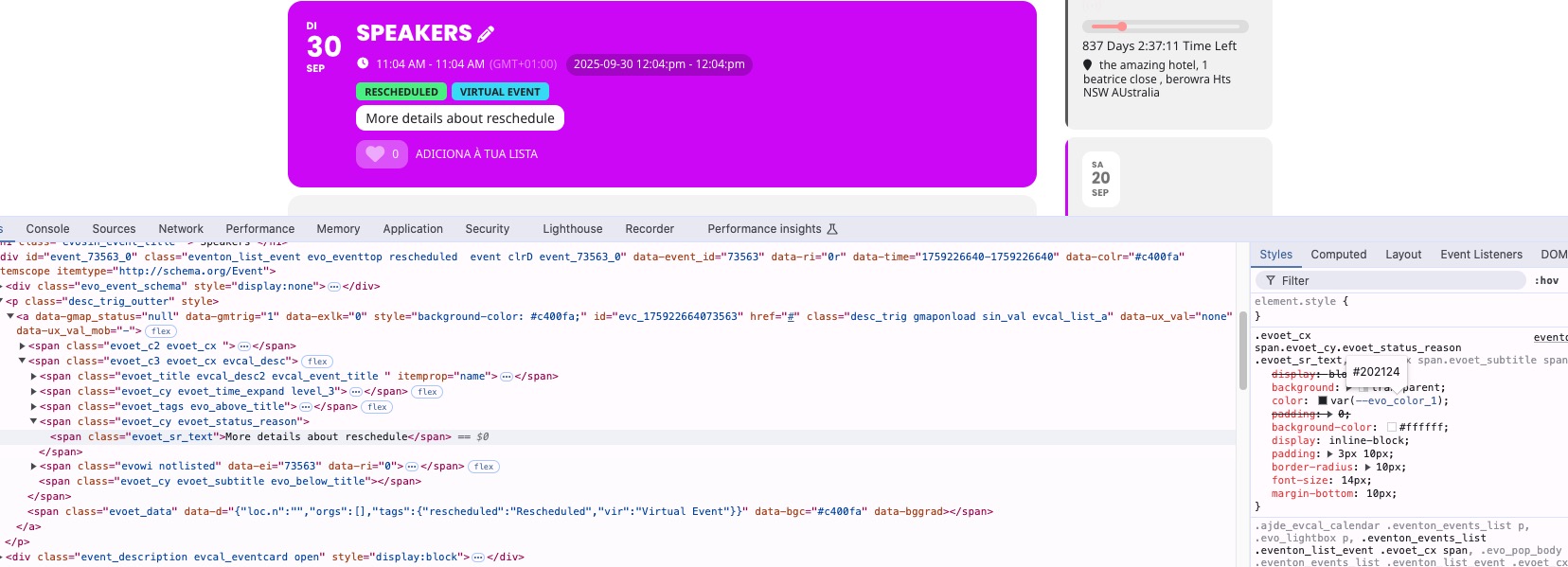
“Event Status Reason Content” doesn’t change the color:
https://dev2.myeventon.com/events/speakers/
Hello,
Thank you for your messages, I am going to assign this ticket to Ashan and he will be able to take it from here and find you a solution. Please allow some time for him to get back to you, we greatly appreciate your patience and thank you for being a eventon customer! Also please disable any IP blocking on your site if there are any.
Thank you for letting us know Matt, we are going to check few things with speaker and schedule addon and then will get a new version out with the fix 🙂
wo Füge ich den Code heir ein? [add_eventon show_et_ft_img=’yes’] Danke
Hello,
Please add additional fields following
https://docs.myeventon.com/documentations/set-additional-fields-rsvp/
After go to Edit Event > RSVP > use “Show only certain additional fields in RSVP form (separated by commas)” to show certain fields on certain events:
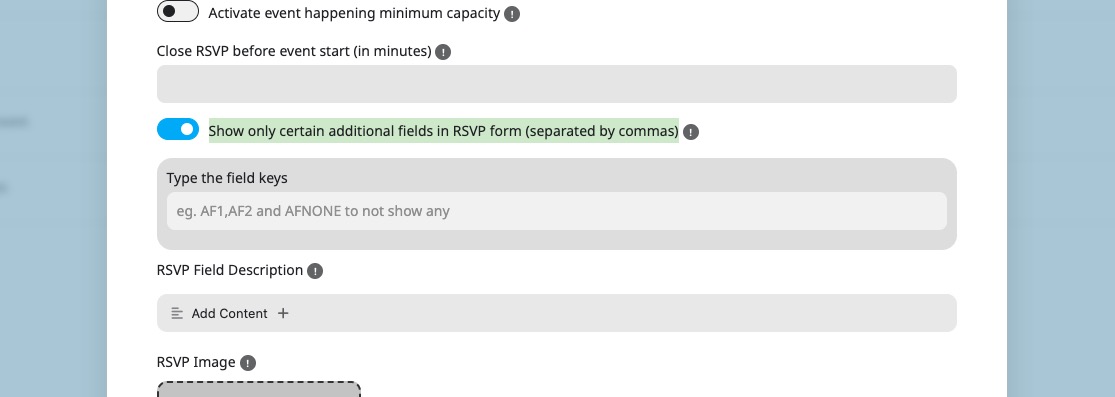
Please check and let me know.
Hello,
Thank you for your great suggestion, at the moment it is not supported. However please create a new ticket and select Feature Request as category so others can vote on your idea and get it moved into development faster.
Please contact the theme developer and ask where can we find this part to edit it:
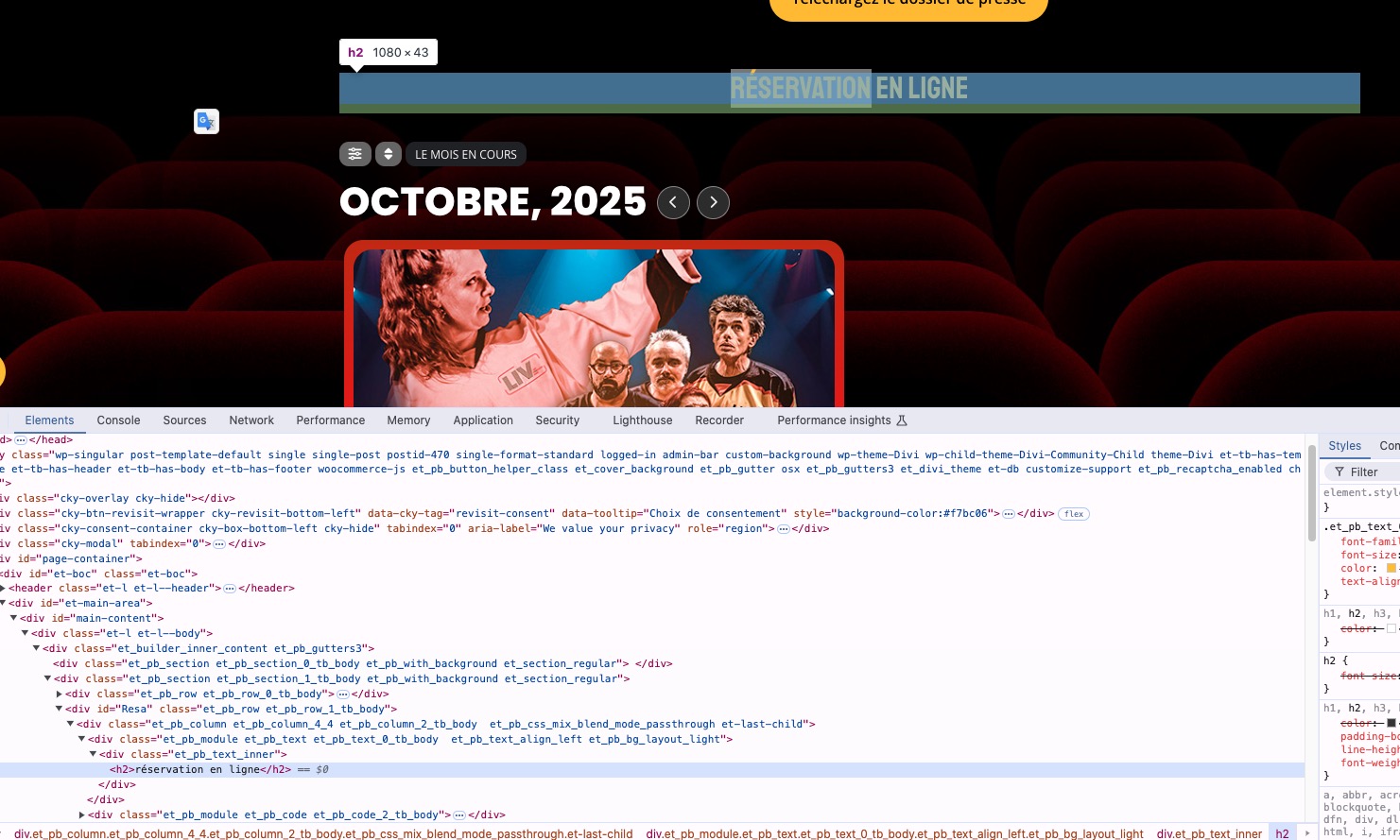
Unfortunately, we aren’t familiar with the theme you are using, so cannot help with the theme related issues.
Just let us know how we can edit the part from the shortcode and we help with the shortcode.