Hi Kassie,
Please apply the patch fix below to solve the issue you are having
https://docs.myeventon.com/patch-fixes/unable-to-select-locations/
Below is a tutorial on how to apply the patch fix to your site
https://docs.myeventon.com/documentations/how-to-apply-a-patch-fix/
Hi Mario,
Please apply the patch fix below to solve the issue you are having
https://docs.myeventon.com/patch-fixes/unable-to-select-locations/
Below is a tutorial on how to apply the patch fix to your store
https://docs.myeventon.com/documentations/how-to-apply-a-patch-fix/
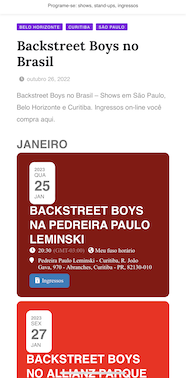
/ Now is perfect, pretty & clean. Thanks
But what does it mean. I’m a front end user not a coder.
Is it a bug? Is it a problem that occurs only on my site?
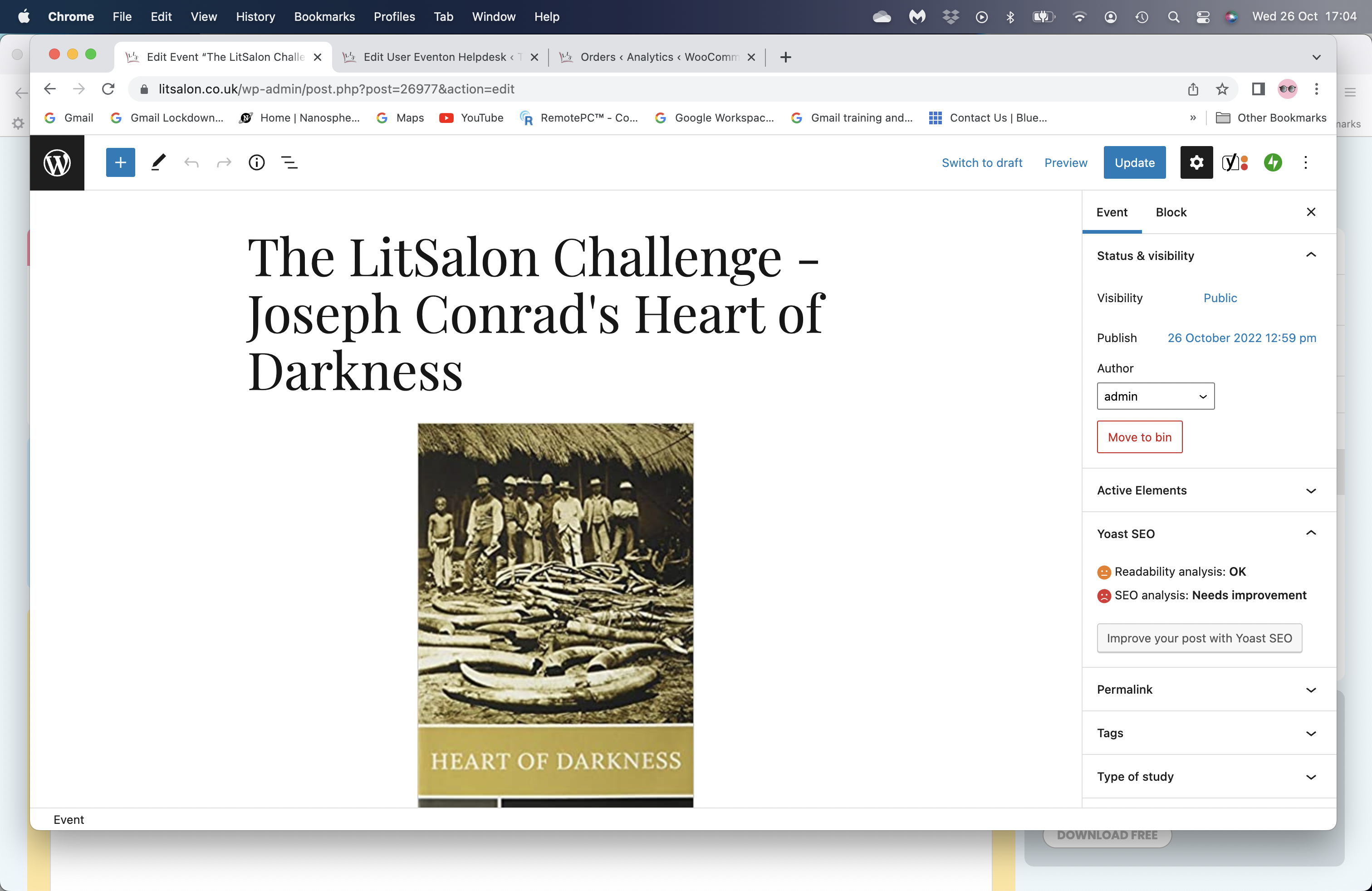
Since the update this morning this is how the listing now looks: https://www.litsalon.co.uk/Studies/litsalon-challenge-joseph-conrad-heart-of-darkness/ . The screenshot below shows how it looks when I’m creating/editing the page and before the update any headline/title above the event card would display in ‘Playfair Display’, now it is in bold Arial or possibly the other chosen font for text: Lato.
I’ve tried editing the code, but I can’t see exactly where the change has happened.
Thanks,
Nicky
Thank you Mark it wasnt a | it was from selecting the text 🙂
Kindly apply the patch fix that should resolve it.
Order ID 152205 refunded and subscription is cancelled.
Here is the updated invoice
https://helpdeskx.s3.amazonaws.com/wp-content/uploads/2022/10/26095617/invoice-35785.pdf