Hello,
Please take a look at the tutorial below on how to change the “events” slug
https://docs.myeventon.com/documentations/change-events-slug/
Replies for tickets on suppota
Hello,
Please take a look at the tutorial below on how to change the “events” slug
https://docs.myeventon.com/documentations/change-events-slug/
Hi Graeme,
Please send us wp-admin access to your site as a private message for us to further assist your situation.
I have provided admin rights. Please login now.
Also, note that there are two other issues besides the Map. The additional fields in RSVP Form not laying out properly and the event cards not showing the date time and location icon and information.
Fix applies, error gone!
Ashan 🙏 Thank you so much for saying that you like the site. ☺️ And thank you for providing the fix. If you are ever in Mount Shasta you are welcome to contact me. The very reason I am creating this site is that it is freaking impossible to know what is happening in Mount Shasta. Even if you know everywhere and everyone, you still don’t know! I have a career in IT so this was driving me crazy. I like notifications and I like SEO. We have a lot of visitors so it is important to be visible. Your software is enabling me to create something that many will be grateful for!
Although my reason for creating this portal is from the heart to support local healers, musicians, artists, the many spiritual practitioners, city events, visitors and others; I eventually will monetize the site. I must, or I won’t be able to maintain it. If you have any ideas in regards to this I would love to hear them.
The website is in soft launch mode and at this moment I am working on design and images. I have the Action User and Subscribe AddOns and my intention is to create an easy way for Members (initially the location managers) to add their own events. Images are the most troublesome aspect of this because the event owner often has little knowledge of and access to image editing. Images are recommended to be 1920 x 1028 and I have noticed if I am able to create an image from what I have in this dimension, the focus must be to the center of the image. It is often difficult to be able to accomplish all of this with the random images people have. I will provide clear instructions for the members, however I am thinking about not including their ability to upload images and instead having them provide a pdf flyer to open from the Event Details. As a future improvement it would be nice to have more flexibility and possible editing of images (e.g. preview of existing image in the Event Top, Event Card). If you have some guidance regarding this I would love to hear it.
I have other ideas too, I will save those for later though as I work through the implementation.
Your kind message is the highlight of my day, thank you.
Note : there’s only 1 shortcode on the page.
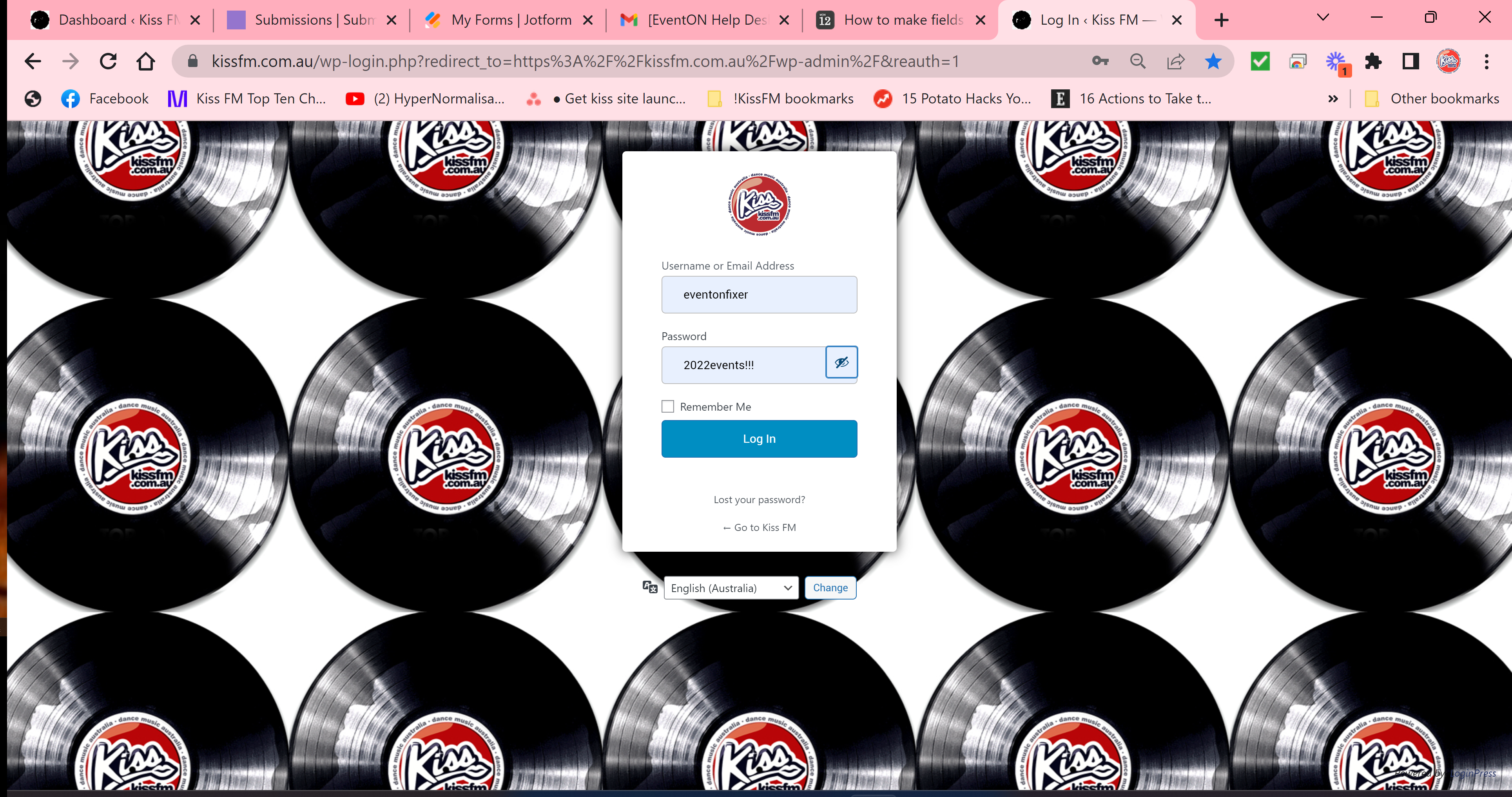
For the login : maybe try clearing your cache – it works perfectly for me. Here’s screenshots as evidence..
Unfortuantely as mentioned, we are end users, not coders so I know your intentions are good but it means nothing to us. You have a successful app so I dont want to tell you how to do your job, but this is why the functionality is absolutely necessary in a system like this – its not a feature, its core functionality to select whether a field is mandatory or optional when you have a customer facing system!!! even contact form 7 has that functionality! Just please consider it as a priority – its crazy in 2022 that you havent thought of it.
that is done now
Thank you. That’s great for me
Please check now. With enabled EventON > Scripts & Styling > Write dynamic styles to header it should work.