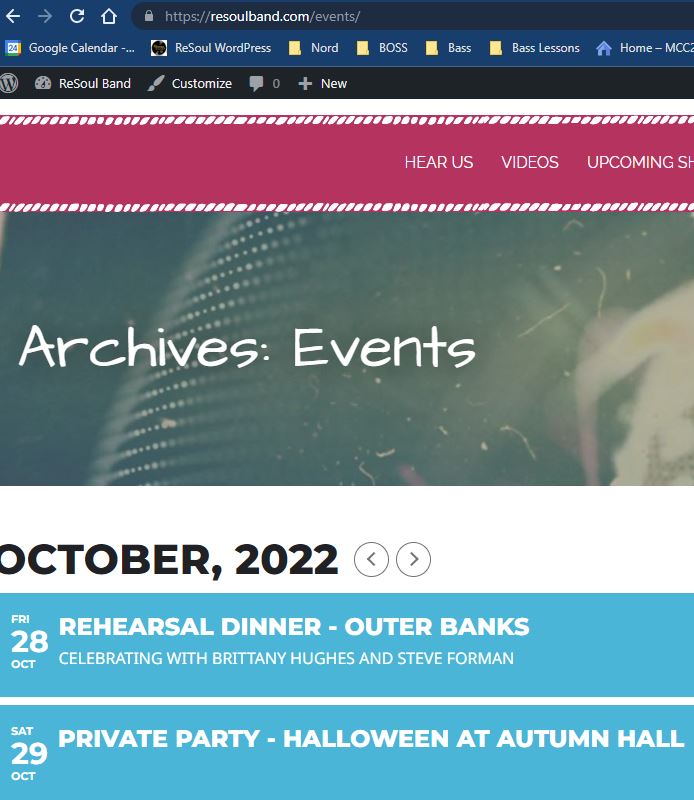
I was able to replace the slug from events-directory to events. However the image shows the word Archives:
I’d like to remove the word archives from the page.
Replies for tickets on suppota
I was able to replace the slug from events-directory to events. However the image shows the word Archives:
I’d like to remove the word archives from the page.
In addition to the issue described above, the pop up which is launched from the calendar widget view is totally out of shape! It’s opening a very narrow sidebar instead of showing the previously used nice overlay, as shown here: 
I’m reverting back to the previous version until these issues are fixed!
Kind regards, Philip
Hello
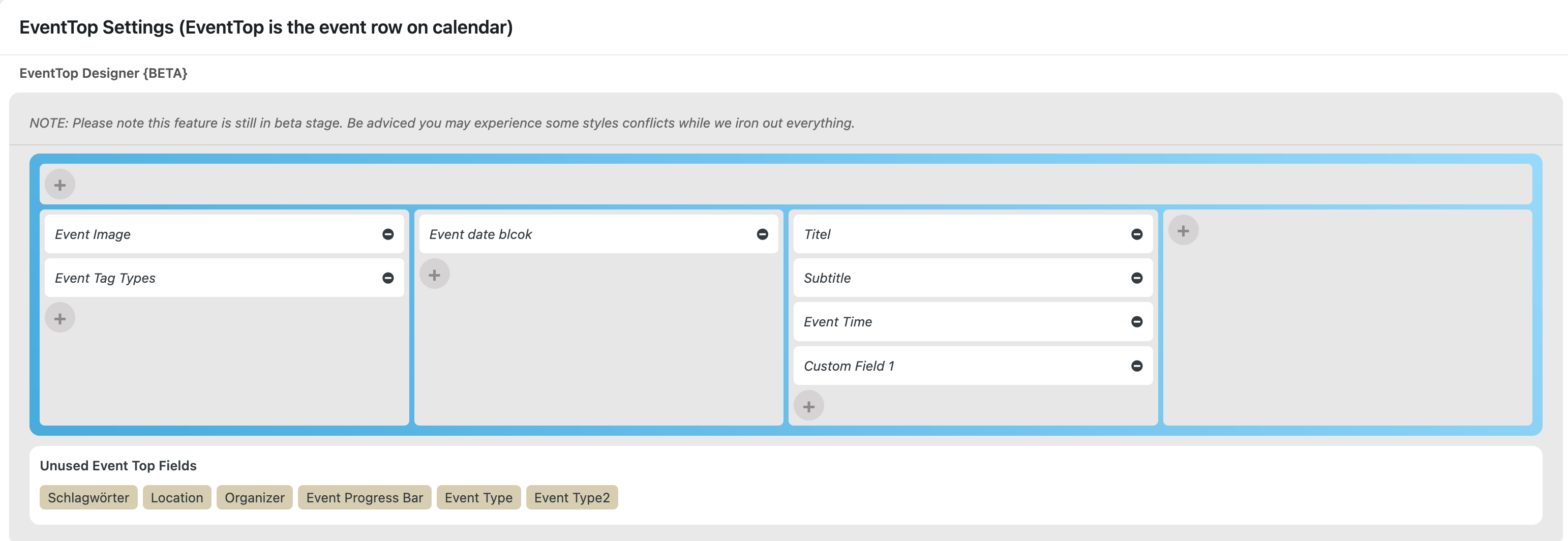
Im not sure if i selected the right one, i attach a screenshot. If yes, it’s still not showing.
Hello,
Thank you for your great suggestion, at the moment it is not supported. However please create a new ticket and select Feature Request as category so others can vote on your idea and get it moved into development faster.
I don’t really know how can we help with this. Try changing Select calendar event content filter type: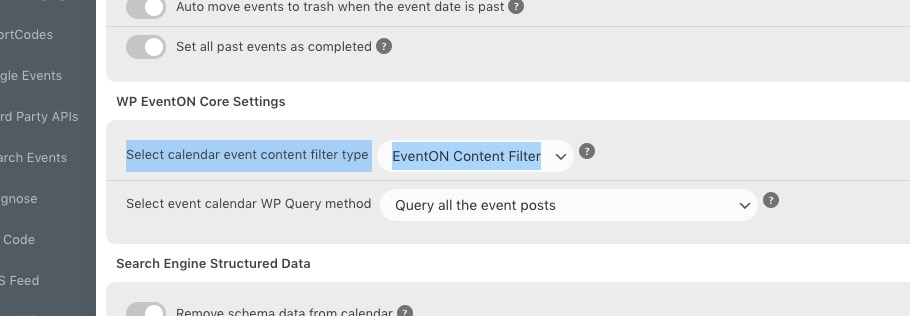
Maybe the issue is with not full action URL:
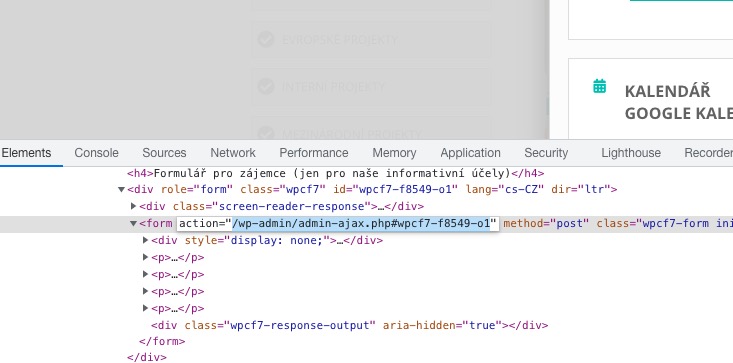
As a solution, try, instead of the form itself, adding a link or a button that redirects you to the contact form page.
You need to test this. Please purchase the add-on and test it under required conditions:
Take a look at 8. Refund Policy:
https://docs.myeventon.com/documentations/terms-and-conditions-and-refund-policy/
Hello,
Please go to EventON > Event Top > make sure Tags are added:
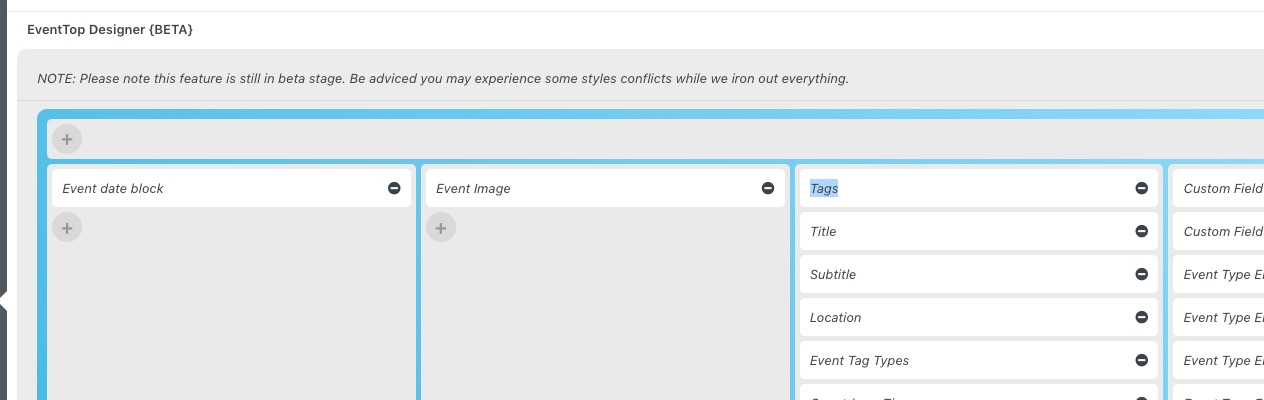
Ah, please use
[add_eventon event_organizer=”208″]
Nothing, I think your development environment has issues showing EventON correctly. Please make sure to test everything either in Chrome Developer Tools or on actual mobile.
We are glad your issue is resolved, if you have any further questions or concerns please create a new ticket.
Hello,
You can use event_type=63 to show a filtered feed of events. More info:
Other specific RSS feed links You can use a custom links like http://yoursite.com/evofeed?event_type=63 to get events only for certain event type. Other supported fields by default are event_type_2, event_type_3, event_location, event_organizer. You can pass value similar to inside eventon shortcodes.
Try on https://dev.myeventon.com/wp-admin/