Google Map. Please fix
Geocoding Service: This API project is not authorized to use this API. For more information on authentication and Google Maps JavaScript API services please see: https://developers.google.com/maps/documentation/javascript/get-api-key
Follow:
https://help.time.ly/google-maps-api-error-geocoding-service/
Hello,
There is some kind of incompatibility with Tutor plugin, it seems like:

Could you try disabling it?
We are glad your issue is resolved, if you have any further questions or concerns please create a new ticket.
If you have a moment, we would greatly appreciate if you could kindly leave us a review at codecanyon! from your account > downloads. Cheers!
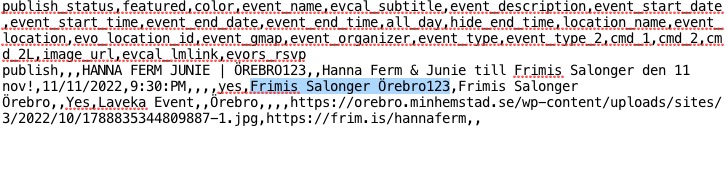
Since the location is already present (Frimis Salonger Örebro), EventON takes it and assigns to the imported event.
Please change Location Name:
https://orebro.minhemstad.se/Evenemang/hanna-ferm-junie-orebro123/
This one is solved Jay! Apperently when duplicating an event, it keeps referring to the old SKU, taking dates, stock, etc from the old SKU. So I have made a new product in Woocommerce and that solved it.
Thanks!
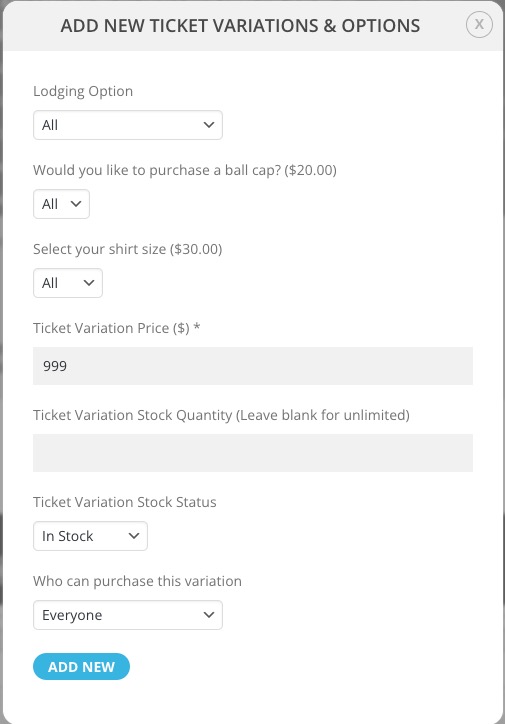
In order to show “All”, you must assign a price to it: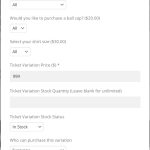
There is no need of adding all variations at once. I thought that all your events have the same variations with small differences, so I suggested to create one with all available variations and the delete/edit the one you don’t need.
But if you just don’t want to show “All”, don’t assign a price to it.
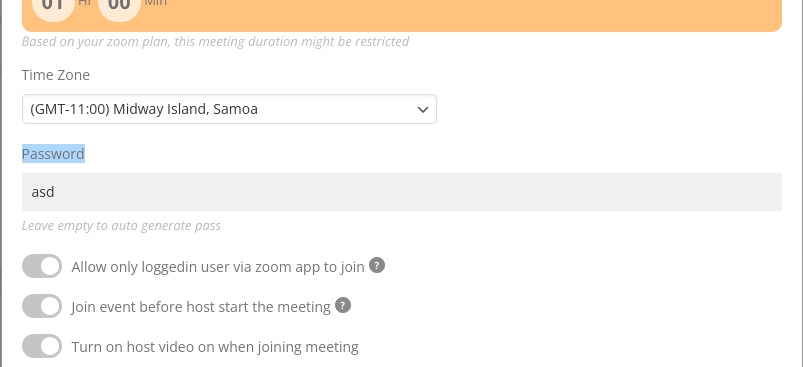
Please make sure the password is also added: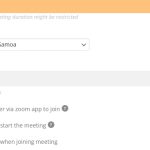
Ticket Price is required:
https://www.sakuraforum.se/wp-admin/post.php?post=15797&action=edit
Please add one.
https://www.sakuraforum.se/ If you go in here, and scroll down to event – Press November and then the one called SAKURA – NOVEMBERHELGEN. (It works for the others) Then under the ticket place it says not available.
Thank you!
Adress added and still no Google Maps…