Thank you! I’m going to try it soon and implement it in our website. Great work! 🙂
Archives: Replies
Replies for tickets on suppota
Reply to: tickets(292848)
I’ll also alert Ashan to this issue of importing one event
Reply to: tickets(292848)
https://orebro.minhemstad.se/Evenemang/hanna-ferm-junie-orebro-2/
has no location address- it only has a location name
In my tests trying to import one event caused the issue but if you try to import 2 or more then it works right when theres a location name and address
Reply to: tickets(292983)
it would require a bit of editing the template/
better to use a custom meta data
myeventon>>>>settings>>>>custom meta data
activate one- make it a single line of text –
then in myeventon>>>>settings>>>>event top you can position it where you want and also in myeventon>>>>settings>>>>event card design it will appear for you to position
when editing the event that new field will be at the base of the editor section
Reply to: tickets(292983)
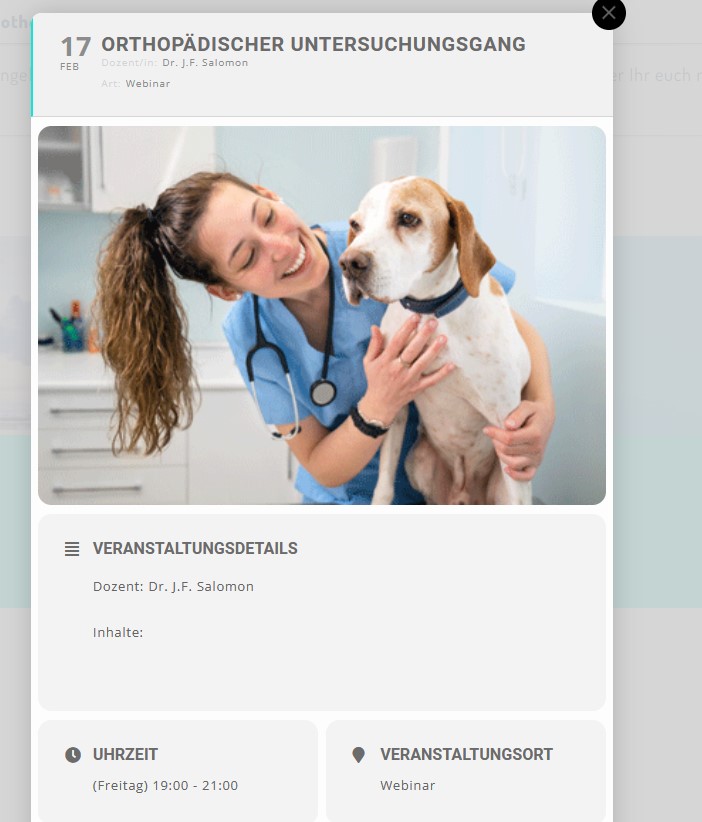
-attachment
Reply to: tickets(292456)
can you please help me get these messages away. They first appeared after I tried to change the font in Eventon settings -> Appearance
Reply to: tickets(292720)
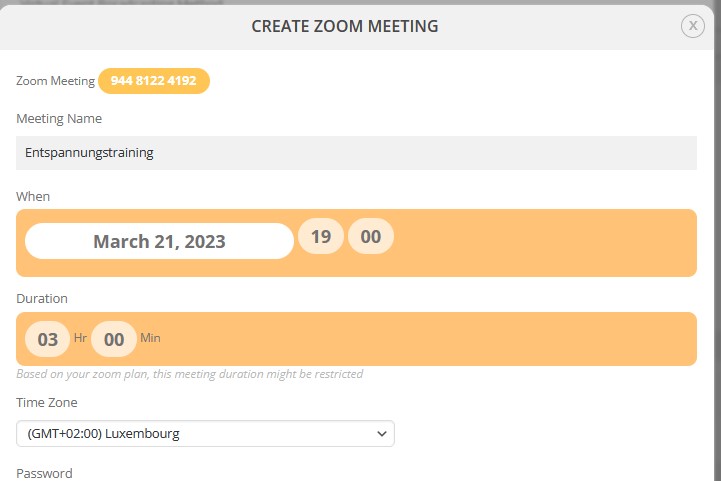
when I click again on create zoom meeting then I get the attached screen. Eventon recognises a Meeting but doesnt get the URL.
Reply to: tickets(292720)
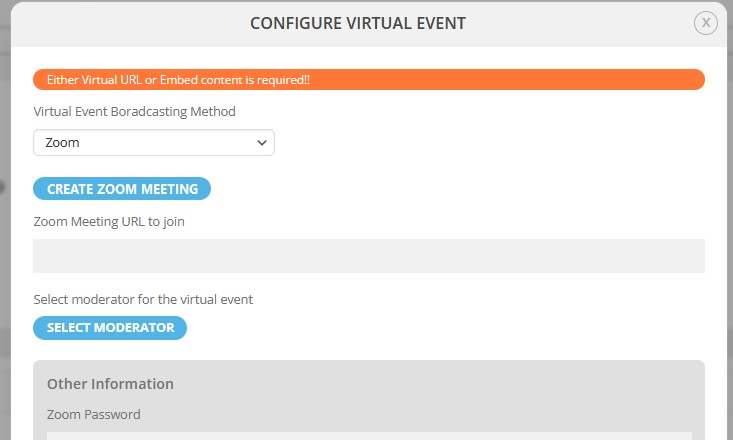
from my end it doesnt work with any meeting.
When I click on “create zoom meeting” then I get the attached image. In Zoom the meeting is created but eventon doesnt take the URL.
Reply to: tickets(292730)
I went ahead and added all of the variations. You can see them here: https://www.moranch.org/wp-admin/post.php?post=20555&action=edit
I would suggest there has to be a better way to remove the ‘All’ option. Something more similar to woocommerce native variations. If there’s another way I would love to hear it for the next event I am sure they are going to have.
Reply to: tickets(292848)
This event added now. Not the older ones: https://orebro.minhemstad.se/Evenemang/hanna-ferm-junie-orebro-2/