I went ahead and added all of the variations. You can see them here: https://www.moranch.org/wp-admin/post.php?post=20555&action=edit
I would suggest there has to be a better way to remove the ‘All’ option. Something more similar to woocommerce native variations. If there’s another way I would love to hear it for the next event I am sure they are going to have.
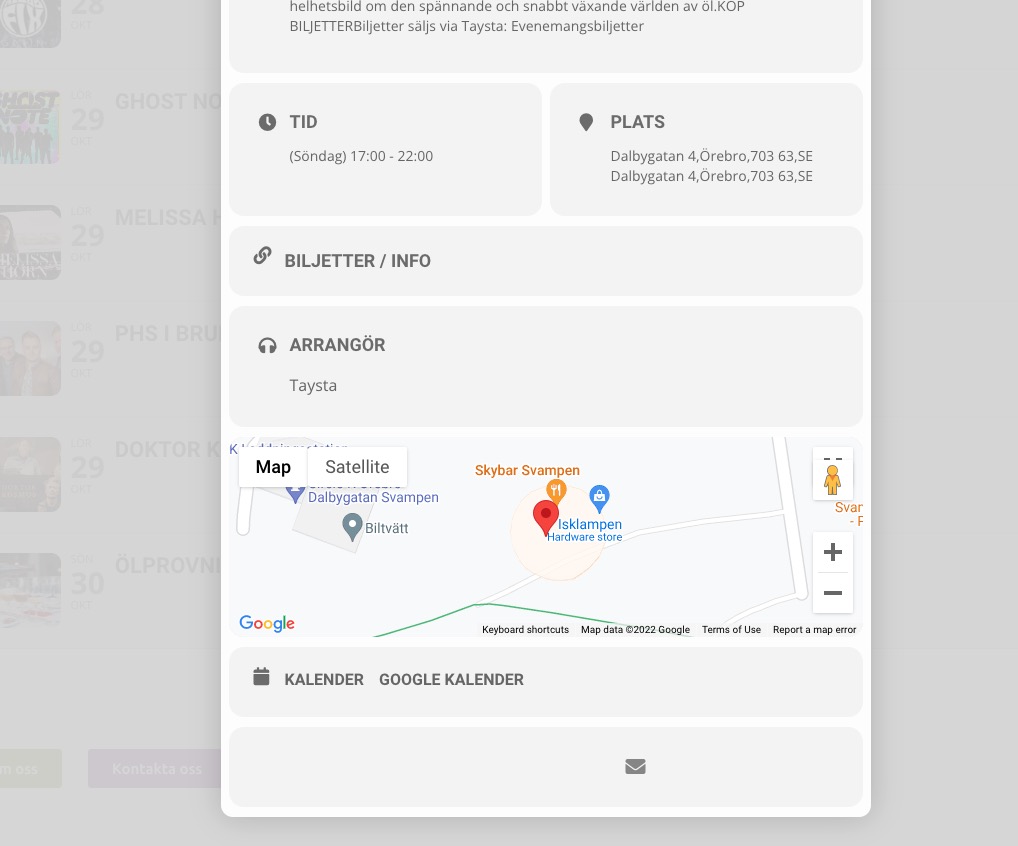
This event added now. Not the older ones: https://orebro.minhemstad.se/Evenemang/hanna-ferm-junie-orebro-2/
Your theme adds a style that affect EventON as well.
Please add this CSS code to EventON > Styles (If you don’t see any change, EventON > Scripts & Styling > turn off Write dynamic styles to header > save settings > turn on Write dynamic styles to header):
.eventon_fullcal .eventon_fc_daynames .evo_fc_day { padding: 10px 0 !important; }
Days of week. Please use:
.eventon_fullcal .eventon_fc_daynames .evo_fc_day { background: red !important; }
Learn more. Please go to Edit Event > add Learn more about event link.
Hello,
Everything seems to be working correctly:
Since this is connected to a third-party plugin, you need to change what’s going on it’s side, since EventON outputs everything correctly.
Can you please send us a direct link to where the actual issue is happening? On my side:
Try creating a new event the regular way. But after you published the event, refresh the page and then press Update.
Can you please send us a direct link to where the actual issue is happening?
I also changed https://www.sakuraforum.se/wp-admin/admin.php?page=eventon&tab=evcal_tx > Default event ticket stop selling time base to When Event Ends.
Hello,
I am sorry, the access information you have provided did not work for us. Please check them and post the correct login information as a private message, thank you!
Please make sure that there are events assigned to Event Type with ID 56.
Sorry, one last thing, I have added the “learn more” to the event card design, but it is not displaying.
thank you!
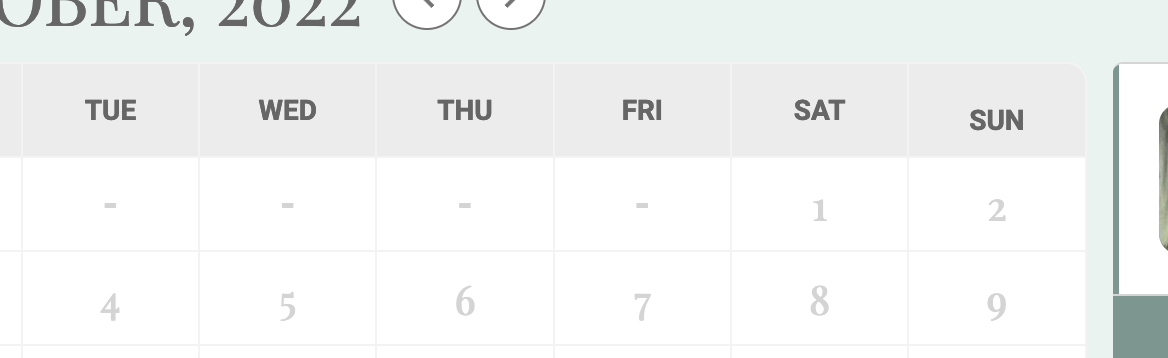
Also, how can we change the background color of the days of the week? I tried with css but couldn’t get it to work.