Fatal error: Allowed memory size of 268435456 bytes exhausted (tried to allocate 16777240 bytes) in /var/www/html/wp-includes/wp-db.php on line 2135
This happens because Avada adds it’s own settings to Edit Event pages, even so events cannot use them.
here are the warnings I get, when I open the ticket section
Thank you for your messages, I am going to assign this ticket to Ashan and he will be able to take it from here and find you a solution. Please allow some time for him to get back to you, we greatly appreciate your patience and thank you for being a eventon customer! Also please disable any IP blocking on your site if there are any.
We will try with the new version. I will be very glad if we could stay with EventON: The client likes the design a lot and it would kind of hurt to have to leave, apart from the time invested in this solution.
Thanks for your help!
Just don’t assign a price to “All”, only assign it to variations.
Only two:

Unfortunately, we unable to provide any customization support, because of CodeCanyon and our support policies.
https://helpdeskx.s3.amazonaws.com/wp-content/uploads/2022/10/16135107/Screenshot-2022-10-16-at-22.50.38.jpg
Could you tell me why this even happens? WPML is a paid plugin, right?
I logged-in to your website and started doing the most basic stuff possible: enabling and disabling plugins. I disabled WPML and then when I tried to enable it, it started showing an actual fatal error.
I thought, maybe EventON Subscriber was the reason, so I disable it, it didn’t fix the issue. Before all of that I tried to login to the server using FTP access, but it didn’t work. Even if it did, this is WPML showing the error, so hard to fix.
Could you tell us how do you enable WPML, so it doesn’t show the fatal error and begins to work?
Hello,
Please send us wp-admin access to your site as a private message for us to further assist your situation. Can you please send us a direct link to where the actual issue is happening?
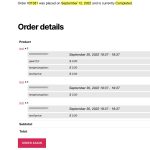
Are you referring to this part:
Hello,
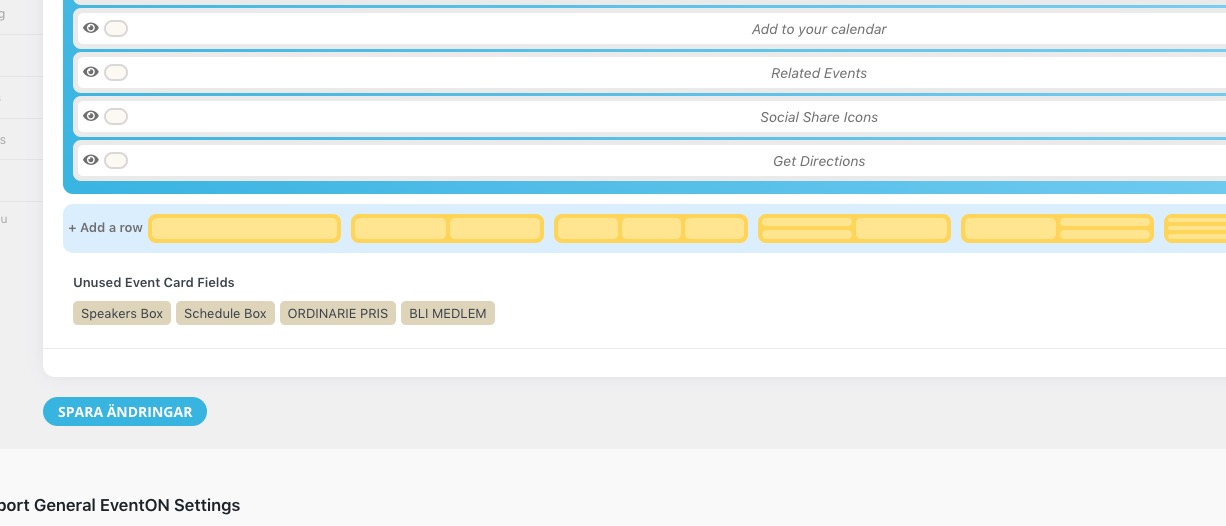
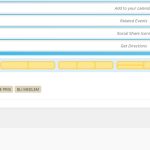
1. Please go to https://www.sakuraforum.se/wp-admin/admin.php?page=eventon#evcal_004b and make sure that they are in use:
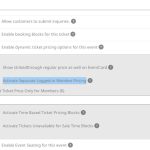
2. Instead of Variations, please take a look at Dynamic Pricing:
https://www.myeventon.com/addons/dynamic-pricing/
Try it on https://dev.myeventon.com/wp-admin/
Hi Ashan,
I found out the issue.
Please check the file eventon-tickets/includes/admin/class-admin.php on line 85. At this line you add following filter :
add_filter(‘pre_get_posts’, array($this, ‘evotx_search_pre_get_posts’));
Funtion evotx_search_pre_get_posts overrides default wordpress query if query_vars[‘s’] is an integer. That would fine in general, but the filter is added with the action ‘admin_init’ : add_action(‘admin_init’, array($this, ‘evotx_admin_init’));
‘admin_init’ hook runs NOT only for admin dashboard, but also for admin-ajax.php (
admin_init) . That means that all the frontend ajax queries are affected by this code. This was exactly my case, I was searching by postal code, which is a number, so your code changed ‘s’ param to ‘p’ and the functionality was broken.
The solution I suggest is to extend the condition for the filter like this :
if( ($typenow ==” || $typenow == ‘evo-tix’) && !wp_doing_ajax() ){
// Filter the search page
add_filter(‘pre_get_posts’, array($this, ‘evotx_search_pre_get_posts’));
}
Thanks and have a good day,
Olga
Thank you! I have two more questions for you:
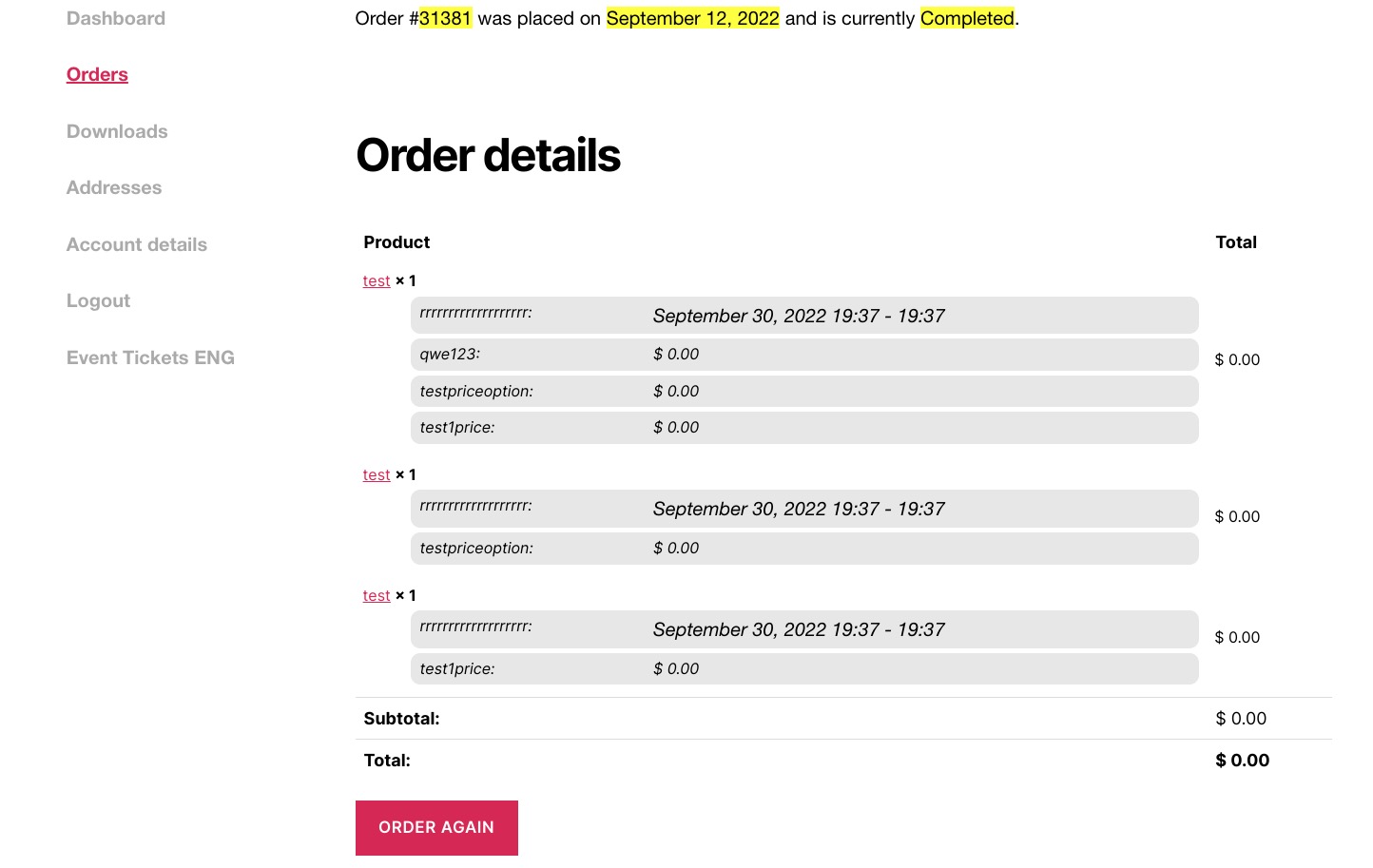
- Only one of my additional fields is showing up (I just created 2 new ones!) What can I do?
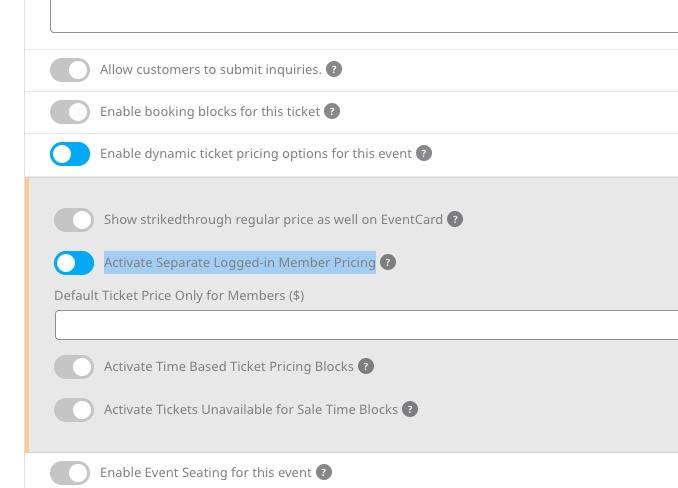
- I am thinking about purchasing the “variable prices”, because i need to create the following: When users are logged in, they get one price, and when user is logged out or not yet members, they get another price. What is the easiest way of doing this with eventon plugin?
Hi Nancy,
Could you please try the instructions mentioned in this documentation to make sure your issue is indeed coming from eventon.