Thank you for your messages, I am going to assign this ticket to Ashan and he will be able to take it from here and find you a solution. Please allow some time for him to get back to you, we greatly appreciate your patience and thank you for being a eventon customer! Also please disable any IP blocking on your site if there are any.
Archives: Replies
Replies for tickets on suppota
Reply to: tickets(290996)
It seems that you are referring to ActionUser Paid Feature Events:
https://www.myeventon.com/addons/actionuser-paid-feature-events/
Dev link: https://dev.myeventon.com/wp-admin/admin.php?page=action_user#evoAU7
Please take a look at this example:
https://dev.myeventon.com/179518-2/
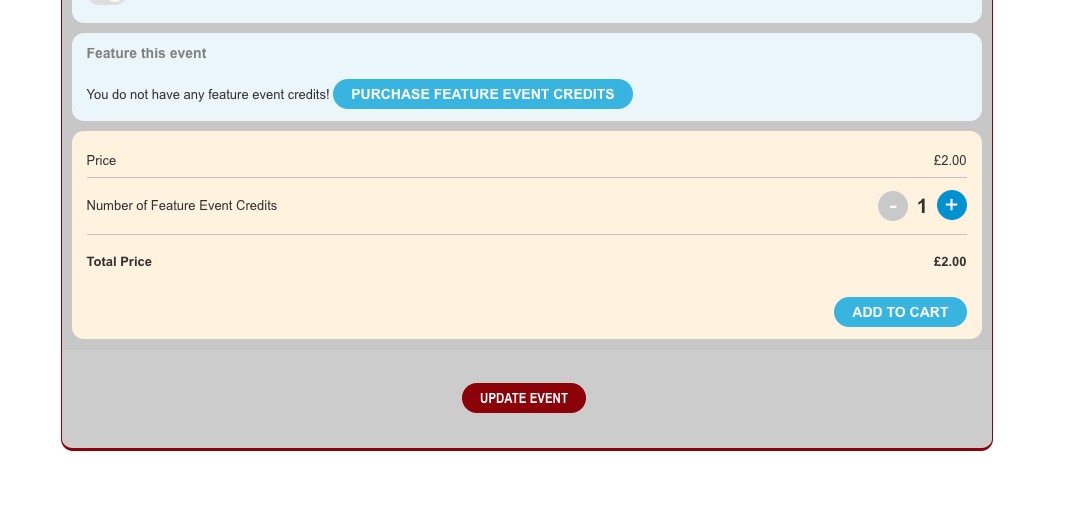
Finish the purchase and then complete the order:
https://dev.myeventon.com/wp-admin/edit.php?post_type=shop_order
Reply to: tickets(290774)
Hello,
You can download both files from this URL: https://drive.google.com/drive/folders/1mI8M93NEdHl8WeKVJeWcx-vmG0bsliPy?usp=sharing
Thank you for your help!
Chris Martinez
Reply to: tickets(291047)
Hello,
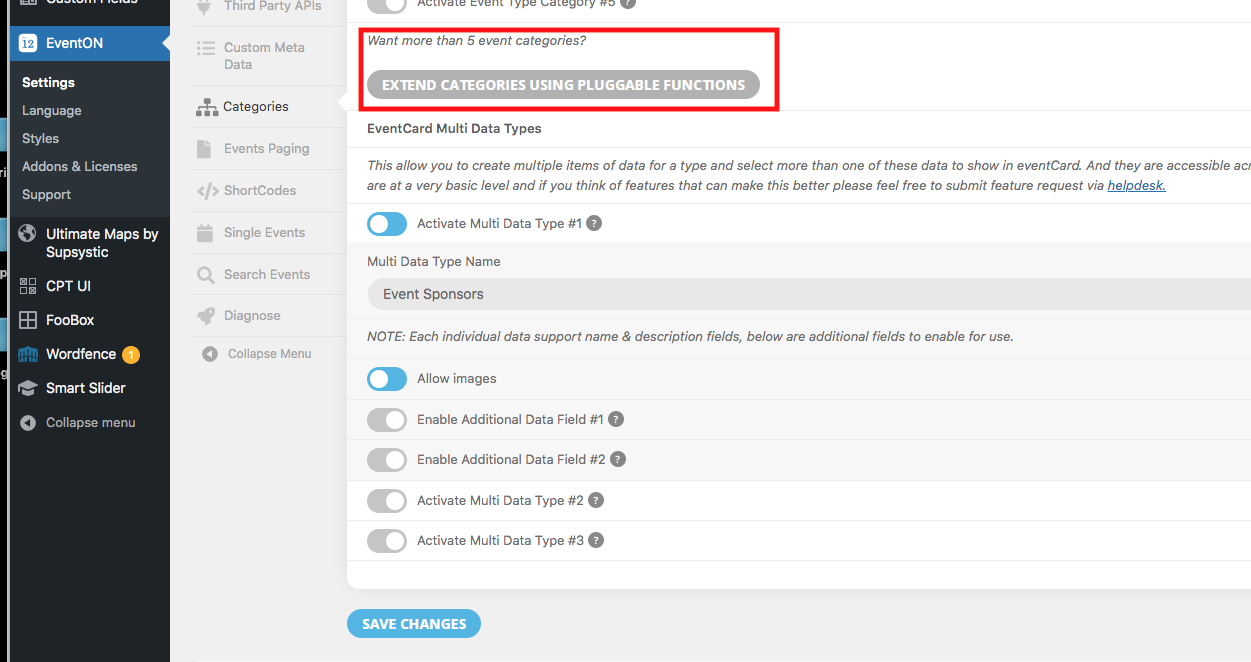
Please go to “Further Customization with WP Pluggable Filters” of this guide:
https://docs.myeventon.com/documentations/setup-use-multi-data-types/
Reply to: tickets(286542)
I applied the fix to the source code of the Dynamic Pricing, so it works now:
https://gourmetgvlllc2.wpengine.com/events/test/
Please check and let me know.
Reply to: tickets(291047)
Reply to: tickets(290995)
We are glad your issue is resolved, if you have any further questions or concerns please create a new ticket.
If you have a moment, we would greatly appreciate if you could kindly leave us a review at codecanyon! from your account > downloads. Cheers!
Reply to: tickets(290898)
Hi,
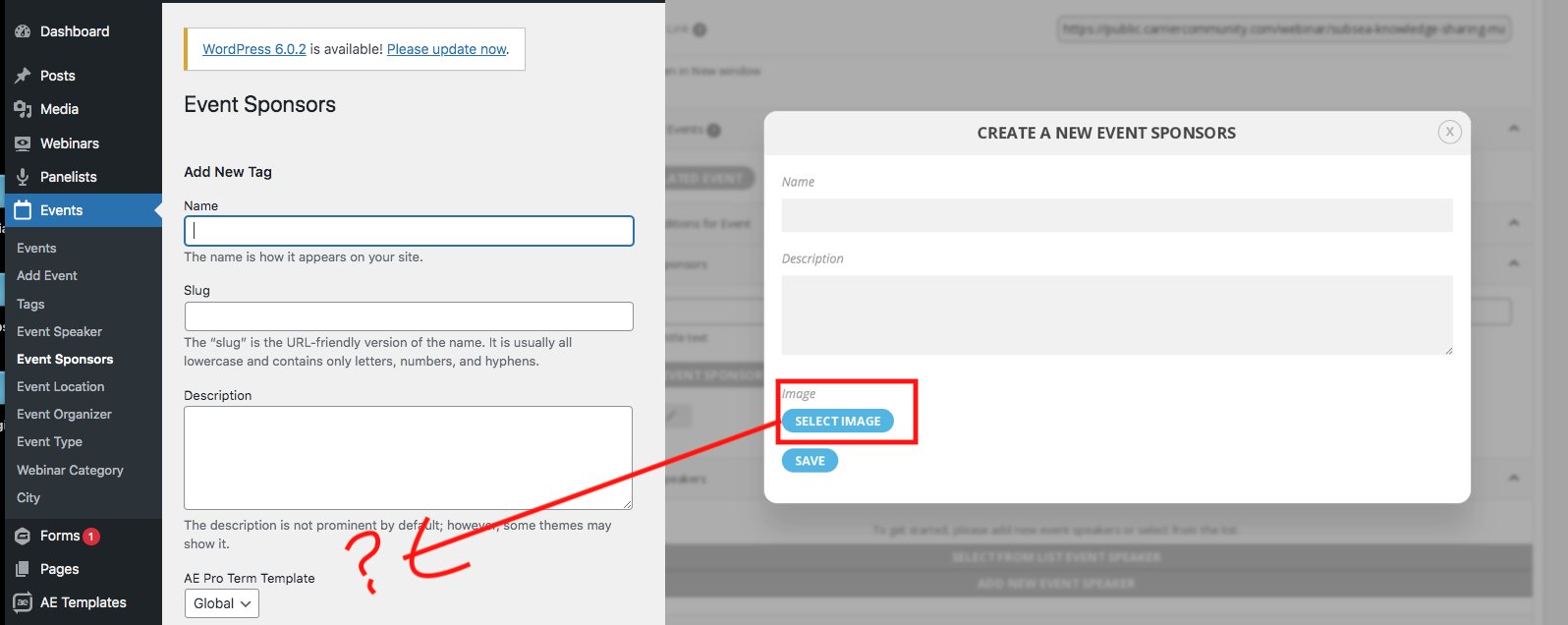
I’ve managed to create a multi data type named Event Sponsors to display multiple sponsors with logos in the Event card.
The matter is that, to add an image I have to create a new Event Sponsor in the event edit page, while there is no upload image in the Category when accessed from WP menu (see image attached).
Can you please tell me how to solve it (maybe adding code somewhere?)
Reply to: tickets(290995)
Thanks for your help !
I fix the problems : it was not plugin problem !
Have a good day !
Olivier
Reply to: tickets(286542)
Yes, I did the following:
go to EventON > EventTop > EventTop Main Day block fields > enable Event Day Name
Updated credentials below…
https://gourmetgvlllc2.wpengine.com/wp-admin/
username: eventon
password: l7AJUCeffuO$SFo^)(v2I#(3