in myeventon>>>settings>>>event card design you can remove them- I have done it for you
Archives: Replies
Replies for tickets on suppota
Reply to: tickets(291839)
Thank you I really appreciate it! There is no IP blocking on the site.
Reply to: tickets(291815)
I do use a VPN, however I tested it with and without.
Reply to: tickets(291913)
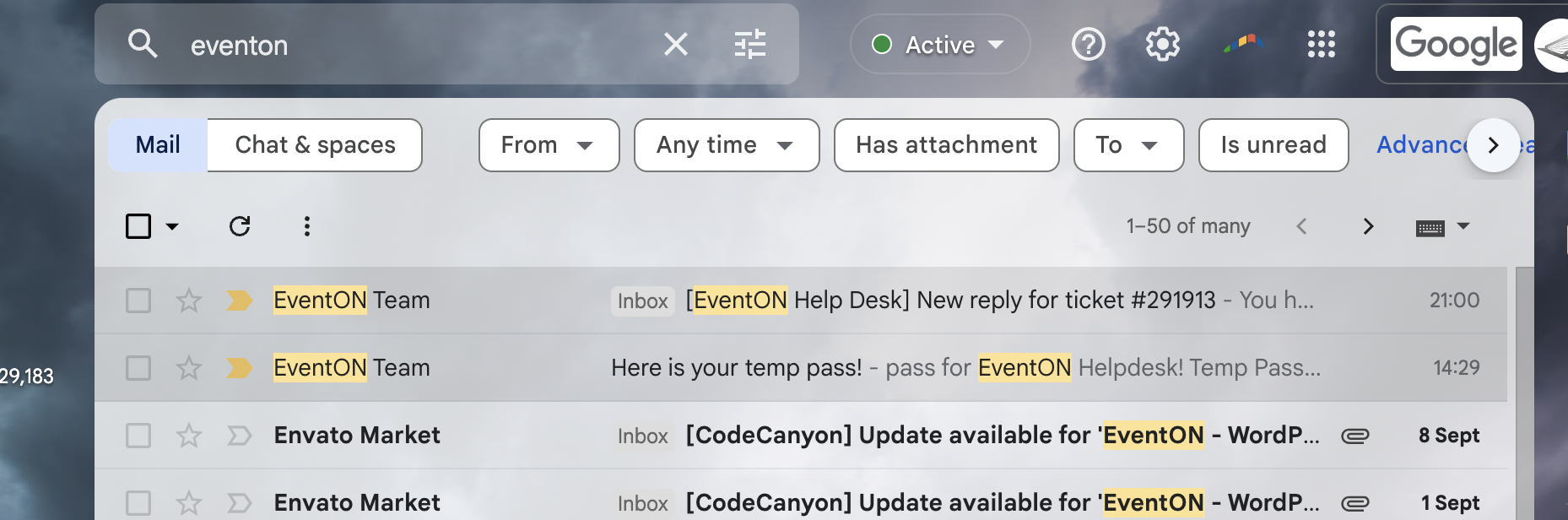
I didn’t get any reminder?? Where did it come from? I checked paypal (see image attached). I checked Eventon (see image attached.)
Reply to: tickets(291916)
The search in the popup only works on desktop when clicking the fa-search icon. Enter keypress does not work.
On mobile does not work at all (not click, not keypress)
Probly some disabled jquery or conflict.
Reply to: tickets(291839)
Ashan and Dave,
The error is still there when I disable Event Details, enable Remove schema data from calendar and Remove JSON-LD data for events. So the issue is with the code, I think.
Reply to: tickets(291839)
Thank you for your messages, I am going to assign this ticket to Ashan and he will be able to take it from here and find you a solution. Please allow some time for him to get back to you, we greatly appreciate your patience and thank you for being a eventon customer! Also please disable any IP blocking on your site if there are any.
Reply to: tickets(291916)
https://kpasa.com/wp-admin/
artemeventon
BqC^(xyDIRT9lOB@BtD!21PB
To the popup in elementor:
https://kpasa.com/wp-admin/edit.php?post_type=elementor_library&tabs_group=popup&elementor_library_type=popup
It is the “Mobile search” popup.
It pops up from the homepage from the button “Search event calendar” direct in scroll visible.
Litespeed cache is disabled, so a bit slow to load.
Reply to: tickets(291440)
Available options are: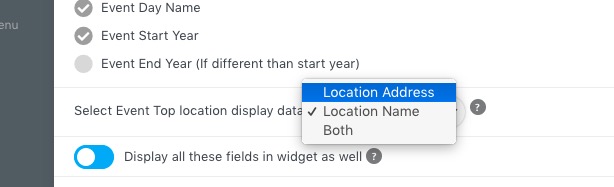
So you can just put Town and Country into Location Name and then show just it.
Reply to: tickets(291916)
i will make a login right now