??
Archives: Replies
Replies for tickets on suppota
Reply to: tickets(290205)
ok, thanks, I will wait…
Reply to: tickets(290327)
hi! i tried to purchase a ticket and didn’t receive event ticket with the link to the zoom.
Reply to: tickets(290272)
Amazing! But will I be able to LIST all EVENTS of ONE teacher on one calendar?
For example, I need then to LIST all events where ONLY one of that teachers will be teaching.
Is it possible? (I ask because lot of filters to list events are not available based on the kind of information I have saved, and I dont know if I cant LIST all events using the EXT LIST ADDON of just ONE TEACHER).
Please let me know and I will go that way,
Thanks
Reply to: tickets(288400)
another short video explaining why DATE – TIME information is not correctly displayed if I DISABLE the “Allow universal event time format on eventCard” option.
https://www.awesomescreenshot.com/video/11175349?key=5b792e013c8b9680b9322301d139ab86
Reply to: tickets(288400)
Hi, sure, I have already tested that and it works the way you say, but such way is an incomplete DATE INFORMATION.
People needs to read the WHOLE DATE information (without the time):
Jueves 15 de Septiembre (not just Jueves)
Thursday 15 of September (not just Thursday)
And if I disable “Allow universal event time format on eventCard” the DATE information appears INCOMPLETE.
So, in a 2 days event, it is suppossed to be displayed as:
Date:
Viernes 30 de Septiembre – Sábado 1 de Octubre
(without the TIME information but in that date format to be read)
in english, this 2 days event, would look like this (without the time because I set to HIDE the TIME) :
Friday, September 30 – Saturday, October 1
I have created a video to explain this here:
https://www.awesomescreenshot.com/video/11175177?key=11512ac499a3be875b756d2319526273
Reply to: tickets(286647)
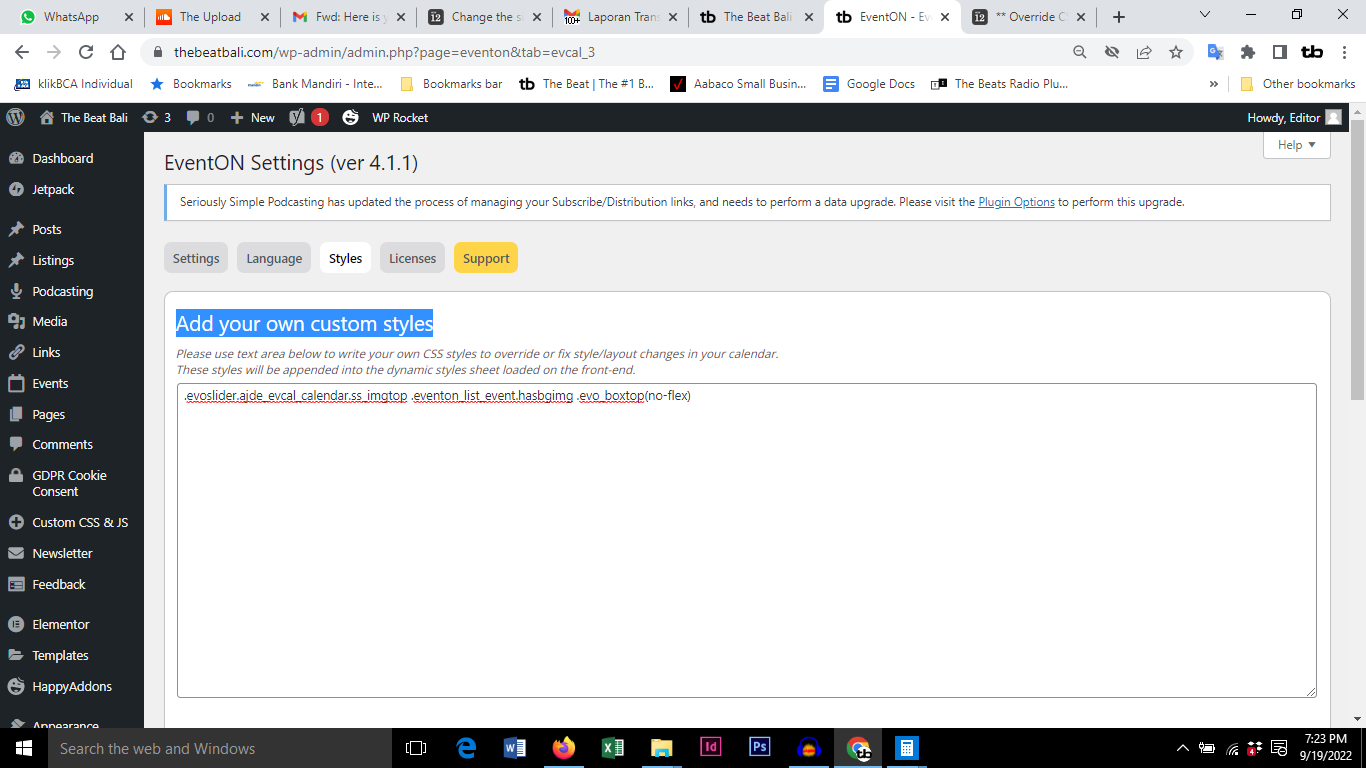
Screenshot of the added CSS
Reply to: tickets(286647)
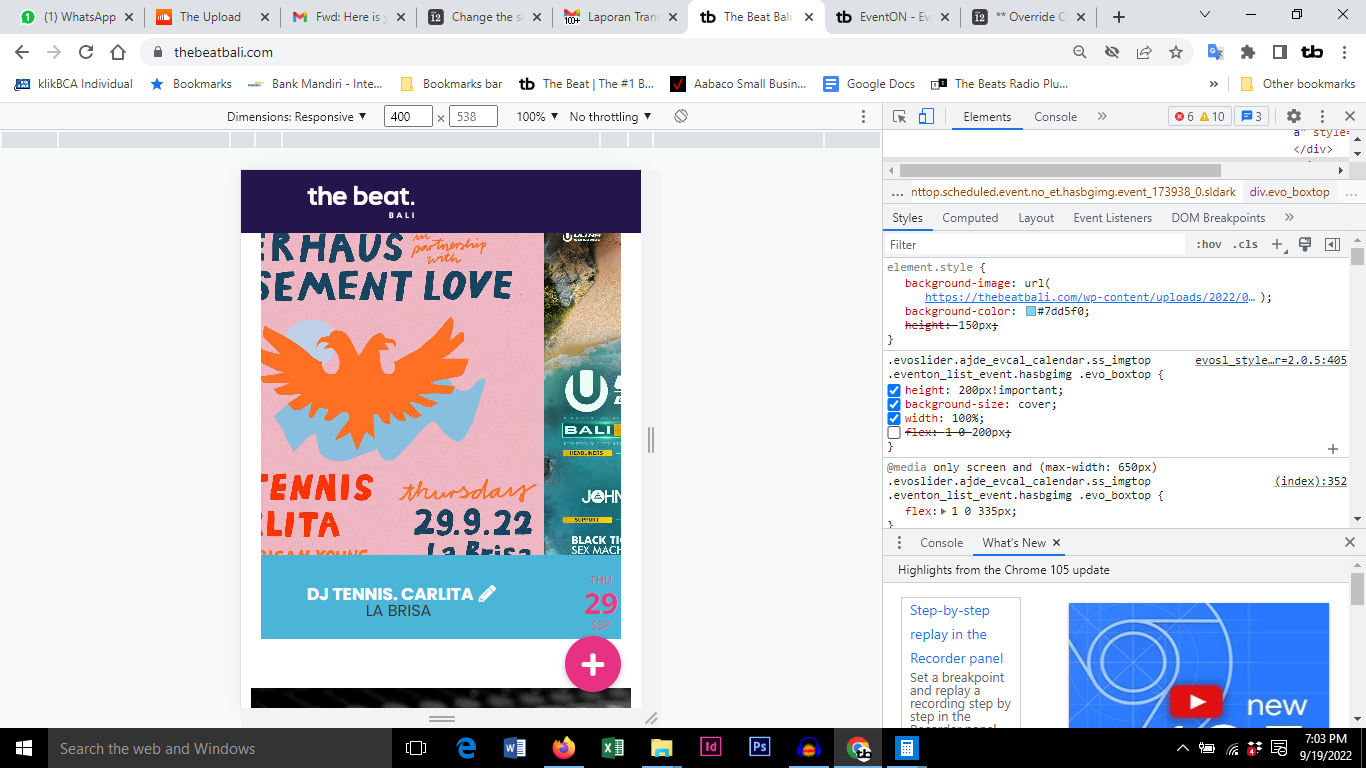
Hi Kenneth. I’m trying to change the appearance of the flyer back to the rectangular shape from a week ago. That seems to be the best option for the slider. (since it’s impossible to have the flyer square and the date text etc below the square) But I’m not sure about some things you said about changing it back again.
You said. I have also moved the code from the Eventon settings to Appearance > Customize > Additional CSS. There, editing the code will be much easier as you will be able to see the changes right away. SORRY WHERE IS THAT. I CAN’T FIND IT.
I have checked the process of changing the CSS code (with this link https://docs.myeventon.com/documentations/change-css-calendar/). This is what I think I should have in the “Add your own custom styles” section.
.evoslider.ajde_evcal_calendar.ss_imgtop .eventon_list_event.hasbgimg .evo_boxtop(no-flex)
Adding (no-flex) is correct?
I won’t save that until I hear back from you. If there is a better text to post there, please let me know.
Obviously I am a bit lost. Please help. Attached is the inspect screen and next message the add your custom styles page.
Reply to: tickets(290273)
Thanks, I can use that (thanks for your time creating the video tutorial).
But I hope I will BUY the “USER addon” soon, so normal people could SUBMIT events from the “front end”, and It would NOT be easy to explain that to them so they could add HTML to that field.
Maybe on next update you could consider adding the HTML editor to the DESCRIPTION field of the Schedule block. Is it possible?
Thanks.
Reply to: tickets(290274)
Thanks, are you going to “update” the addon adding the: “Manually Sort of the Speakers” feature?
Please, let me know.
Thanks.