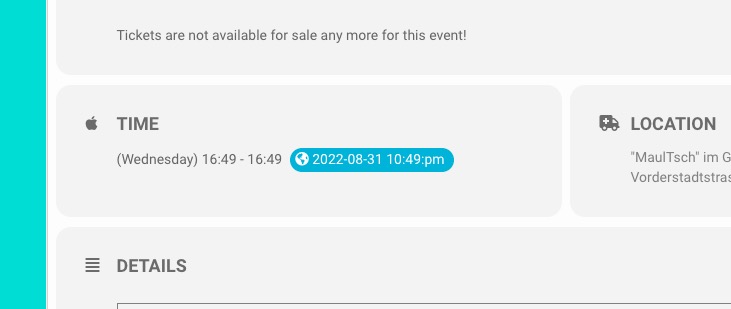
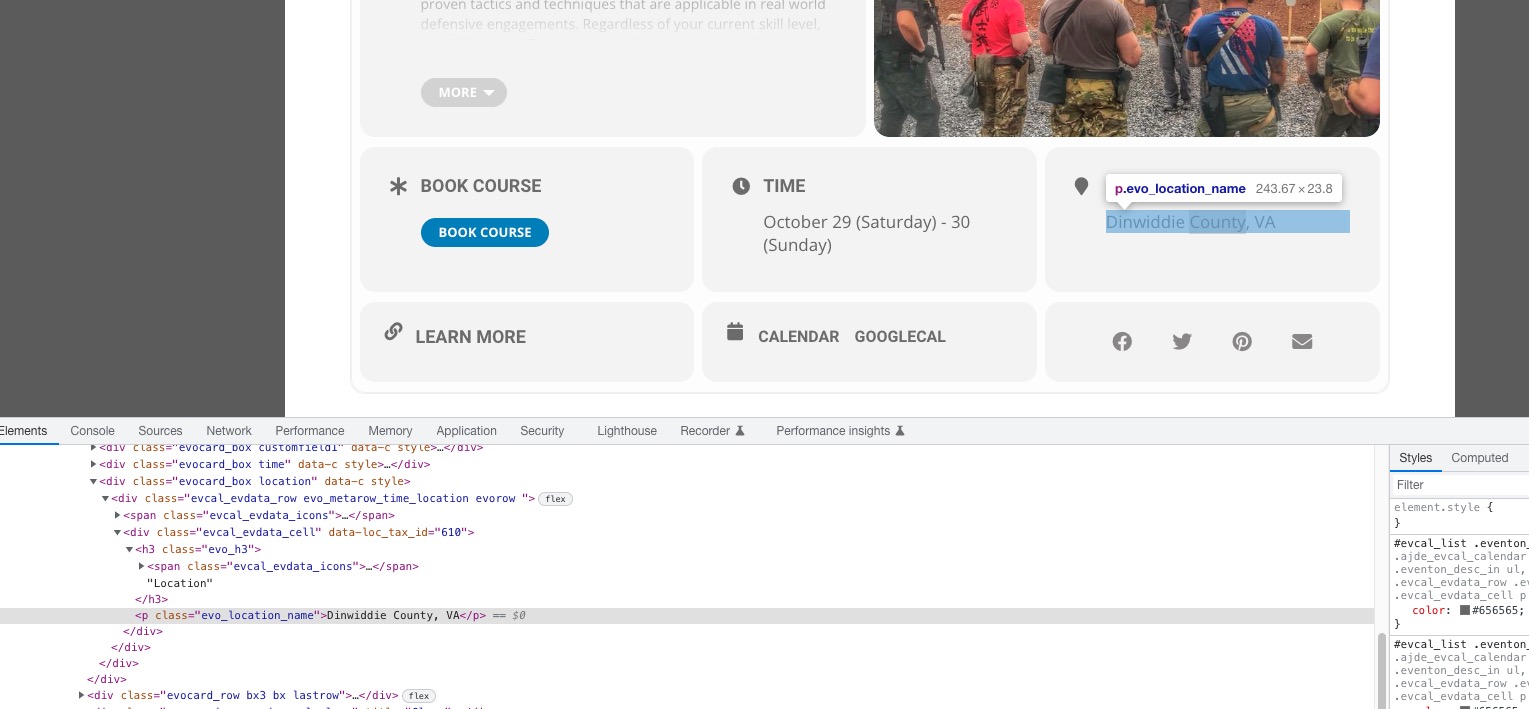
I was able to fix this by editing the single-ajde_events.php file to change the duplicate get_header to get_footer. Thank you to Tim Blankenship and this ticket:
https://helpdesk.ashanjay.com/ticket/event-pages-do-not-load-pages-are-blank-after-upgrade-to-4-1-2/
Hello,
Could you go to https://bredeschool.unicoz.nl/wp-admin/admin.php?page=eventon#evcal_004aa and place “Tags” field about “Title”?
I applied the patch.
With the latest version you can go to https://magdeboogie.de/wp-admin/admin.php?page=eventon#evcal_004aa and disable all “EventTop Main Day block fields“. Could you try?
i check it was the captcha in stagging
its work no i have desactived plugin
id : Eventon
pass : 9ygRuhzf8FEffBf
Ashan,
I cannot test this on dev2, because when I add something to “Allow universal event time format on eventCard”:
https://dev2.myeventon.com/wp-admin/admin.php?page=eventon#evcal_001b
it shows
On customer’s website it does show the time/date format in lowercase. No custom CSS.
Thank you for your messages, I am going to assign this ticket to Ashan and he will be able to take it from here and find you a solution. Please allow some time for him to get back to you, we greatly appreciate your patience and thank you for being a eventon customer! Also please disable any IP blocking on your site if there are any.
Hello,
Your locations don’t have Location Address.
For Google you must add a location address:
Perfect! Do you have any more issues we can help with?
WooCommerce handles this. You provide customers with the code, so they can use them to purchase tickets. EventON doesn’t have any control over this.
Hello,
I applied this patch, so it should work now:
https://docs.myeventon.com/patch-fixes/issues-on-the-single-event-page/
Please check with cleared cache and let us know.