Hello,
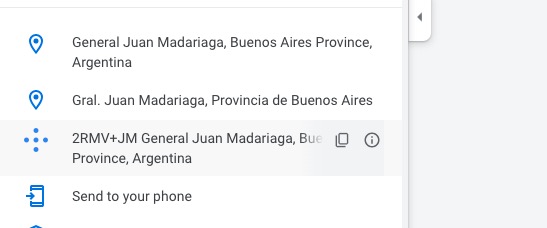
1. Event Location and Address have the same text. We can one fields with CSS if you want. Just let us know which field do you want to hide.
2. It doesn’t work because your address isn’t full enough. Try changing to this:
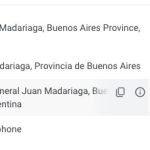
3. Sorry about this. Every time we add a new website here, it stops working after some time. So we need to change this time to time.
Event Location can be hidden with this code:
p.evo_location_address { display: none !important; }
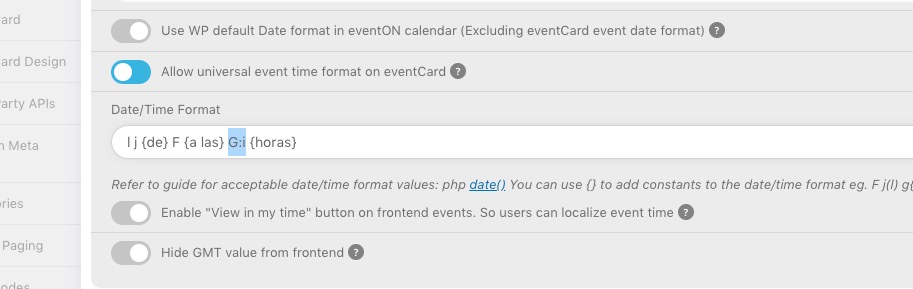
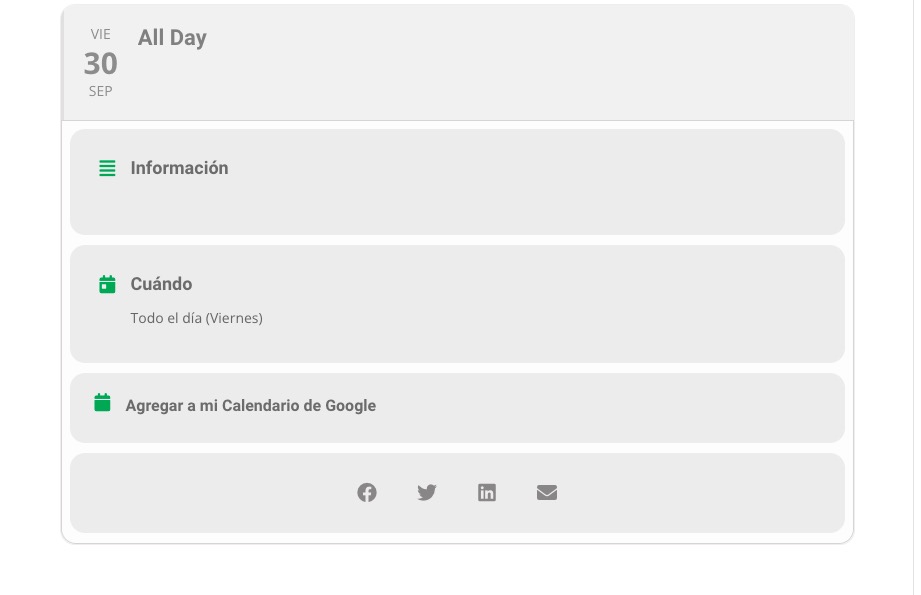
The time is visible all the time, even with enabled All Day because of this part:
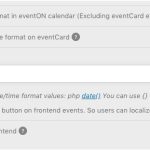
All Day event with disabled “Allow universal event time format on eventCard” doesn’t show any time as you can see on this image:
https://calendario.elcampo.com/wp-admin/post.php?post=1072&action=edit
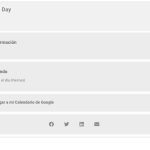
In order for etc_override to work you need to assign an event type to an event:
https://docs.myeventon.com/documentations/override-event-colors-event-type-colors/
So one event list can get the color from Edit Event > Event Color and the other one from Event Type.
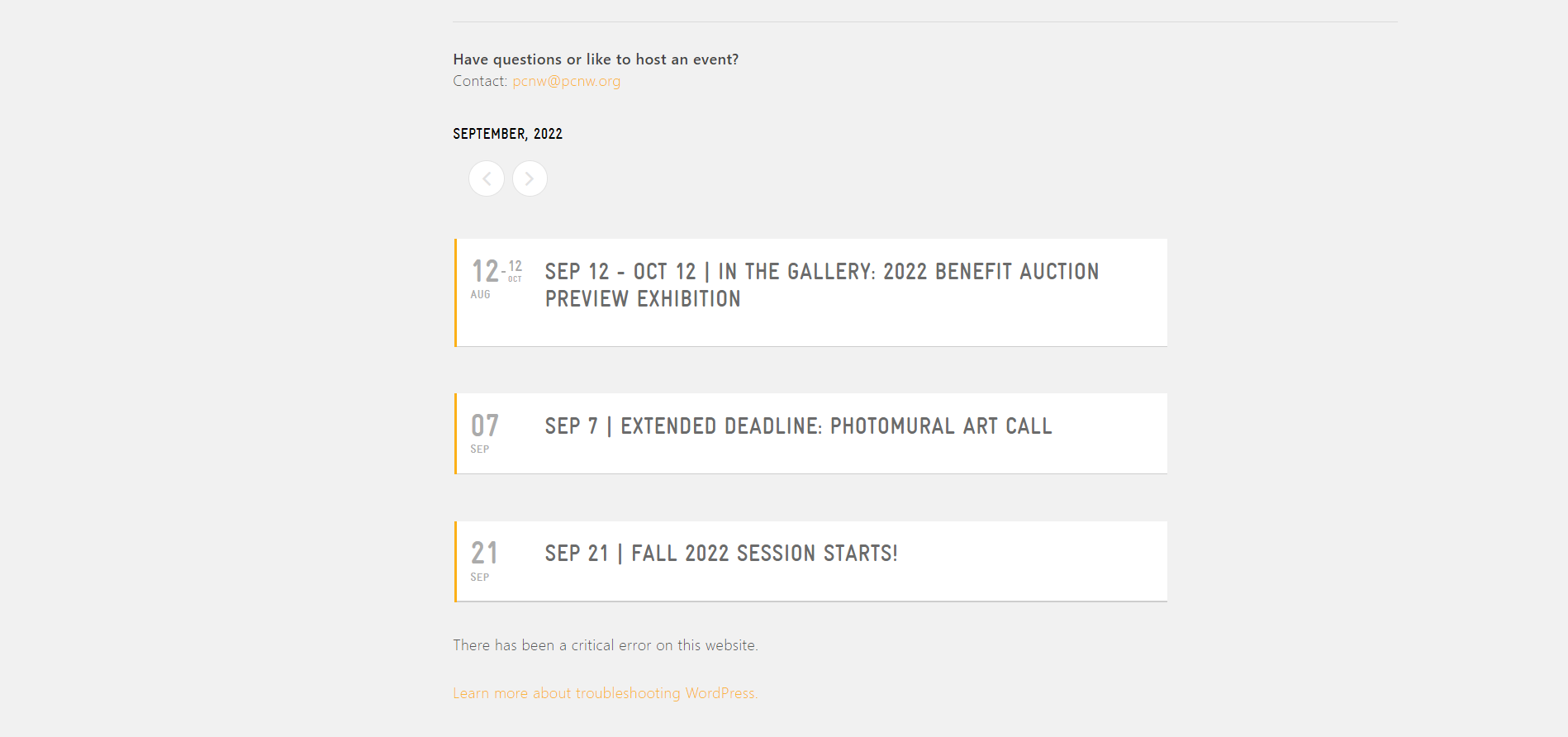
Can you please send us a direct link to where the actual issue is happening?
Great,
Thanks for letting me know
Helen
Hi
Thanks for your help, that’s worked
Helen
https://saskia.sahneseiten.de/wp-login.php?redirect_to=https%3A%2F%2Fsaskia.sahneseiten.de%2Fwp-admin%2F&reauth=1
User: eventon
PW:*)3zbH)3O@z%4fQg
Hi Lilly,
Thanks for reaching out. I checked and I am able to view the calendar. Were you able to fix the issue?
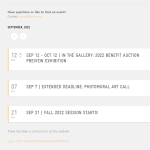
possibly have a look at
https://docs.myeventon.com/documentations/setup-use-multi-data-types/
audio might be a little out here sorry
see video
so if you open a new page you can use that editor and just copy and paste the html into the box