Hi! Thank you for this great demonstration! Is there an add-on for having date/time/location/cancellation change notifications sent automatically to attendees without having to create an email?
Appreciate your response — good to know I can go in there and do this on an as needed basis. If there is a feature being planned where these change emails can be activated from the EventOn RSVP settings, please let me know!
Alyson
welogt help desk told me the main problem is this " instead of ” in the generated code. Could you help me to change it?
<span class=”ev_ftImg” data-img=”https://pablomielgo.com/wp-content/uploads/2022/08/Uwe_Stickert_lyrischer_Tenor.jpeg” data-thumb=”https://pablomielgo.com/wp-content/uploads/2022/08/Uwe_Stickert_lyrischer_Tenor-559×399.jpeg” style=”background-image:url("https://pablomielgo.com/wp-content/uploads/2022/09/unnamed-2-559×559.jpg")”></span>
I have even tried to install the 4 plugins on a new clean install of WordPress with a Divi Theme, which I use on another site I use with the plugin bought almost a year ago with only the ticket add on. Same thing. Does nothing when adding to cart
I have done it with a different theme and with the min amount of plugins needed to run the plugin.
Ok!
Login: EventOn
PW: kuUhtqRm925rTfs1xaH)15LM
Thanks!
Ok, thanks, I will be waiting so that I could use it. Have a nice day.
You can take a look at actual configuration at: https://calendario.elcampo.com/wp-admin/options-general.php
Hello,
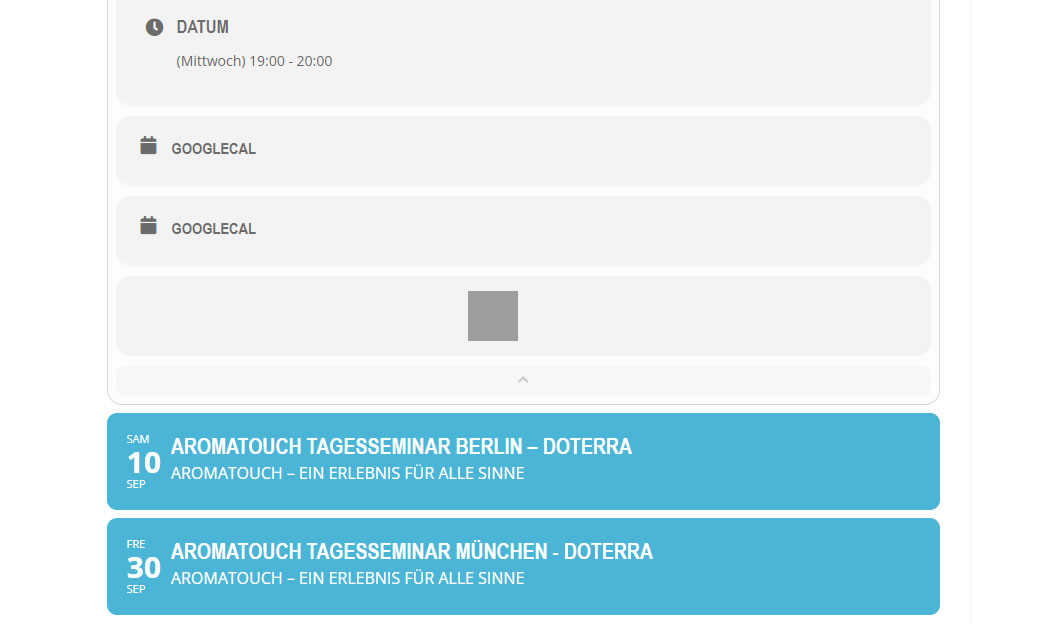
i have done, but now the buttons are grey, see Pic.