Yes I want to override Event Top backgrounds, but it doesn’t work. I activated also the button in general settings to override the choosen Event Top colour, but it doesn’t show.
Archives: Replies
Replies for tickets on suppota
Reply to: tickets(289619)
Hi
I’ve change it to define( ‘WP_MEMORY_LIMIT’, ‘4096M’ );
I also asked my web host and my server memory as now been pushed from 128M to 512M.
I also inactivated all my other plugins to see if there was a confict but it didn’t resolve the issue.
Can you check ?
jb
Reply to: tickets(289943)
Thank you for the solution. It gave syntax error with ‘│’, so I tried it without and there are no errors now.
However, the events are not displaying on the website.
Are there any other setting that I need to check?
Reply to: tickets(290030)
<?php
// Include WordPress
define(‘WP_USE_THEMES’, true);
require(‘../../../wp-load.php’);
?>
<!DOCTYPE html>
<!–[if IE 7]>
<html class=”ie ie7″ <?php language_attributes(); ?>>
<![endif]–>
<!–[if IE 8]>
<html class=”ie ie8″ <?php language_attributes(); ?>>
<![endif]–>
<!–[if !(IE 7) & !(IE 8)]><!–>
<html <?php language_attributes(); ?>>
<head>
<meta name=”viewport” content=”width=device-width”>
<?php wp_head(); ?>
</head>
<body <?php body_class(); ?>>
<?php
$eventon_shortcode = ‘[add_eventon]’;
echo do_shortcode($eventon_shortcode);
?>
<?php wp_footer(); ?>
</body>
</html>
Reply to: tickets(290030)
calendar as iframe, unfortunately that doesn’t work
Reply to: tickets(290072)
For the first of the 3 fixes commented here, I have been testing other sites, and it seems that on LOCATION ADDRESS appears only ADDRESS, but as I am importing .ICS files from google calendar, the PLACE that GOOGLE SEARCH on GOOGLE MAPS to ADD directions of the event on google calendar, ALWAYS have the NAME of the LOCATION place, for example, search this PLACE NAME:
Asociación Rural de General Madariaga
and on google calendar and ALSO on google maps, it will SAVE this URL:
https://www.google.com/maps/dir//Asociaci%C3%B3n+Rural+de+General+Madariaga,+Gral.+Juan+Madariaga,+Provincia+de+Buenos+Aires/@-36.9658944,-57.2258649,12z/data=!4m8!4m7!1m0!1m5!1m1!1s0x959b9c65db0e3f3f:0x6679763253c60ec6!2m2!1d-57.1558249!2d-36.965915
that as you can verify ALWAYS has the LOCATION NAME on it, so the CREATED location address-and name on eventON via the imported .ICS on both fields will have the LOCATION NAME, so, duplicating the information, and so me, asking to “hide” on of such fields, I think that I should hide the LOCATION ADDRESS as I already have a link directly to the PLACE…
I hope it make sense, as now GOOGLE MAPS information, is saved on GOOGLE CALENDAR, when creating the events that then are imported into eventON events-calendar with such location NAME-ADDRESS:
Best,
Alberto
Reply to: tickets(289990)
Please send us wp-admin access to your site as a private message for us to further assist your situation.
Reply to: tickets(289990)
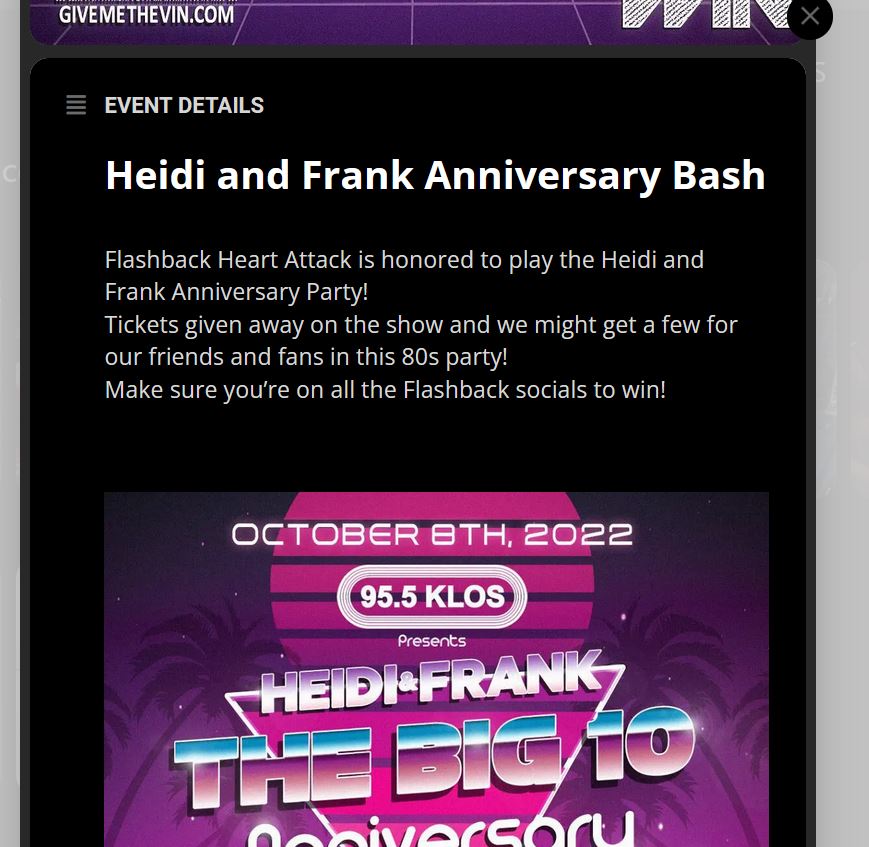
Its not code. Its a block in wordpress with Social Media icons.
Here’s a pic with it not showing up on the “event” page.
Besides text, no other blocks show up on the final EventOn page.
Reply to: tickets(290056)
Please send us wp-admin access to your site as a private message for us to further assist your situation.
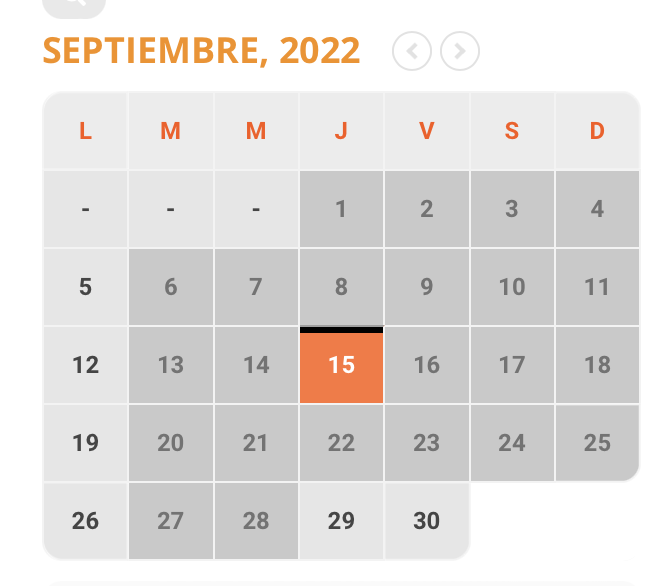
so we can see the calendar and add the right css
Reply to: tickets(290056)
to this