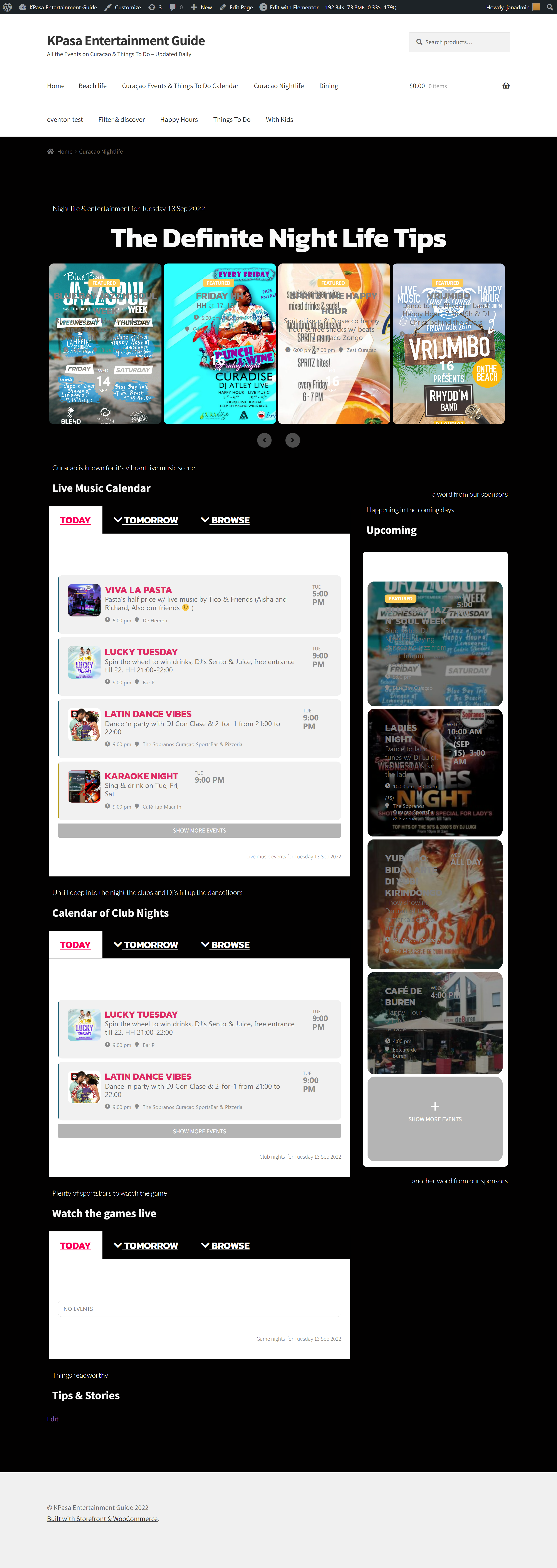
Loadtime 190 secs. ;-), and this content cannot be cached i believe.
Replies for tickets on suppota
Loadtime 190 secs. ;-), and this content cannot be cached i believe.
how would that work with our scenario? the events are owned by different users. we have one assistant who needs to be able to edit all of them.
Hi Artem,
1. For your testing purposes i put the theme on generic wordpress, and only enabled the essential plugins (8) for this case. (Eventon 4.1.3)
2. a page is builtup as follows, a nightlife page
https://dev.kpasa.com/nightlife/ (times out)
> Shortcode eventon slider with featured events (event_type nightlife)
> Live music: 3 tabs with shortcodes in the tabs. first visible tab is a dailyview of live music events of today. second is tab with tomorrows events. 3rd tab is a dailyview (or weeklyview) with events of that category for rest of the week
> Same setup for clubnights (DJ’s)
Then in the pages sidebar a shortcode with upcoming events of nightlife and a similar one for mobile only.
So yes, 9 shortcodes, some of them in tabs, but executed all 9 anyway.
The servers i have used are:
– Cloudways 2gb/2core (current test for you guys)
– linode 8gb/4cpu w/ litespeed (fast, just not for eventon)
– localwp (my workenv)
Tried with ajax/without ajax, but inview content has to be seen, not the white skeletonbars.
All 3 give slow results (loadtime pag 90 secs++ or timeout)
I also have pressable, not expecting different result there.
hello again,
I pasted the ‘Auto generated Dynamic Styles’ from the EventON settings into the theme CSS. The search box font is visible now, but only while the mouse is hovering over the text field. Can you help with that?
Thanks!
just needed to add it to the event top in myeventon>>>>settings>>>>event top
it’s called Tags- I just added it and draged it to the top but you can reposition it where you want it
So i also added a slight margin to the left of the subtitle so its not touching the title
and added some mobile specific css so that its readable on mobile devices
I hope you like it
the front end editor used with action user event manager will allow them to edit their events
This code fixes the mobile view:
@media (max-width: 980px){ .evo_page_content.evo_se_sidarbar .evo_page_sidebar { width: 100%; padding-bottom: 40px; } .evo_page_content.evo_se_sidarbar { width: 100%; display: block; }}
Now, could you tell us more about how would you like to change the sidebar so it looks good enough.
Also try going to EventON > Event Top > add Countdown Timer fields under Title.
Please send us wp-admin access to your site as a private message for us to further assist your situation.