Hello,
Please send us wp-admin access to your site as a private message for us to further assist your situation.
Replies for tickets on suppota
Hello,
Please send us wp-admin access to your site as a private message for us to further assist your situation.
Hi Stuart,
Please check now. I have made some changes to the code, please take a look if it looks OK now
Hi Veronica,
You are very much welcome. If you have a moment, we would greatly appreciate if you could kindly leave us a review at codecanyon! from your account > downloads.
Cheers!
Dear EventON,
Thank you for your reply. Your instructions for #2 resolved our issue but the instructions for #1 did not. I have recorded a short video showing the correct settings and the continued problem with events. We have learned a few things that may help:
Here’s the video demonstration: https://www.loom.com/share/3800b9870c934e5eba258ddd62dbafcf
We appreciate your continued assistance as we work through this issue. I hope this new information helps with our troubleshooting efforts.
Kindly,
Twila
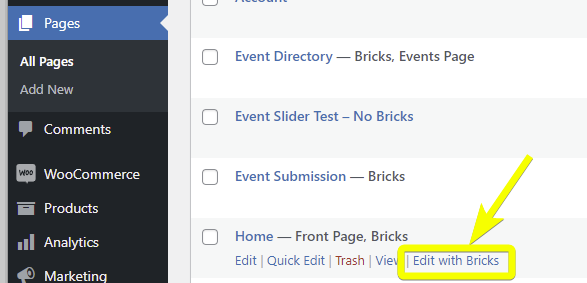
Hi, sorry for the late reply I was out of town last week.
To recreate the problem do the following:
Also with the EventOn API, is it possible to set it so that the event details open at a modal on click which is the default behaviour of a tile view?
Basically want to replicate this:
https://mvcc.vic.gov.au/play/my-week/events/
Hi guys. Can we get some help here please?
Apologies for being difficult, but our site accepts donations and contains PII data for our parents and students. I cannot grant administration access outside of our PTO members. If you could point me in the direction of a setting to check or any other troubleshooting steps, I would truly appreciate it.
I would prefer not to provide wp-admin access if at all possible – is this something you can help me troubleshoot with further steps on my own?
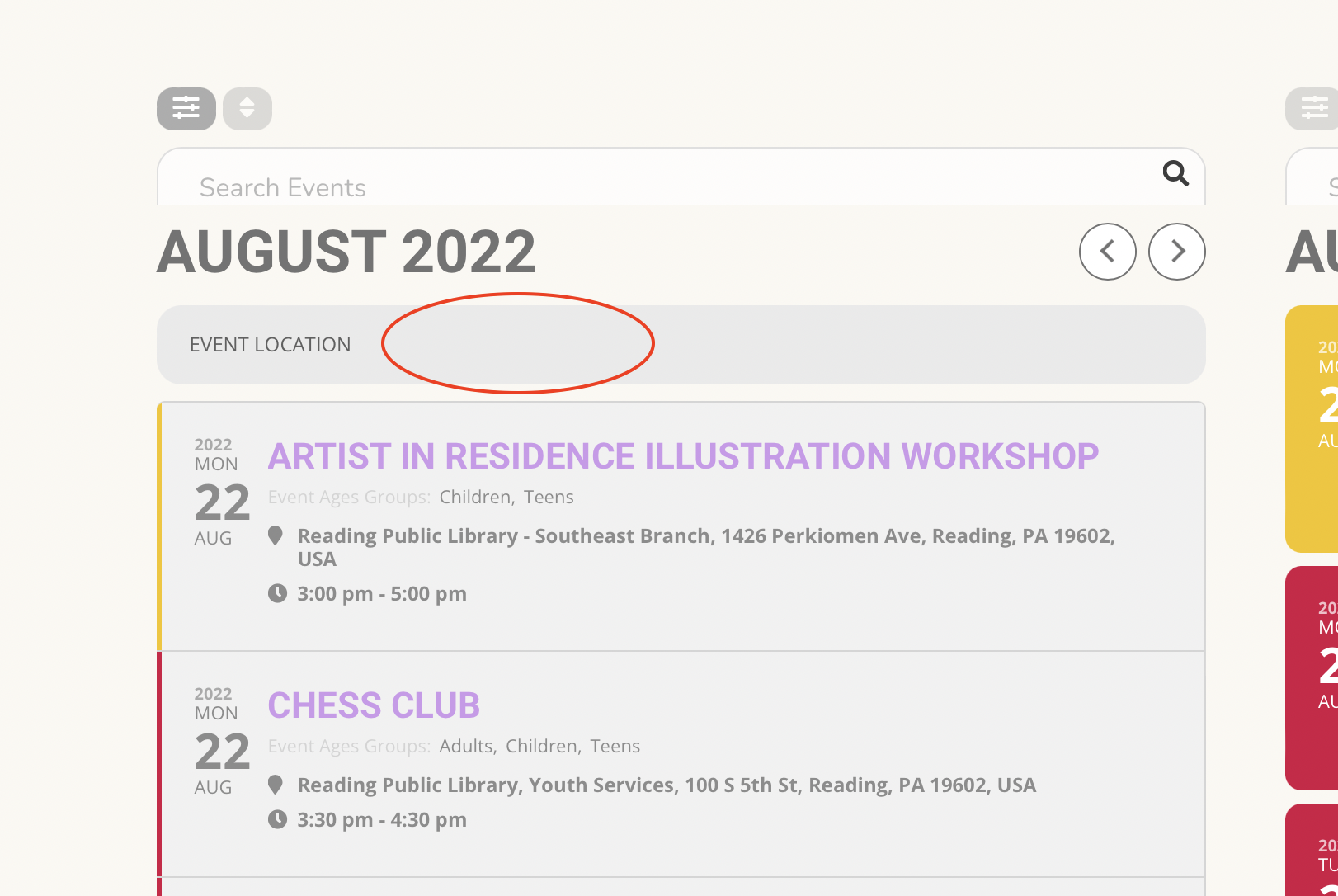
I like that too – but that isn’t what I meant – you were correct the first time. A couple days ago it was showing up where I circled in the image I am including, as a filtering option and it is no longer there.