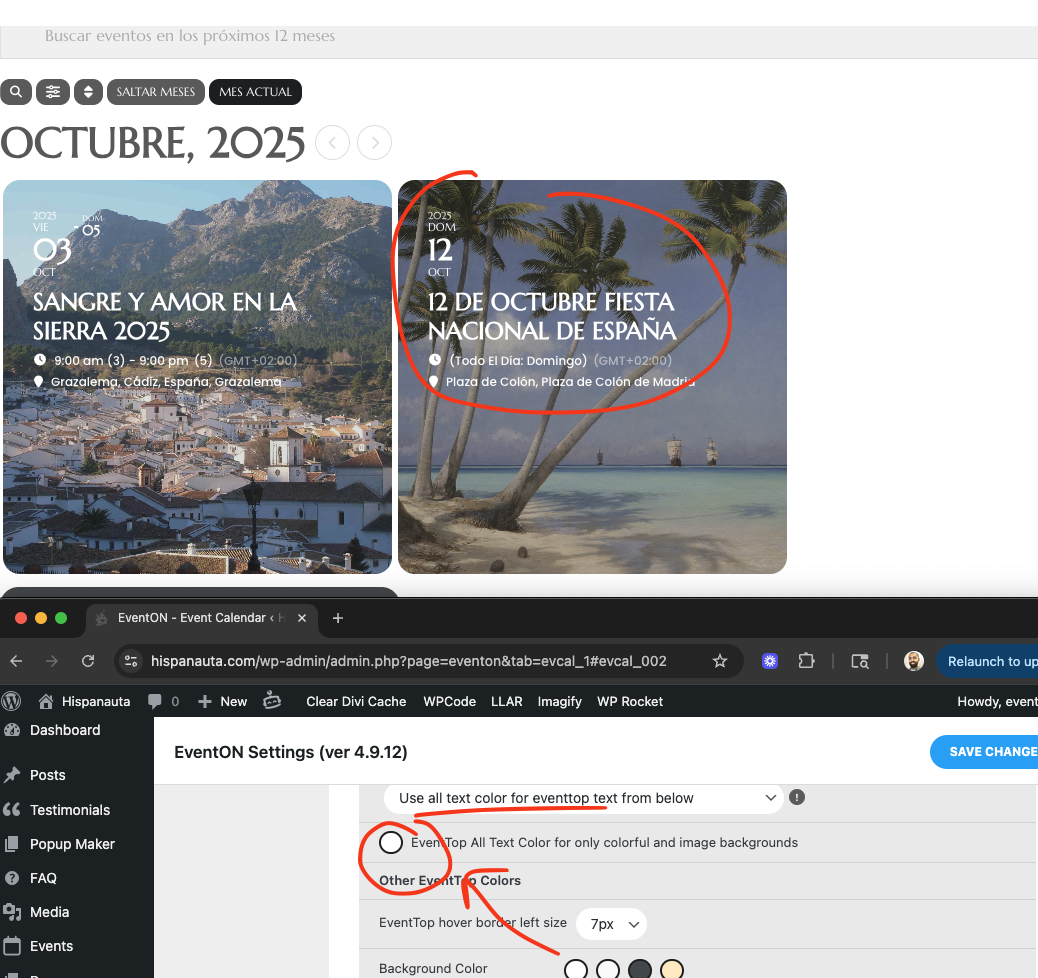
I made the color to appear white now. by chaning the appearance setting color to white.
For the event popup to be able to show text color visible, I recommend you set darker color as the event color from event edit page.
Replies for tickets on suppota
I made the color to appear white now. by chaning the appearance setting color to white.
For the event popup to be able to show text color visible, I recommend you set darker color as the event color from event edit page.
this issue is from 4.9.9 and the latest version is newer than that. We have addressed that issue long time ago. They have not updated their database with the fixed version.
You can ignore this issue and if you have a chance please reach out to them and ask them to update their database. — Which we have also done, with no result.
1. The search box inside the calendar only searches in the current selected month. The way you added it to the calendar is correct, you just need to use Search Box outside of the calendar if you want to allow users to search all months.
2. Please go to EventON > Search Events > disable Enable Search on all calendars by default. Now make sure that your shortcode doesn’t have search=”yes” added.
3. Thank you for your great suggestion, at the moment it is not supported. However please create a new ticket and select Feature Request as category so others can vote on your idea and get it moved into development faster.
1. Please add this CSS code to EventON > Styles (If you don’t see any change, EventON > Scripts & Styling > turn off Write dynamic styles to header > save settings > turn on Write dynamic styles to header). You can also add this code to wp-admin > Appearance > Customize > Additional CSS.
#evcal_list .eventon_list_event .event_description .evcal_gmaps, .evocard_row .evocard_box.gmap .evo_metarow_gmap { min-height: 500px; }
2. You need to purchase this add-on:
https://www.myeventon.com/addons/events-map/
3. Everything on this page:
https://demo.myeventon.com/
Add-on demos can be found here:
https://addons.myeventon.com/
You need to customize the source code and then support your customization for each update. There is no way of just adding a new styling.
…but all that does is slow down the calendar from being displayed.
Please add more repeats to re-create this issue, then please follow the instructions in this documentation to activate debug in your site to see any PHP errors recorded that can provide insight on to whats going on. Please reply with a link to debug.log file.
By increasing the memory limit you should be able to fix the issue:
https://docs.myeventon.com/documentations/increasing-wordpress-memory-limit/
Can we take a look at wp-admin?
No issues on our test site, so hard to figure out what the issue can be without accessing the website.
I changed the code a little bit, so bars are smaller now. Please check and let me know.
“I cannot find any information related to your purchases. Could you send us order id?”
Well that’s not very reassuring. The order ID is #214653 ( purchase was on Aug 27 )
Yes, the event with id 5726 does exist.
How do I update it where it can continue into the future beyond 99 instances? I’ve tried manually updating the number of instances, but all that does is slow down the calendar from being displayed. Do I have to recreate the event again? Or is there a way to delete the past repetitions?