Hi Stuart,
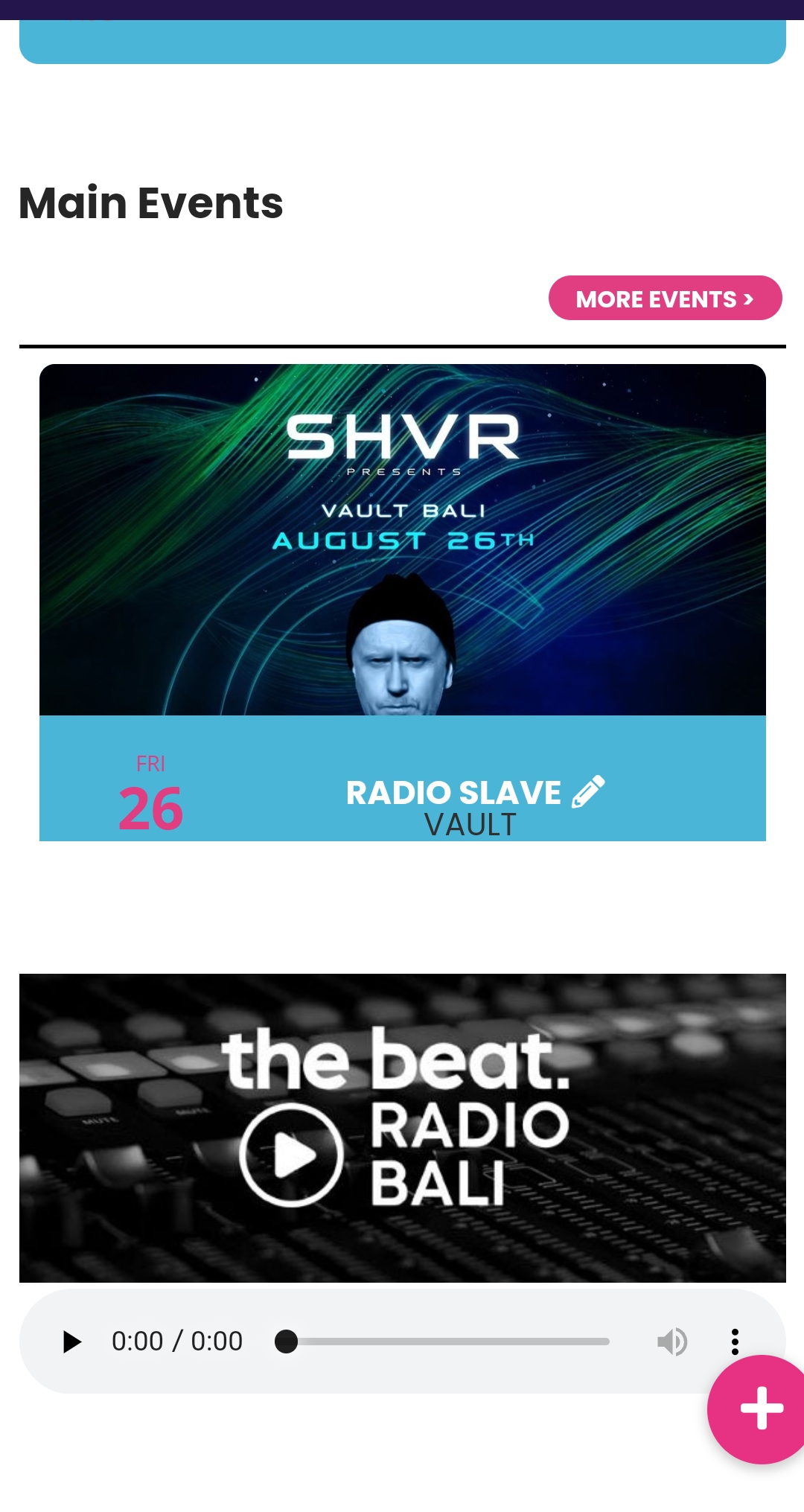
1. Below is the CSS code which controls the size of the slider box. Please feel free to adjust the margin values until you get a size which works for you.
@media only screen and (max-width:768px){
.evoslider.ajde_evcal_calendar.ss_imgtop .eventon_events_list .eventon_list_event .desc_trig, .evoslider.ajde_evcal_calendar.ss_imgleft .eventon_events_list .eventon_list_event .desc_trig {
flex-direction: row !important;
margin-top:-20px !important;
margin-bottom: -20px !important;
}
.evosliderbox.ajde_evcal_calendar .eventon_events_list .eventon_list_event .desc_trig_outter{
margin-bottom:-20px !important;
}
.evosliderbox.ajde_evcal_calendar .eventon_events_list .eventon_list_event .evcal_cblock {
padding-top:0 !important;
}
.evosliderbox.ajde_evcal_calendar .eventon_events_list .eventon_list_event .hasFtIMG .evcal_desc {
margin-top: 27px !important;
} }
After you have made the margin changes, if you do not see the new style changes, Go to “EventON Settings > Styles & Scripting > Turn off write styles to header” Click save changes – to write the styles css code direct into page header. You can turn this off once the cache is cleared. You can also clear cache on your website via wordpress and/or from server to make sure new style changes are populated into page.
2. Editing the margins as you see fit should also solve the issue of the slider being cut at the bottom. Below is the code which controls that
.evosliderbox.ajde_evcal_calendar .eventon_events_list .eventon_list_event .desc_trig_outter{
margin-bottom:-20px !important;
}
3. Regarding having the slider touch responsive, I am sorry but that option is not available.