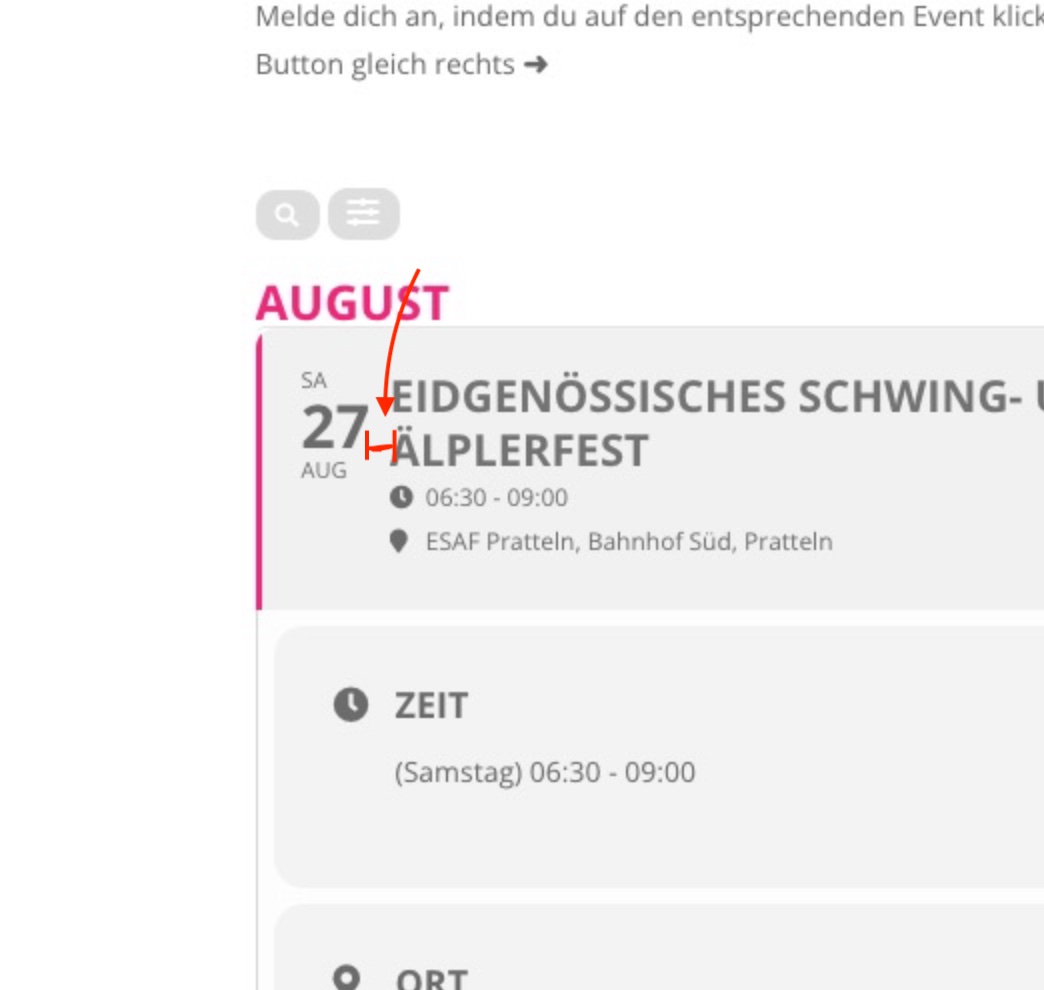
second question: what is the css code to increase teh distance between the day and title (s. screenshot?)
Please add this CSS code to EventON > Styles (If you don’t see any change, EventON > Scripts & Styling > turn off Write styles to header > save settings > turn on Write styles to header):
.eventon_events_list .eventon_list_event .evoet_cx, .evo_pop_body .evoet_cx { margin-right: 20px; }
also: is there a french language file I could upload?
Unfortunately, completed translation isn’t available.
a: the event submission form (blue, screenshot 1)
.evoau_submission_form .evoau_table .row { background: lightblue; }
b) the tiles (they appear pink no matter what i do).
Please go to Edit Event > Color > change event’s color individually for each event.
Hi,
It worked! Thank You for your help on this.
Hello,
Please send us wp-admin access to your site as a private message for us to further assist your situation.
Hello,
Please add ux_val=”4a” to the shortcode.
Hello,
Please go to EventON > try different Select calendar event content filter type.
Please also send us wp-admin access to your site as a private message for us to further assist your situation.
Hello,
You can either apply this patch:
https://docs.myeventon.com/patch-fixes/4-1-in_array-error/
Or go to EventON > EventTop > EventTop Main Day block fields > enable Event Day Name or any other you like.
We are going to include the fix to the next version.
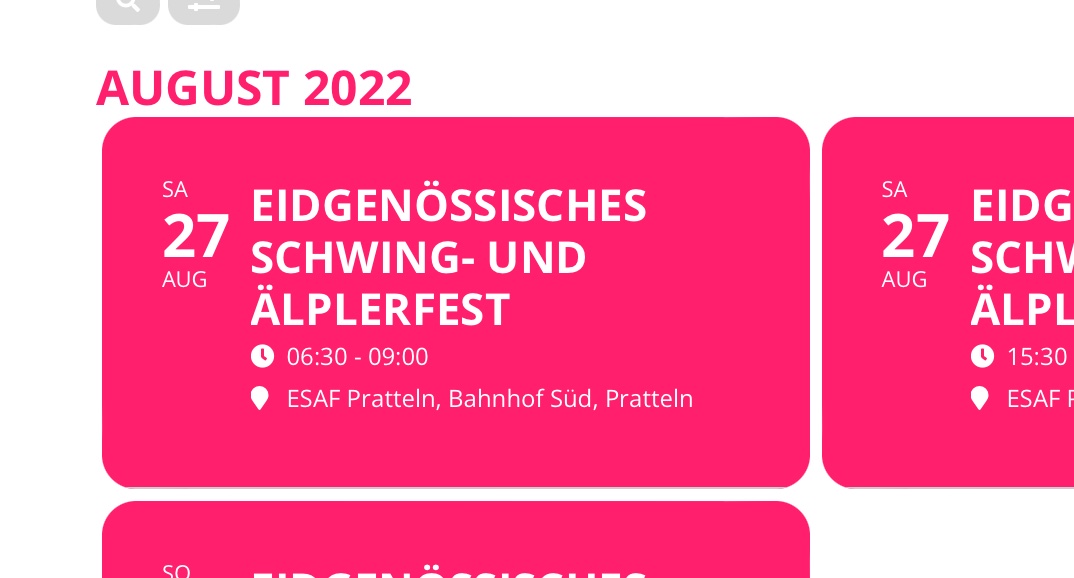
b) the tiles (they appear pink no matter what i do).
Shortcode: [add_eventon_list tiles=”yes” tile_count=”3″ tile_height=”100″ number_of_months=”5″ hide_empty_months=”yes” lang=”L2″ tile_bg=”1″ show_year=”yes”]
even with etc_override I can’t egt them to be gray. Ideally they would look like the list above (i.e. pink border on the left, rest gray)
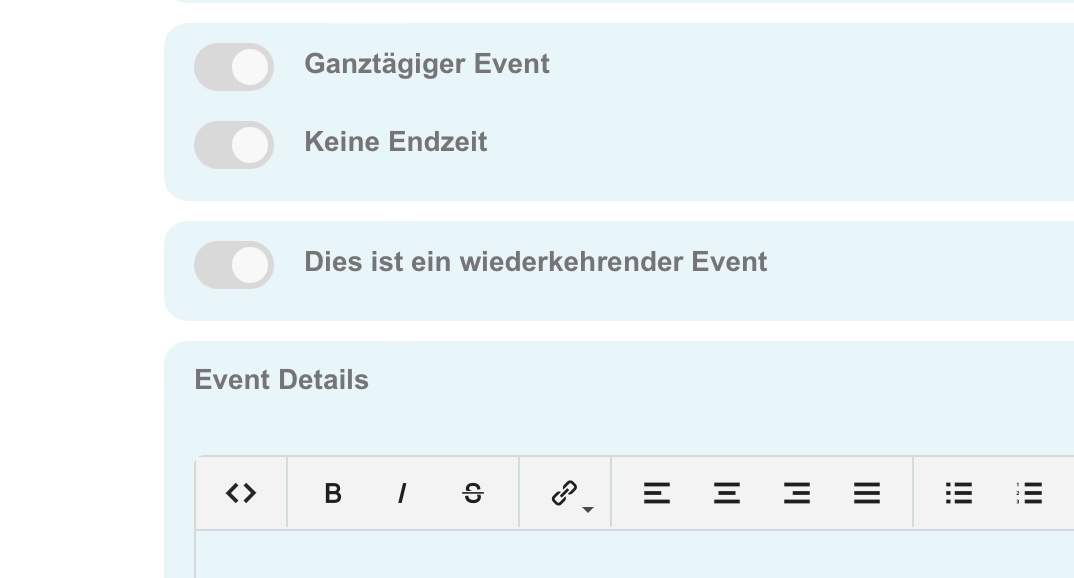
and finally: I can’t seem to be able to change the background on two things:
a: the event submission form (blue, screenshot 1)
also: is there a french language file I could upload?