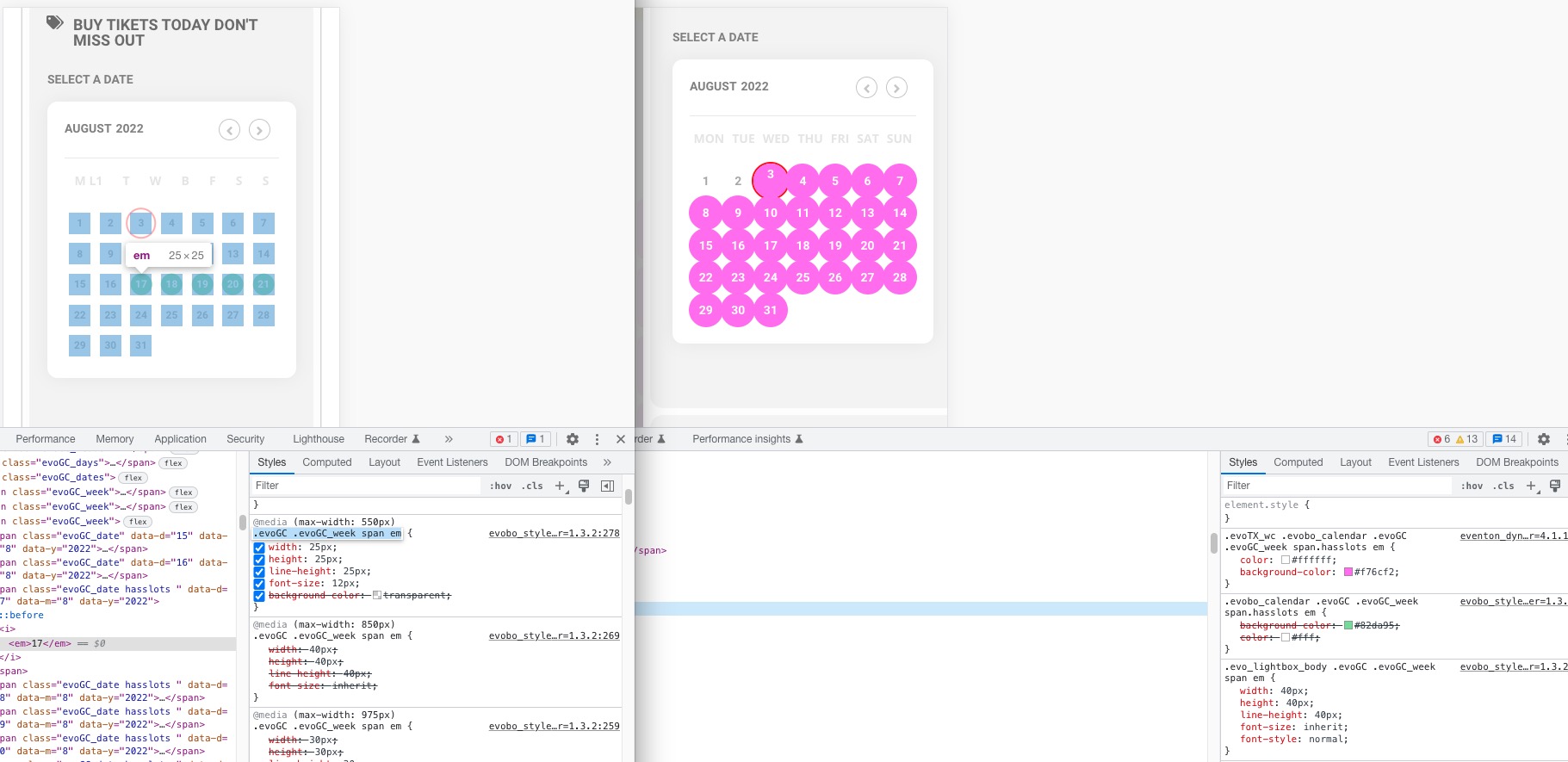
Hello,
1. Yes, you need Action User add-on for this.
2. Users will be able to add events on one website only. Please also note that you need a separate license for each website.
You can use Event API. It allows you to show events on multiple websites as embedded calendars with one license only for the main website.
Ashan,
Dev2 still has Booking 1.3.2 version:
https://dev2.myeventon.com/events/booking/
Hello,
Thank you for your messages, I am going to assign this ticket to Ashan and he will be able to take it from here and find you a solution. Please allow some time for him to get back to you, we greatly appreciate your patience and thank you for being a eventon customer! Also please disable any IP blocking on your site if there are any.
Hello,
Please update EventON to 4.1.1.
To update eventon to latest version: If you are unable to do autoupdate, you can go to codecanyon your account > download and get the latest eventon version as zip file. Then you can go to your website, deactivate old eventon, activate (Do not delete eventon settings & data when EventON is uninstalled) from eventon settings, delete old eventon, install new one and activate. This link will further explain the process it. Also you can follow us on twitter to get real-time announcements on updates!
Hello,
Please follow this guide:
https://docs.myeventon.com/documentations/translating-eventon-backend/
Unfortunately, the file translation to import isn’t available.
Hello,
The only available option is to go to EventON > Tickets > Upon add to cart redirect customer to.
If you want to add something new or change the current, you need to customize the source code.
Unfortunately, we unable to help with customizations.
We are glad your issue is resolved, if you have any further questions or concerns please create a new ticket.
If you have a moment, we would greatly appreciate if you could kindly leave us a review at codecanyon! from your account > downloads. Cheers!
Hello,
1. Please go to EventON > Action User > Form Settings > Event Location Fields > enable Allow creating new.
2. Please go to EventON > Action User > enable Allow event image upload to non logged-in visitors (Not recommended).
Hello,
You can either apply this patch:
https://docs.myeventon.com/patch-fixes/4-1-in_array-error/
Or go to EventON > EventTop > EventTop Main Day block fields > enable Event Day Name or any other you like.
We are going to include the fix to the next version.
Please make this a highest priority!